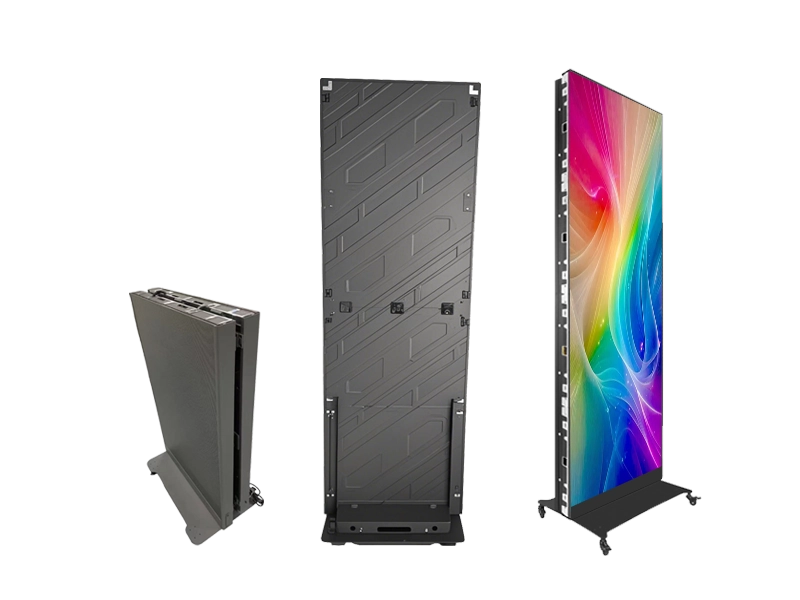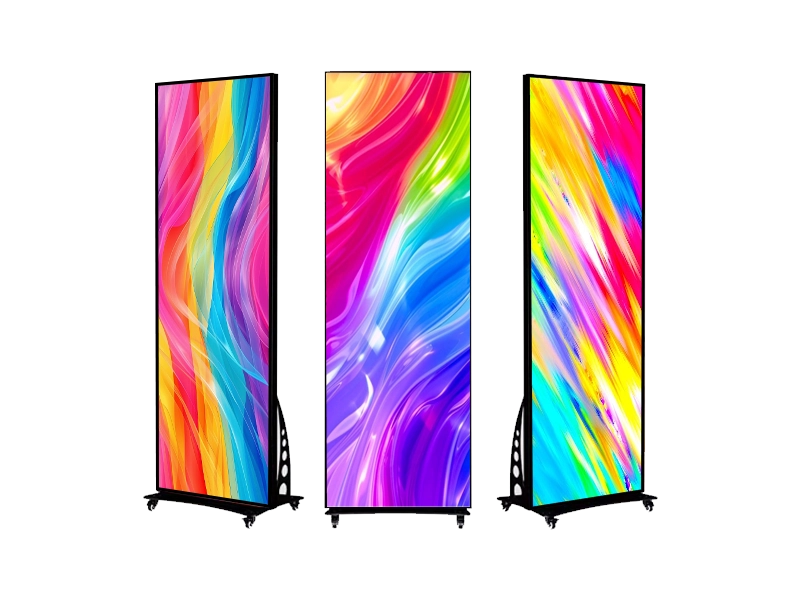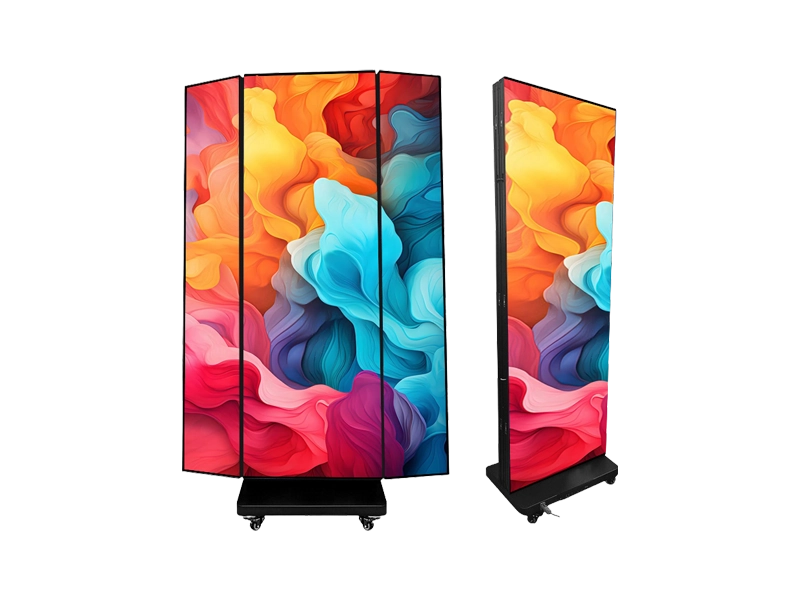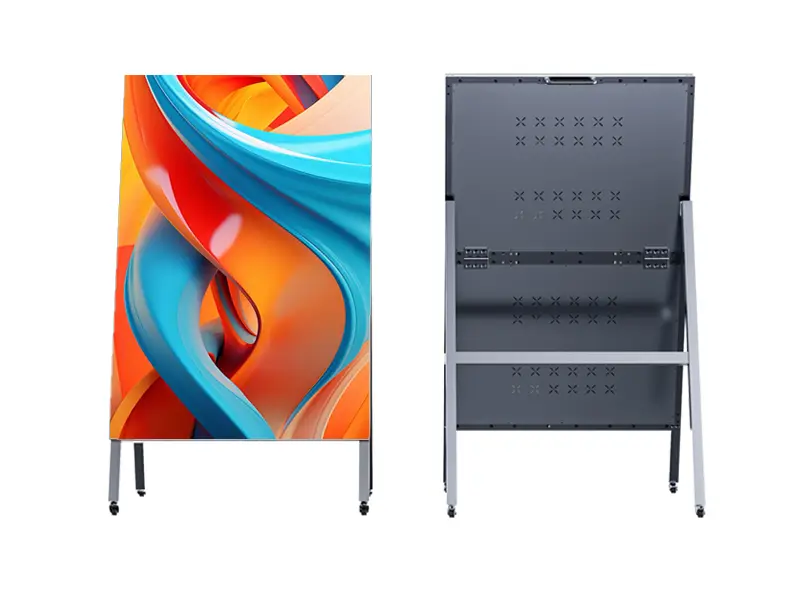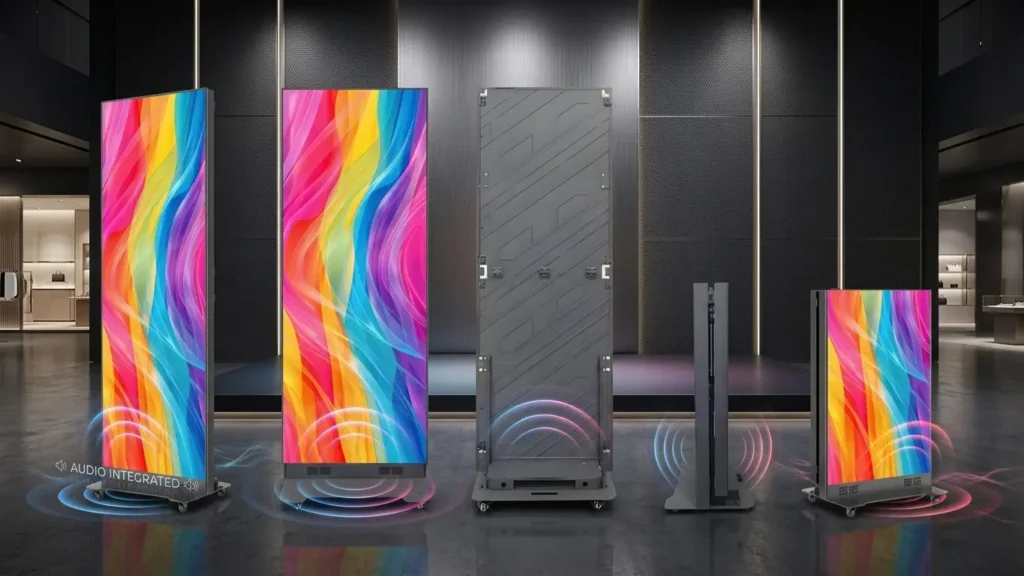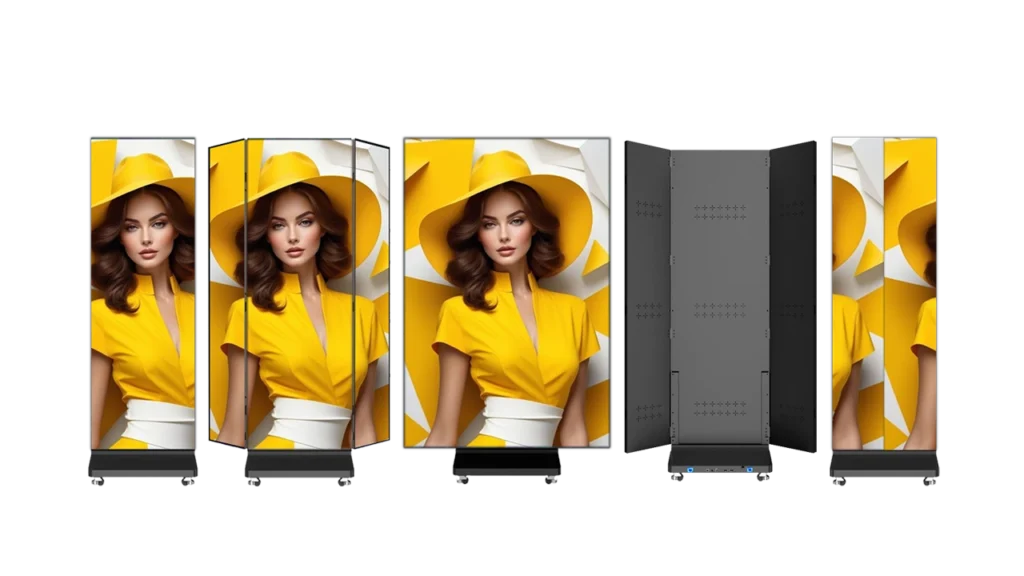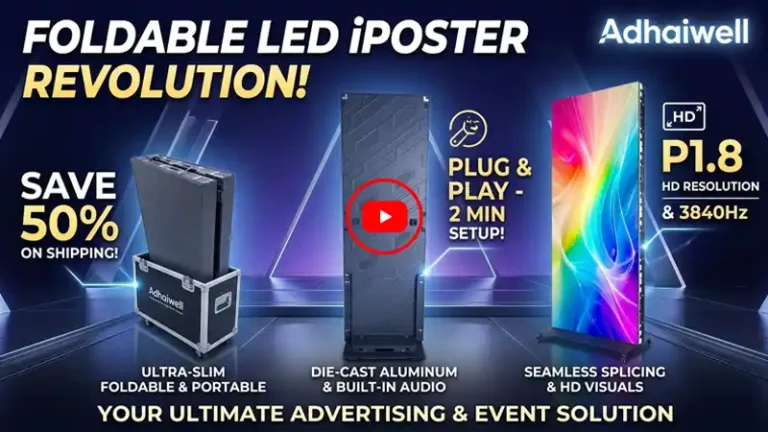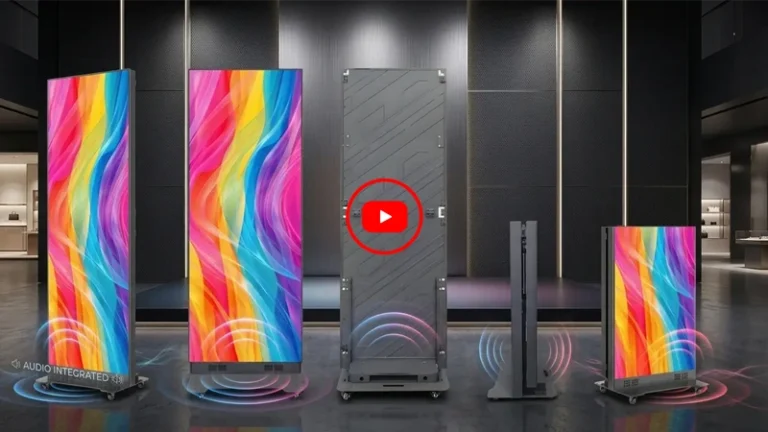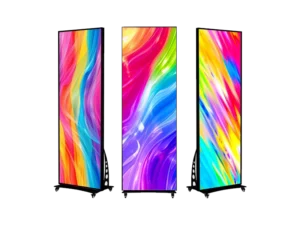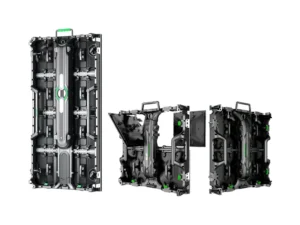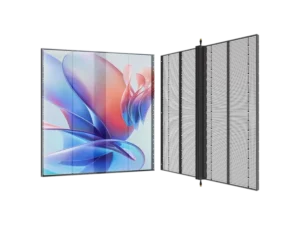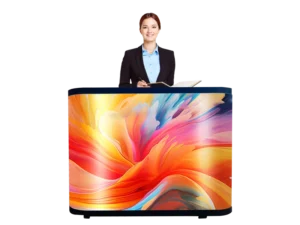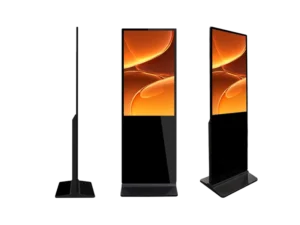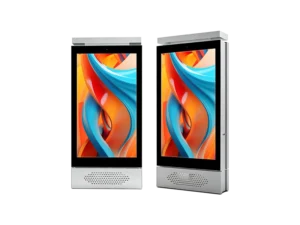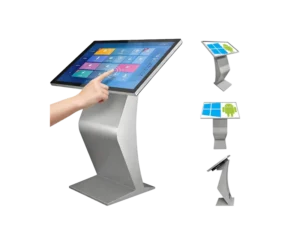
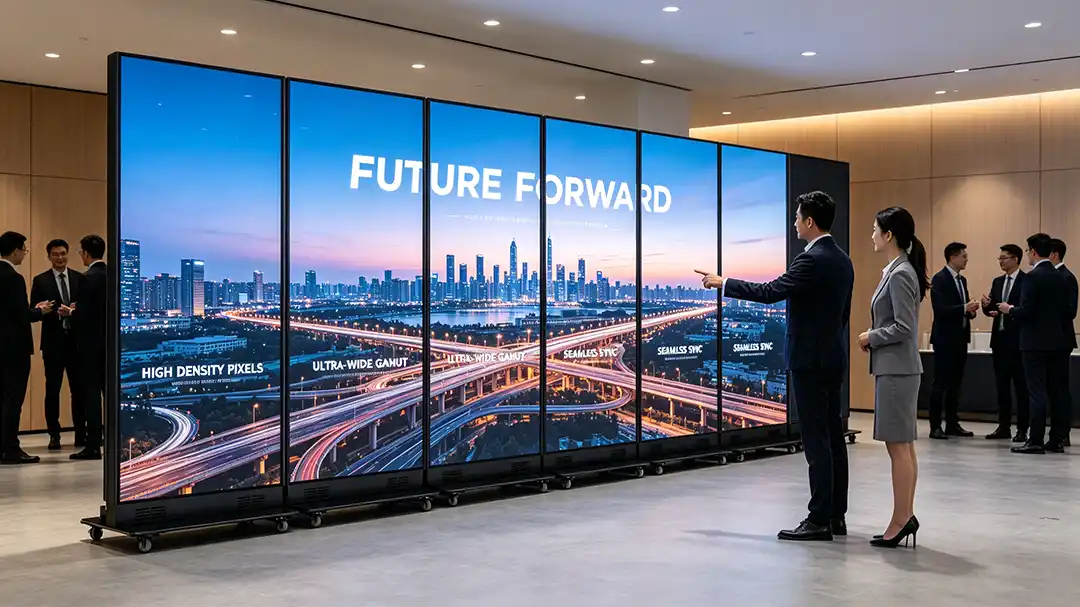
A foldable LED poster display can be used as a standalone screen or connected with multiple units to create a larger seamless LED display.
For rental companies, event organizers, retailers, exhibitors, and LED display integrators, this flexibility matters because the same display can serve different jobs without requiring a permanent LED wall installation.
How Was the 5-in-1 Foldable LED Poster Tested Before Delivery to Romania?
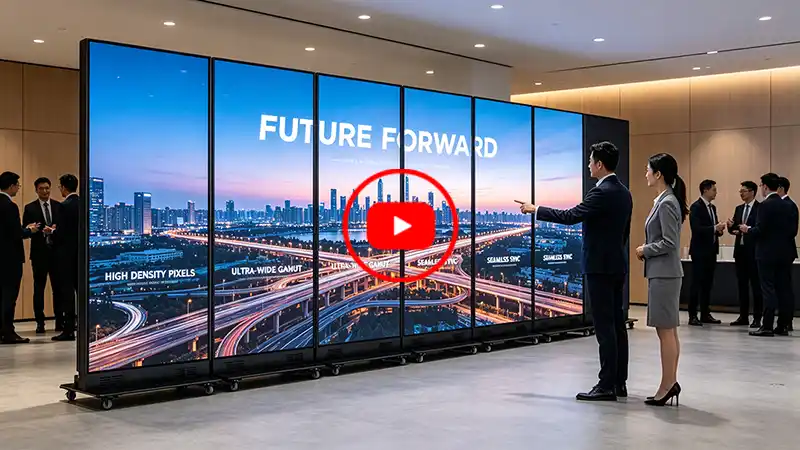
This video shows the pre-shipment factory testing of a 5-in-1 foldable LED poster system prepared for a customer in Romania, with the five screens combined into a near-16:9 wide-format display.
For this European project, Adhaiwell assembled and tested the complete display system before shipment rather than checking the LED posters only as individual units. The purpose was to confirm that the five screens could work together as one display and that the mechanical, signal, control, and maintenance functions were ready for the customer’s installation.
The testing shown in the video covers several practical points that matter to an overseas buyer:
- 5-in-1 screen configuration: Five individual foldable LED poster units are connected to create one large wide-format display.
- Near-16:9 visual format: The five-unit configuration creates a wide screen layout close to the commonly used 16:9 format, making it suitable for standard video and advertising content.
- Power and HDMI signal connection: The units are connected through the rear power and HDMI loop-through system.
- Zero-gap cabinet alignment: The poster cabinets are mechanically aligned and locked together to create a continuous display surface.
- NovaStar TB40 synchronization: The master-slave control system is configured so that the connected screens can display synchronized content.
- 3D and wide-format video testing: Content is played across the combined screens to check the overall image continuity and synchronization.
- Front maintenance check: Magnetic LED modules and the front-service process are tested to confirm that maintenance can be carried out efficiently.
- Folding and packing verification: The screens are folded and prepared for flight-case transportation after testing.
For a European importer, rental company, distributor, or event-display integrator, this type of pre-shipment testing provides a practical reference when evaluating an LED poster screen manufacturer in China. Instead of receiving five separate units and discovering configuration issues at the installation site, the complete 5-in-1 system can be checked at the factory before shipment.
This Romania project also illustrates one of the main reasons businesses consider foldable LED poster displays for rental and event applications: the same individual screens can be used separately or combined into a larger display when the project requires a wider screen.
In our latest video, Adhaiwell shows the actual process of connecting Foldable LED Poster Displays, from rear cable connections and cabinet alignment to fast-locking, controller synchronization, video playback, module replacement, dismantling, and flight-case packing.
Key Takeaways
- Tool-Free Assembly: Integrated fast-locks enable one-person setup without specialized installation crews.
- 5-in-1 Splicing: Connect up to 5 individual poster units into a single widescreen system via rear HDMI looping and NovaStar TB40 wireless sync.
- Front Maintenance: Magnetic LED modules allow quick module replacement within 10 seconds using a simple vacuum suction tool.
- Transit Efficiency: Top-to-bottom folding frames fit directly into heavy-duty flight cases, reducing shipping volume and field damage risk.
- Where will it be Used: The product is positioned for retail, exhibitions, events, roadshows, and LED rental applications.
What Is a Foldable LED Poster Display and How Does It Work?
A foldable LED poster display is a standalone digital display unit designed with a hinged cabinet that folds top-to-bottom to cut physical transport dimensions in half.
- Integrated Hardware: Each unit features built-in LED modules, a receiving card, power supplies, and base casters.
- Foldable Mechanical Structure: The hinged middle seam lets operators fold the display frame down for compact storage without disconnecting internal signal ribbons.
- Multi-Screen Controller: Individual units can function as single vertical posters or link together to form a wide-aspect display canvas.
How Do You Achieve Zero-Gap Splicing with Multiple LED Posters?
You achieve zero-gap splicing by locking adjacent poster cabinets together using built-in side alignment pins and mechanical tension locks.
- Physical Cabinet Locking: Open the side cover plates, align two adjacent poster frames, and turn the dedicated locking mechanism to draw the cabinet edges tightly together.
- Signal Daisy-Chaining: Connect the HDMI output from the first screen into the HDMI input of the next, passing the video signal across all units.
- Power Linking: Pass AC power through daisy-chain loop cables on the back panel to run multiple posters from a single primary power drop.
How Is NovaStar Wireless Master-Slave Control Configured?
NovaStar wireless master-slave synchronization works by configuring one primary poster controller to transmit display timing across all secondary screens via a local Wi-Fi hotspot.
- Master Unit Designation: Access the built-in NovaStar TB40 controller on the primary poster screen via phone or laptop app and set it as the Master unit.
- Slave Unit Pairing: Connect the remaining poster screens to the Master’s Wi-Fi network and assign them as Slave units in sequential layout order.
- Content Mapping: Send wide-format 1080p or 3D video files directly to the Master unit, which automatically slices and maps the picture across all connected screen surfaces.
How Do You Maintain or Replace LED Modules on the Field?
Field maintenance is completed from the front of the display using magnetic modules and an electrical vacuum suction tool.
- Magnetic Fastening: Modules attach securely to the structural cabinet chassis via rear neodymium magnets rather than screws.
- Vacuum Removal: Press the suction tool against the front mask of a damaged module, pull straight outward, and unseat it from the power pins in seconds.
- Hot-Swappable Replacement: Align a fresh spare module with the magnetic guide pins and push it into place while the rest of the screen stays fully powered.
If you are sourcing high-durability displays for rental or exhibition inventory, explore our ultra-light foldable LED poster display specifications to review cabinet dimensions, pixel pitch options, and factory warranty details.
How Should Foldable LED Posters Be Packed for Transport?
Foldable LED posters are packed by collapsing the top half of the screen frame down and rolling the compact unit directly into a heavy-duty flight case.
- Rear Bracket Release: Remove the rear stabilizing plate located behind the cabinet hinge.
- Top-to-Bottom Folding: Gently guide the top half of the display downward until the cabinet sits flush against its bottom section.
- Flight Case Storage: Unlock the caster brakes and push the folded screen directly into its custom-padded road case for safe shipment via air or sea freight.
Directly sourcing from an established China LED poster screen supplier like Adhaiwell ensures you get factory-tested mechanics, complete spare parts packages, and ongoing technical support for your commercial projects.
Where can foldable LED poster displays be used?
Foldable LED poster displays are best suited to applications that need portable, reusable, and quickly deployable digital signage.
Common applications include:
- Trade shows and exhibitions
- Retail stores and shopping malls
- Corporate events
- Brand activations
- Roadshows
- Product launches
- Event rental
- Temporary digital advertising
- Pop-up stores
The key difference from a fixed LED video wall is operational flexibility. A fixed wall is normally designed around one location, while a foldable poster can be moved, folded, stored, and redeployed.
For projects that require frequent changes in location or screen size, this can make the format worth considering.