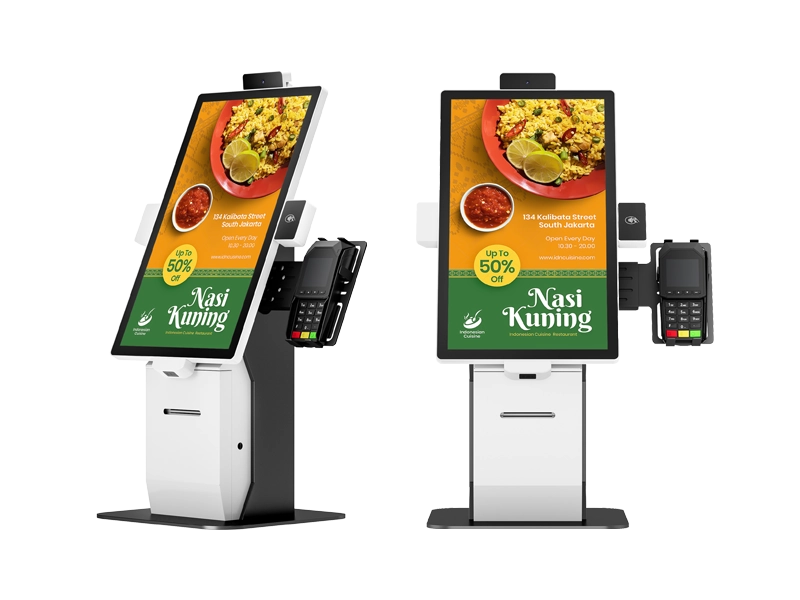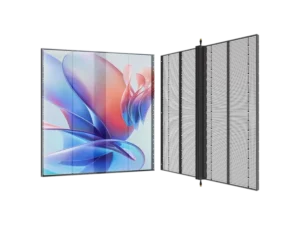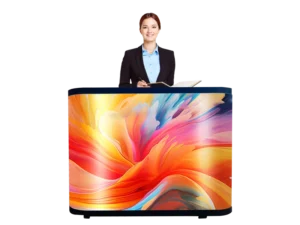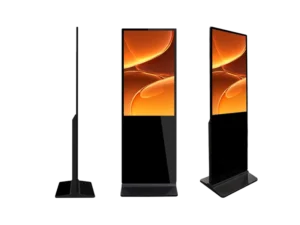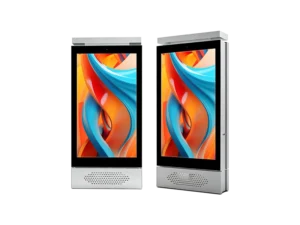
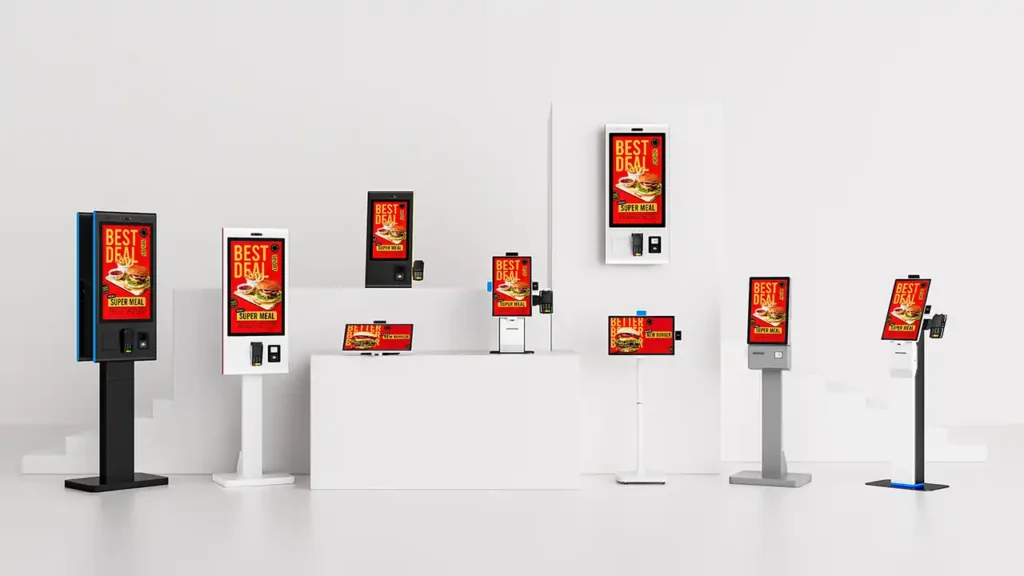
Custom Self-Ordering Kiosk hardware is increasingly being deployed beyond restaurants, with the same modular platform supporting retail checkout, banking services, hospital registration, and hotel self-check-in.
For many system integrators, the first question is not whether self-service technology works—it is whether one hardware platform can be adapted to different industries without redesigning every project from the ground up.
Across restaurants, supermarkets, banks, hospitals, and hotels, the answer is increasingly yes. Instead of developing separate terminals for each application, many deployments now begin with a commercial-grade steel kiosk, a touch screen, and a set of interchangeable peripheral modules. Thermal printers, barcode scanners, payment terminals, ID readers, passport scanners, and card dispensers are selected according to the project rather than built into a fixed design.
This modular approach gives OEM buyers greater flexibility, shortens development cycles, and simplifies future hardware upgrades. For companies sourcing from a China manufacturer, it also makes it easier to standardize multiple projects while keeping configuration options open.
For readers exploring different deployment options, Adhaiwell’s Custom Self-Ordering Kiosk Hardware demonstrates how a modular platform can be configured for multiple commercial environments.
Key Takeaways
- One modular kiosk platform can support restaurants, supermarkets, banks, hospitals, and hotels through interchangeable hardware modules.
- Different industries require different peripherals, not completely different kiosk designs.
- OEM customization is often more practical than designing new hardware from scratch.
- POS integration, payment modules, scanners, printers, and card readers should be selected according to project requirements.
- System integrators benefit from choosing a commercial-grade platform that supports Android, Windows, or Linux.
Where Are Self-Ordering Kiosks Being Deployed Today?
Self-service kiosks are now commonly deployed in restaurants, supermarkets, banks, hospitals, and hotels because each environment benefits from faster customer interaction while requiring different hardware modules.
Although restaurant ordering remains the most familiar application, commercial self-service hardware has expanded well beyond food service. What changes from one industry to another is usually not the kiosk itself, but the peripherals attached to it.
Today’s deployments generally fall into five categories:
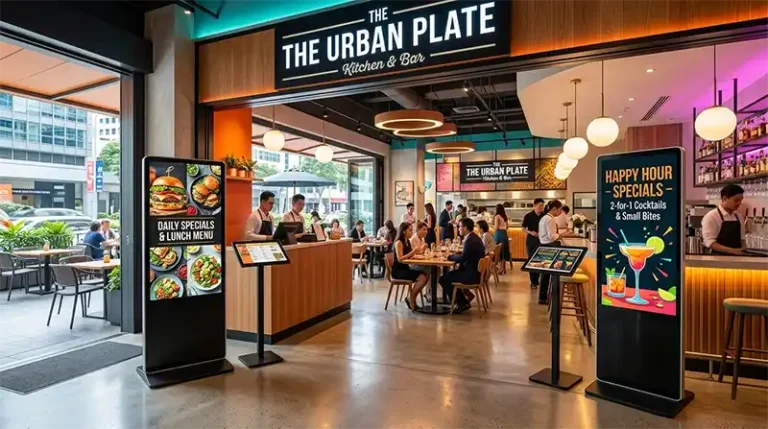
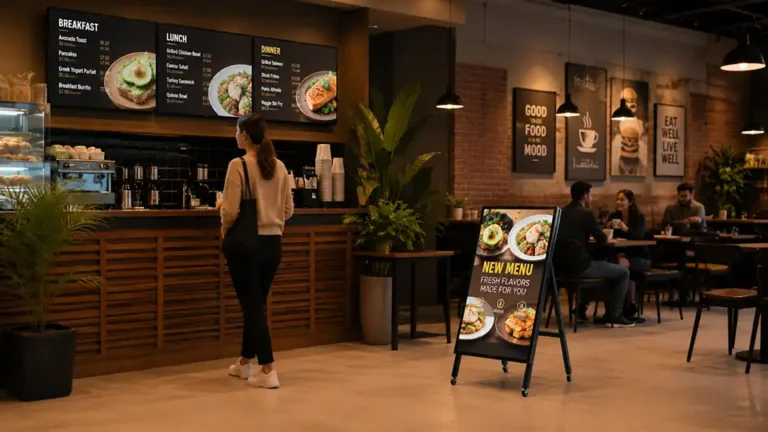
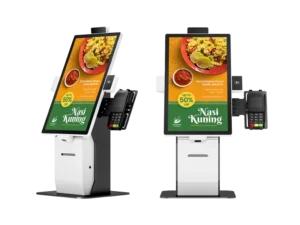
- Restaurants and QSRs use countertop kiosks with thermal printers and POS brackets to reduce counter queues during busy periods.
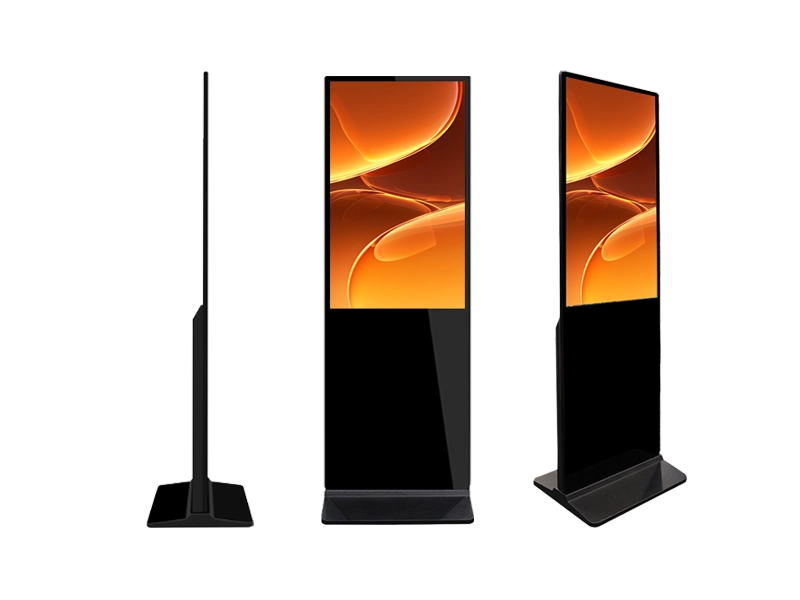
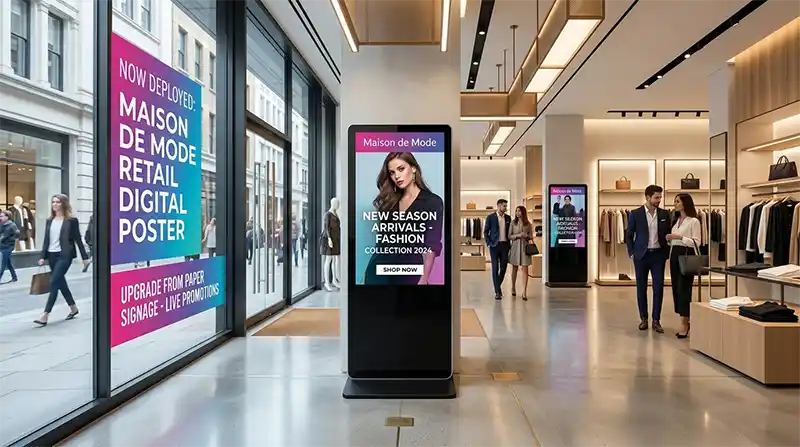
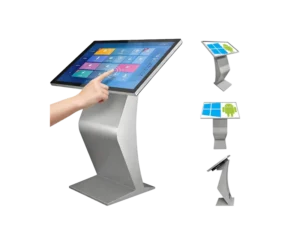
- Retail supermarkets install floor-standing self-checkout kiosks equipped with QR or barcode scanners, NFC payment readers, and large advertising displays that also function as digital signage.
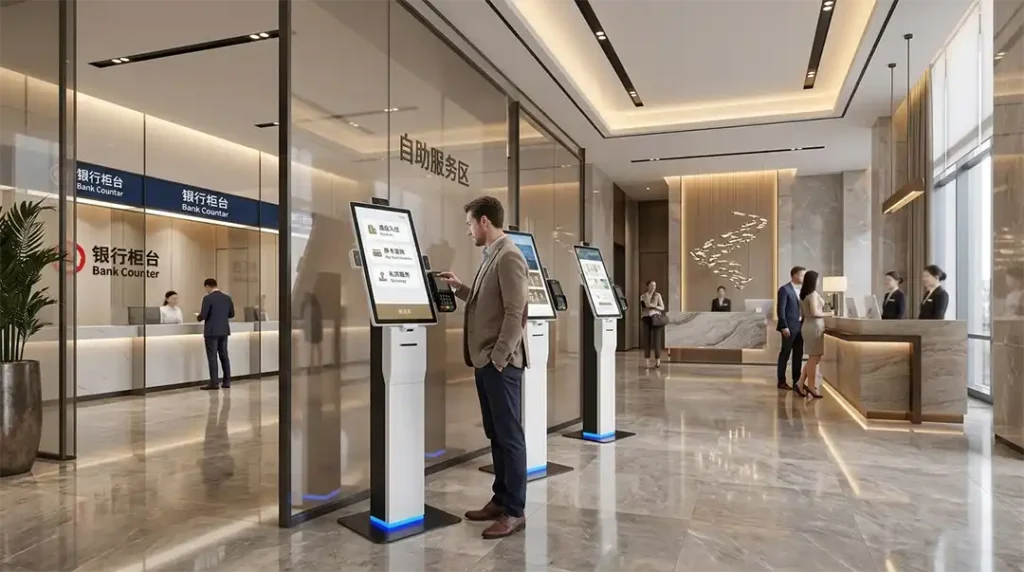
- Banks deploy secure vertical terminals fitted with lockable cabinets, A4 document printers, ID or passport scanners, and encrypted keypads for lobby self-service.
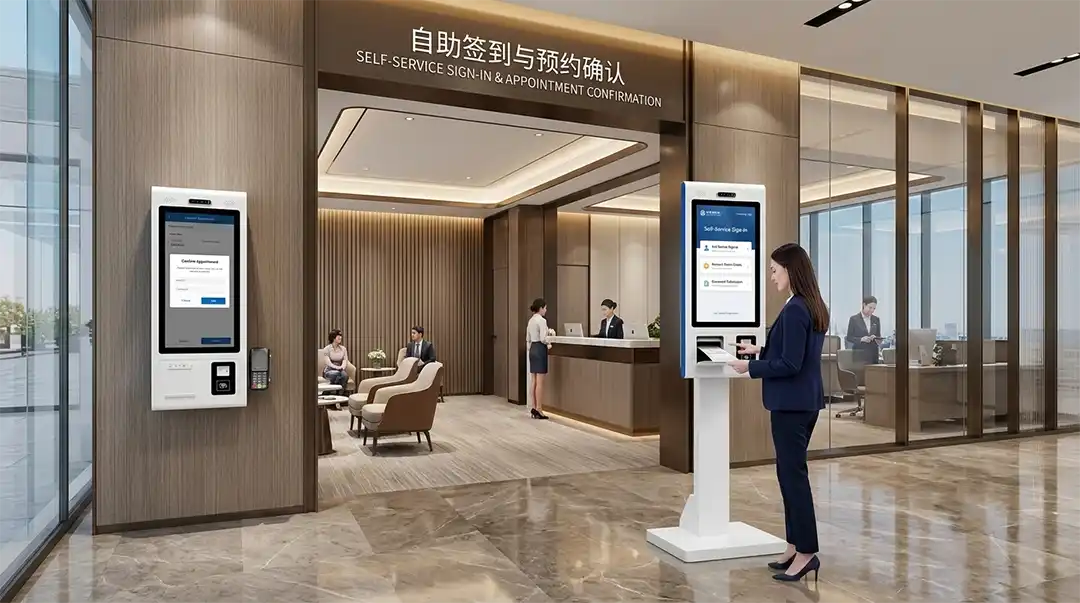
- Hospitals rely on wall-mounted or freestanding kiosks with insurance card readers, QR scanners, and appointment ticket dispensers to streamline patient registration.
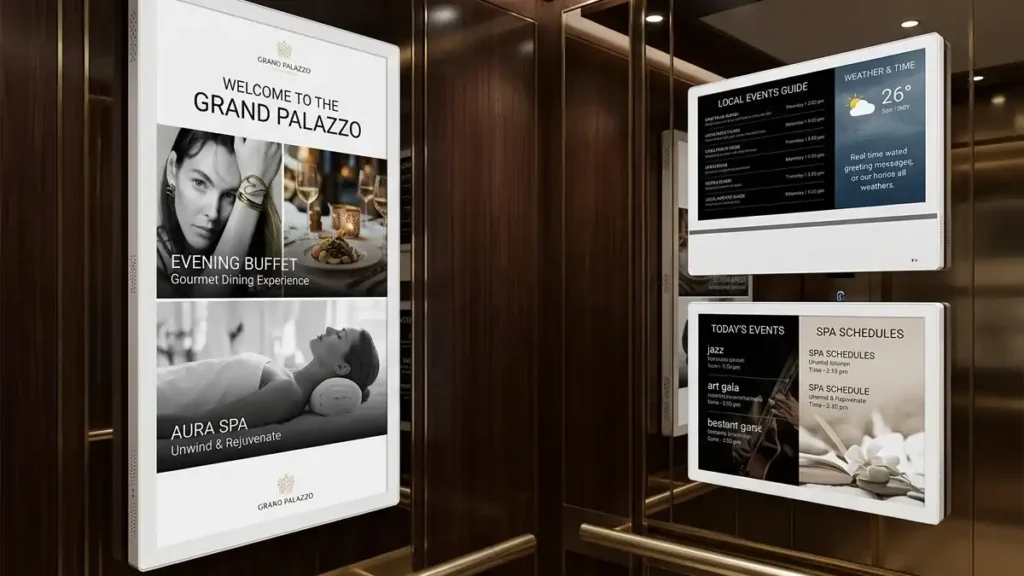
- Hotels increasingly use self-check-in terminals equipped with motorized key-card dispensers and card encoders to reduce front-desk workload.
Across all five sectors, the common foundation remains the same: a commercial-grade steel chassis, industrial touch display, and an operating system that can run Android, Windows, or Linux depending on project requirements.
What Makes a Kiosk Suitable for QSR and Fast-Casual Restaurant Counters?
Restaurant kiosks need to process orders quickly, integrate with the POS system, and support reliable payment and receipt printing during peak service hours.
Quick-service restaurants experience highly concentrated traffic during breakfast, lunch, and dinner. Counter staff often spend more time collecting orders than preparing food, making self-ordering terminals a practical addition rather than a replacement for kitchen operations.
A typical restaurant configuration includes:
- Touch Screen for menu browsing
- Thermal Receipt Printer for order confirmation
- POS Integration to synchronize menu items and payment status
- Payment Terminal supporting card and contactless payments
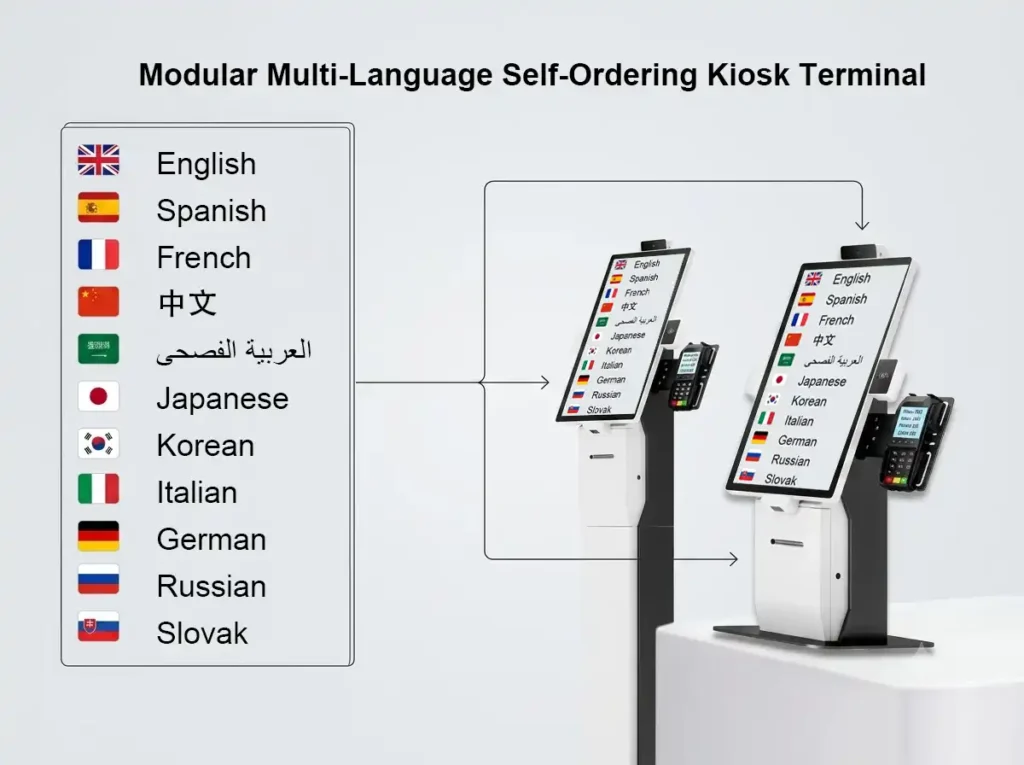
- Multilingual User Interface for international customers
- Offline Mode to continue processing local transactions during temporary network interruptions
Many restaurant operators also use software to recommend side dishes, drinks, or meal upgrades during the ordering process. Because these suggestions appear automatically on the touch screen, staff do not need to remember promotional combinations manually.
Another practical consideration is installation. Countertop kiosks require minimal floor space and can often be added without changing the existing restaurant layout. Floor-standing models may be preferred in food courts or large dining halls where customer traffic is higher.
System integrators looking for flexible OEM hardware frequently begin with a Custom Self-Ordering Kiosk platform that supports interchangeable peripherals and multiple operating systems instead of developing a new enclosure for every restaurant project.
How Do Retail Supermarkets Use the Same Hardware for Checkout and Signage?
Retailers combine self-checkout and digital signage by adding barcode scanners, NFC payment modules, and commercial displays to the same kiosk platform.
Supermarkets face a different challenge from restaurants. Instead of taking customized meal orders, the terminal must identify products, process payments, and display promotional content at the same time.
A retail self-checkout kiosk typically includes:
- QR and barcode scanner for product identification
- NFC payment terminal for contactless transactions
- Large commercial display for promotional advertising
- Receipt printer
- Optional customer camera for remote assistance
Outside checkout periods, many stores switch the display into digital signage mode. Promotional videos, seasonal offers, loyalty campaigns, or supplier advertisements can run continuously without additional display hardware.
For system integrators, this dual-purpose approach reduces hardware complexity. Instead of installing separate ordering kiosks and digital signage displays, one commercial terminal performs both functions depending on store operations.
The underlying platform remains largely unchanged from restaurant deployments, demonstrating how modular kiosk hardware can support multiple industries through different peripheral combinations rather than completely different mechanical designs.
Why Do Banks Require Lockable, Document-Handling Configurations?
Banking kiosks must protect customer information while handling identity verification, document printing, and secure data entry. A lockable enclosure and dedicated document peripherals are standard requirements.
Unlike restaurant or retail deployments, banking self-service terminals process sensitive customer information. The hardware is expected to support secure workflows rather than high transaction volume alone.
A typical banking configuration includes:
- Lockable steel cabinet to protect internal devices from unauthorized access
- A4 document printer for application forms, receipts, and account documents
- ID or passport scanner for identity verification
- Encrypted PIN keypad for secure customer authentication
- QR code scanner for appointment confirmation or mobile banking verification
- Commercial touch screen for self-service navigation
These terminals are commonly installed in branch lobbies where customers can complete routine services before meeting bank staff. Typical tasks include identity verification, document submission, queue registration, and account-related inquiries.
From a system integration perspective, the enclosure design is just as important as the electronic components. Service doors need secure locking mechanisms, internal cable routing should remain protected, and maintenance access must be separated from customer access.
Many financial institutions also specify operating system compatibility at the project stage. A hardware platform that supports Android, Windows, and Linux gives software vendors greater flexibility when integrating with existing banking systems.
Rather than designing a new enclosure for each deployment, many OEM projects begin with a commercial kiosk platform and customize the document-handling modules according to local regulatory requirements.
What Hardware Features Do Hospital Check-In Kiosks Need for Patient Privacy?
Hospital kiosks need secure patient identification, controlled document handling, and an interface that helps patients complete registration without exposing personal information.
Healthcare environments place different demands on self-service hardware. Patients often arrive with insurance cards, appointment confirmations, or QR codes from online booking systems. The kiosk must process these efficiently while minimizing unnecessary interaction at the reception desk.
A hospital self-check-in kiosk typically includes:
- Insurance card reader for patient verification
- QR code scanner for appointment confirmation
- Appointment slip dispenser for queue management
- Touch screen with clear multilingual navigation
- Optional camera for remote assistance or identity verification
- Privacy screen filter where required by the project
Patient privacy is influenced by both hardware and installation planning. Wall-mounted kiosks may suit smaller outpatient clinics, while freestanding units are often deployed in hospital entrances where patient flow is higher.
Many healthcare software providers also require stable operation even if network connectivity is temporarily interrupted. In these situations, Offline Mode allows locally stored workflows to continue until synchronization is restored.
For international hospitals or medical centers serving overseas visitors, Multilingual UI support is becoming increasingly common. Language selection helps reduce registration errors while improving the overall patient experience.
Although healthcare projects share the same kiosk platform used in retail or restaurants, the peripheral combination changes to match clinical workflows rather than commercial transactions.
How Does One Modular Platform Adapt Across These Industries?
A modular kiosk platform reduces engineering effort by allowing different industries to share the same core hardware while changing only the required peripherals.
For OEM buyers and system integrators, the enclosure is rarely the challenge. The real difference lies in selecting the right combination of scanners, printers, payment devices, and identification modules.
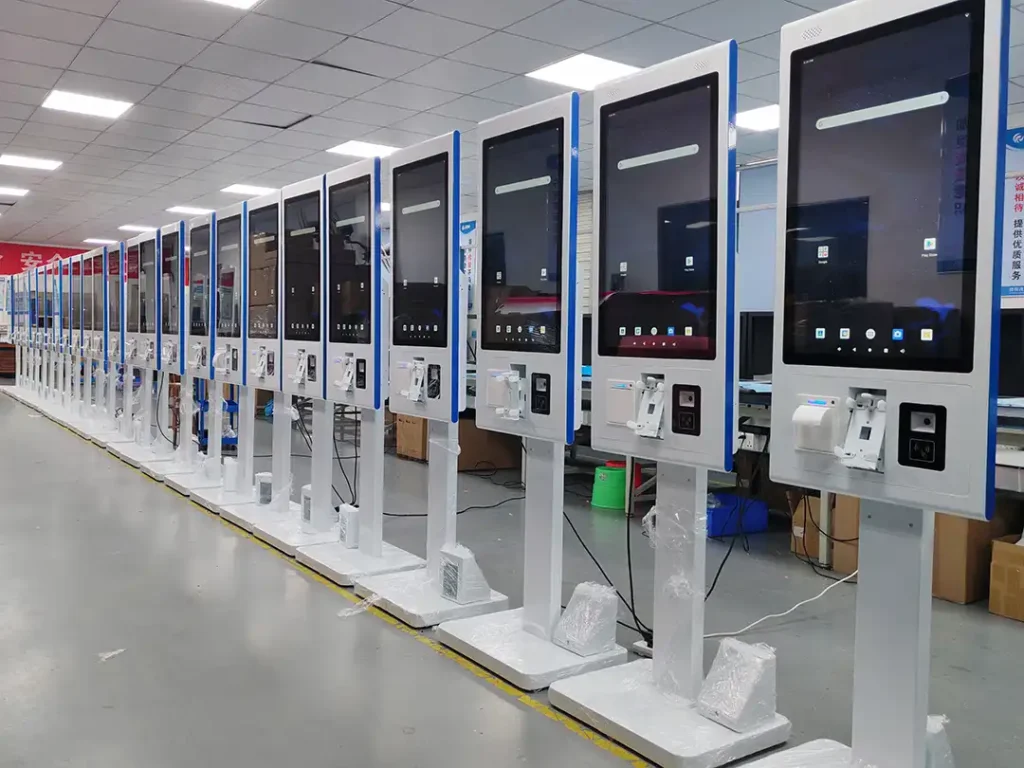
A modular hardware platform typically consists of three layers:
1. Shared Core Hardware
These components remain consistent across industries:
- Commercial-grade steel chassis
- Industrial touch screen
- Motherboard
- Power management
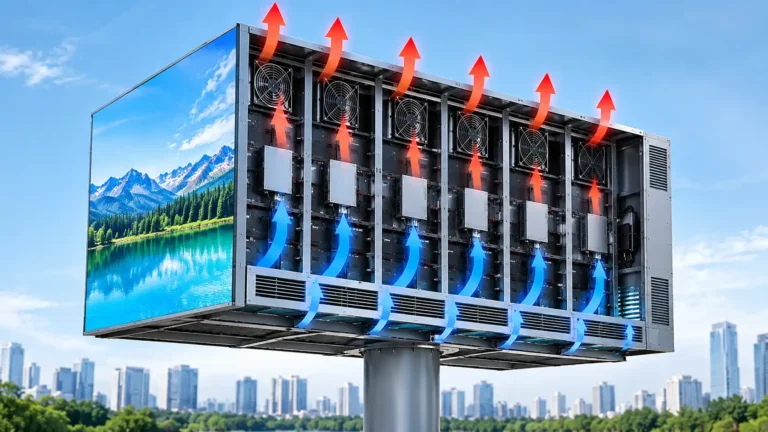
- Cooling system
- Android, Windows, or Linux support
Keeping these components standardized simplifies production, maintenance, and future upgrades.
2. Industry-Specific Peripheral Modules
Different industries require different hardware combinations.
| Industry | Typical Peripheral Configuration |
|---|---|
| Restaurant | Thermal printer, POS bracket, payment terminal |
| Retail | Barcode scanner, NFC payment reader, receipt printer |
| Banking | A4 printer, ID scanner, encrypted keypad |
| Hospital | Insurance card reader, QR scanner, ticket dispenser |
| Hotel | Key-card encoder, card dispenser |
This modular approach allows system integrators to develop multiple solutions without redesigning the entire enclosure.
3. Project-Level OEM Customization
Beyond peripheral selection, manufacturers can also customize:
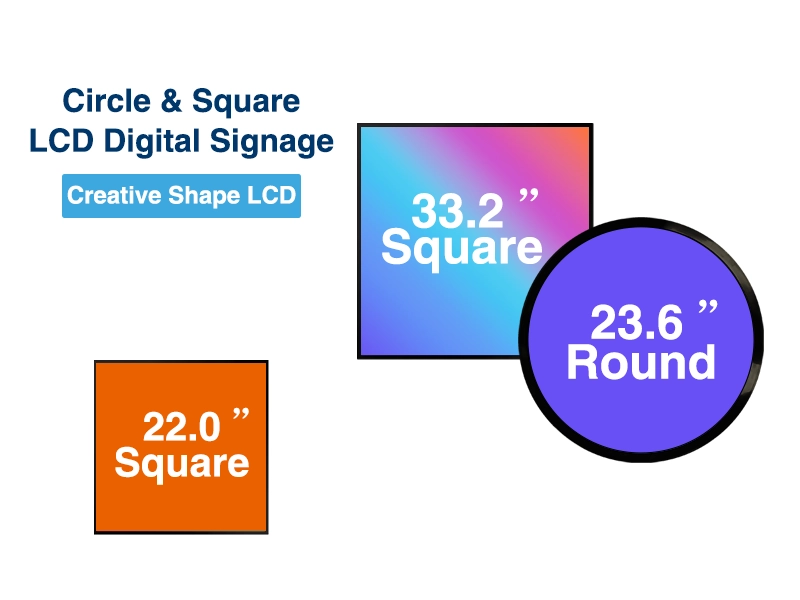
- Screen size
- Cabinet dimensions
- Brand colors
- Logo printing
- Mounting method
- Camera position
- Speaker placement
- Ventilation layout
- Peripheral openings
- Packaging for international shipping
For distributors and solution providers purchasing in bulk, these options help create products that align with local branding while maintaining manufacturing efficiency.
Buyer’s Guide: What Should System Integrators Evaluate Before Choosing a Kiosk Manufacturer?
The hardware platform should fit the software, operating environment, and future expansion plans—not just the initial project specification.
Before requesting quotations from a manufacturer, buyers should evaluate several practical factors:
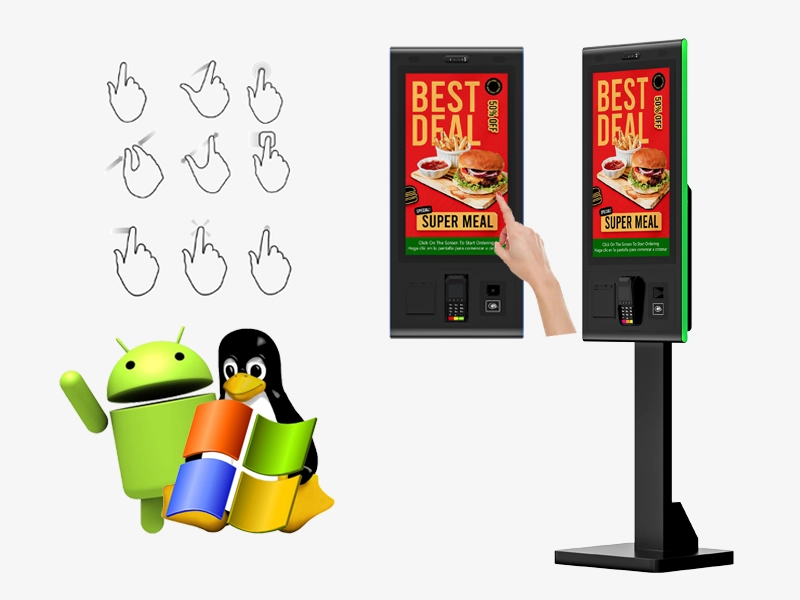
Compatibility
Can the kiosk support your preferred operating system?
- Android
- Windows
- Linux
Peripheral Expansion
Can additional hardware be integrated later?
Examples include:
- Passport scanner
- RFID reader
- Facial recognition camera
- Cash module
- Fingerprint reader
Commercial Durability
Ask about:
- Steel thickness
- Touch panel durability
- Cooling design
- Maintenance access
- Component replacement
Manufacturing Capability
A qualified OEM supplier should provide:
- Mechanical design support
- Prototype production
- Small-batch validation
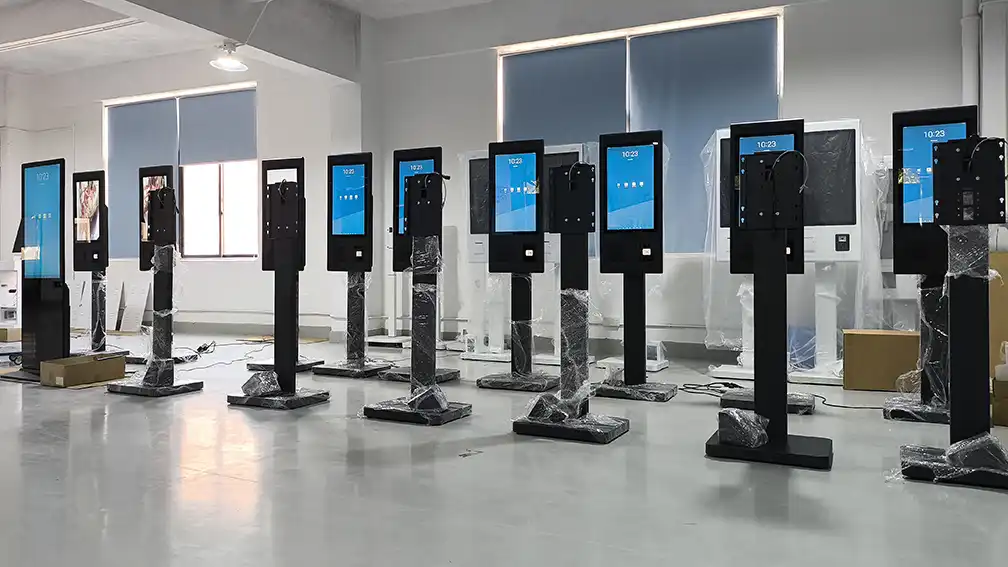
- Mass production
- Quality inspection
- Export packaging
Long-Term Supply
Many commercial kiosk projects remain in service for 5–10 years. Buyers should confirm long-term component availability and hardware revision management before placing large-volume orders.
Industry Outlook: Why Modular Self-Service Hardware Continues to Expand
Self-service hardware is no longer associated with a single industry. Restaurants, retailers, banks, hospitals, airports, hotels, and public service organizations increasingly share similar requirements:
- Digital customer interaction
- Queue management
- Contactless payment
- Identity verification
- Information display
Rather than purchasing completely different terminals for every application, many organizations prefer modular hardware that can evolve with software requirements.
Industry analysts also note several broader trends shaping future deployments:
- Larger touch displays are replacing traditional button interfaces
- Greater adoption of QR code workflows
- Increased integration with cloud-based POS and management platforms
- More multilingual interfaces to support international users
- Higher demand for remotely managed commercial devices
For OEM manufacturers, flexibility has become a competitive advantage. The ability to customize hardware without redesigning the entire platform helps shorten project timelines and reduce engineering complexity for system integrators.
Frequently Asked Questions About Modular Self-Service Kiosk Hardware
The following questions are based on topics commonly discussed between system integrators, equipment distributors, and OEM manufacturers during project planning.
Can one kiosk design be used across multiple industries?
Yes. Many commercial projects start with the same steel enclosure and touchscreen, while changing only the required peripherals such as printers, scanners, payment terminals, or card readers.
Which operating systems are commonly supported?
Most commercial kiosk hardware supports Android, Windows, and Linux, allowing software developers to select the platform that best fits their application.
Is POS integration available for restaurant projects?
Yes. Restaurant kiosks are commonly configured to connect with POS software through the system integrator’s preferred solution. Hardware compatibility should be confirmed during the engineering stage.
What should buyers customize first?
Most OEM projects begin by defining screen size, peripheral configuration, mounting method, and branding requirements. These decisions influence the cabinet design and internal layout.
Why work with an OEM manufacturer instead of purchasing standard kiosks?
OEM manufacturing allows the hardware to match the project’s software, workflow, and branding requirements while simplifying long-term maintenance and future upgrades.
The increasing adoption of self-service terminals across restaurants, retail, banking, hospitals, and hotels demonstrates that modern kiosk projects are less about building entirely different machines and more about configuring the right hardware for the intended workflow.
A modular platform built around a commercial-grade touch screen, steel chassis, and interchangeable peripherals allows system integrators to serve multiple industries while reducing engineering effort and maintaining consistent product quality.
Because every deployment involves different software, peripherals, and installation environments, hardware specifications should be defined at the project planning stage. Working closely with an experienced OEM engineering team helps ensure that the final configuration aligns with operational requirements, integration needs, and long-term maintenance objectives.
About the Author@Adhaiwell
This article was prepared by the Adhaiwell Display engineering and content team based on commercial self-service kiosk hardware projects for international system integrators and OEM customers. Our focus is on practical hardware architecture, OEM manufacturing considerations, and real-world deployment scenarios across multiple industries, helping buyers make informed sourcing decisions rather than promoting one-size-fits-all solutions.