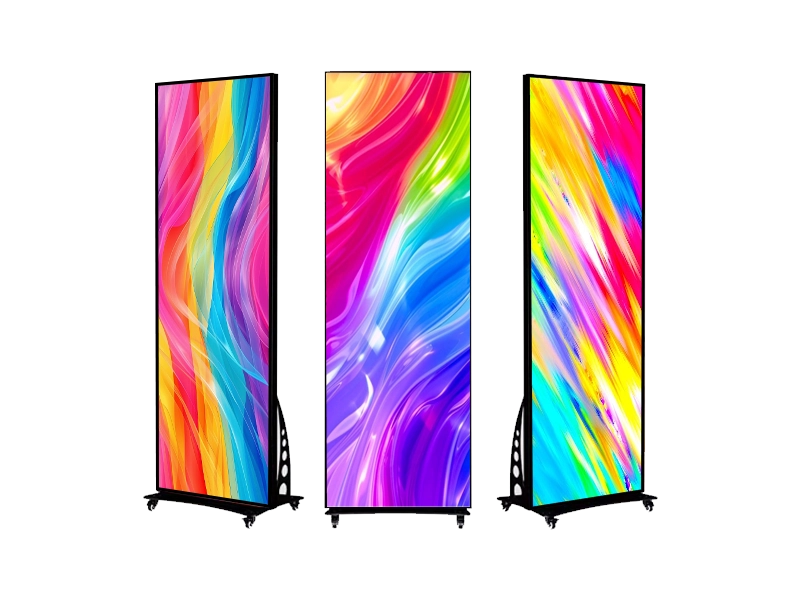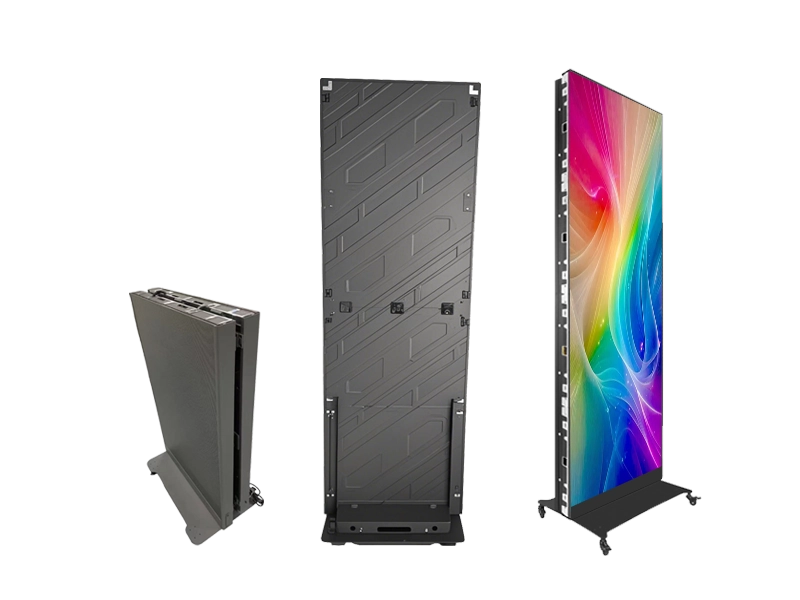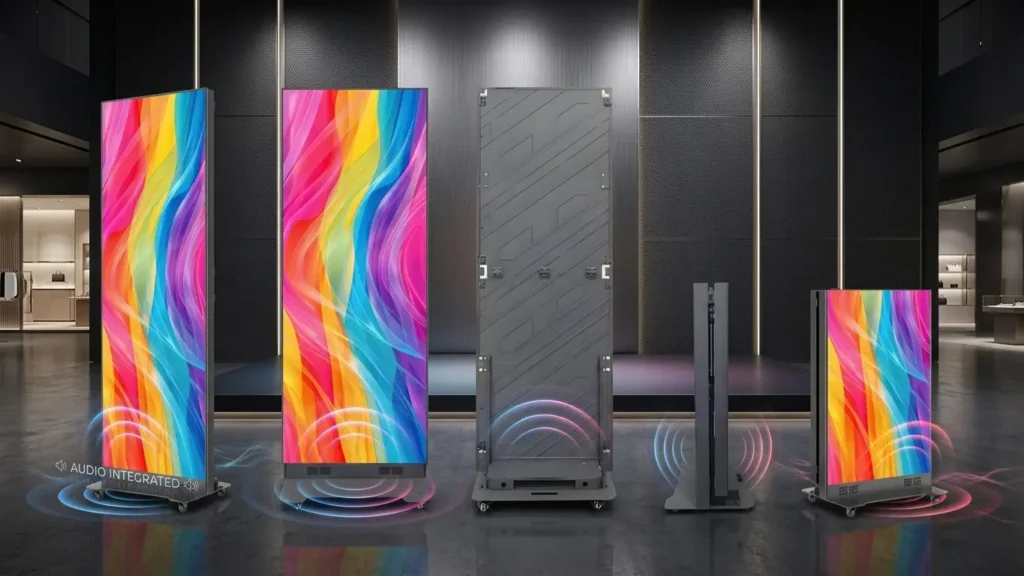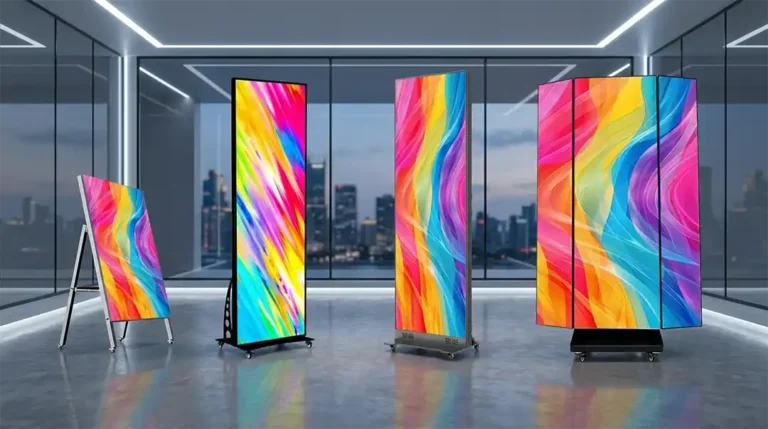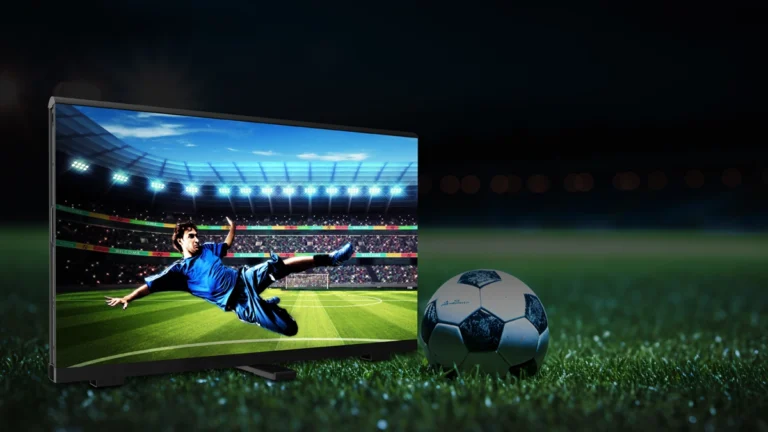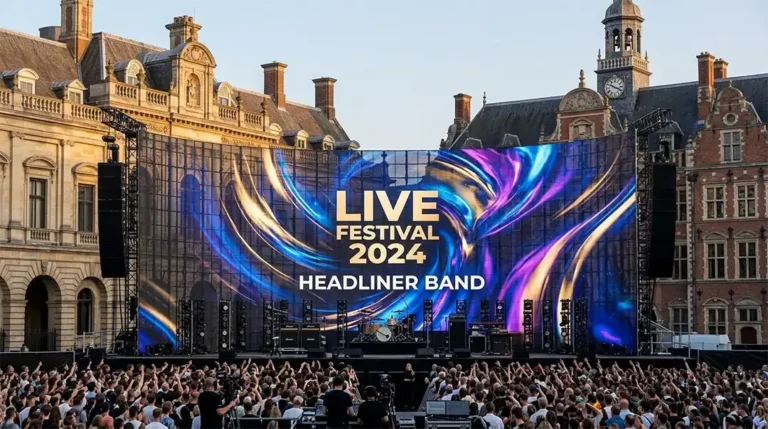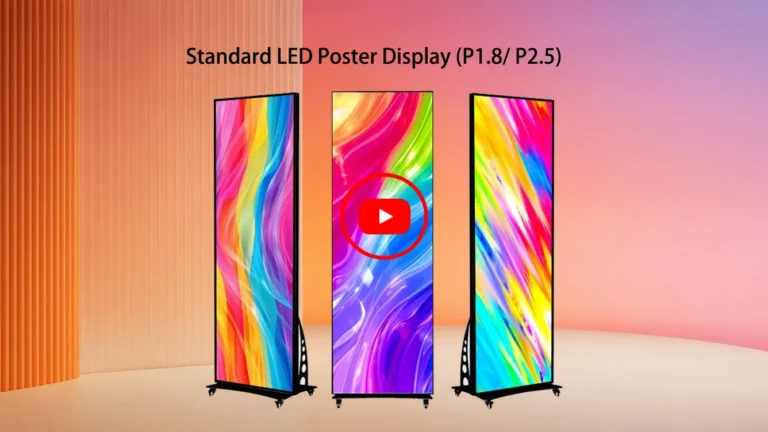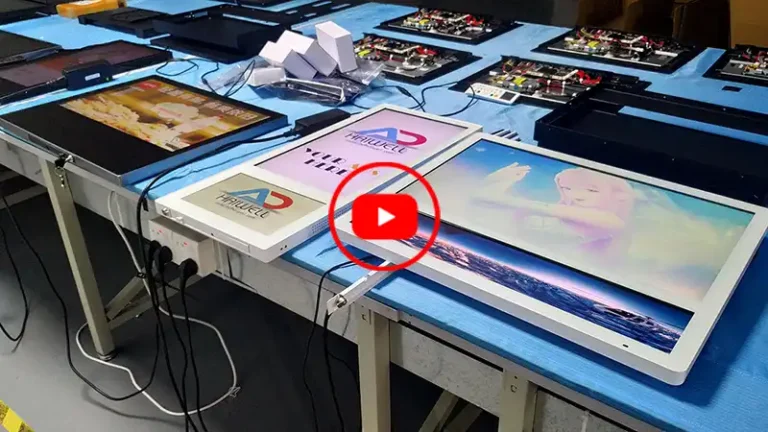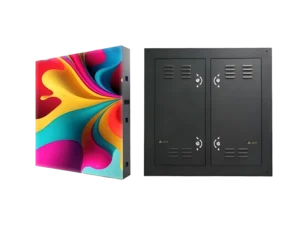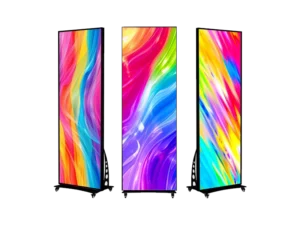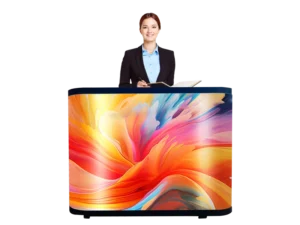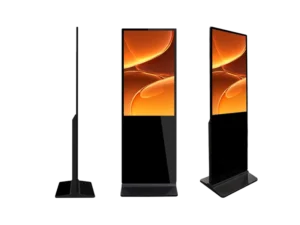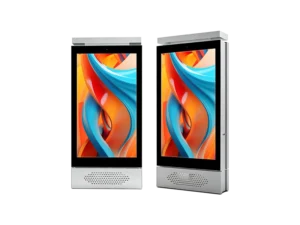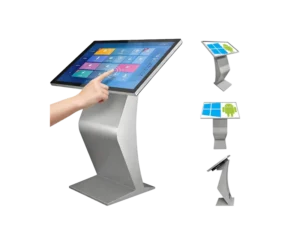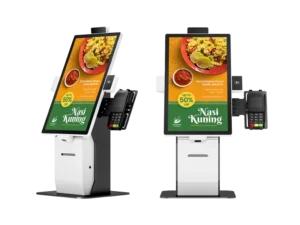

Floor standing LCD digital signage is a commercial freestanding display built for long-hour content playback, widely used by global retailers, advertisers and transit operators.
Choosing the right Floor-standing LCD Digital Signage Display can make or break your in-store marketing. A floor standing LCD digital signage display is a self‑contained, upright commercial screen that stands on the floor without wall mounting—perfect for dynamic advertising in high‑traffic areas. Whether you’re an integrator fitting out a hotel lobby or a chain buyer sourcing from China, getting the spec right the first time saves thousands. Let’s unpack every decision that matters, with no fluff.
Key Takeaways:
- Floor standing LCD displays work best where wall mounting isn’t possible and foot traffic is high.
- Screen size depends on viewing distance and space; 49″ is the most versatile for B2B projects.
- Always specify IPS panel and at least 350 nits for bright indoor environments.
- Touch models add interactivity but non-touch slashes cost and maintenance for pure advertising.
- OEM/ODM customization protects your brand margin and helps you stand out in competitive tenders.
- Factory audits, pre-production samples, and clear warranty terms are non-negotiable when buying from China.
What is a floor standing LCD digital signage display?
It’s a freestanding commercial-grade LCD screen built into a sturdy floor base, designed to run 24/7 and show promotional content where you can’t drill into walls. Think of it as a digital totem or kiosk that combines a bright LCD panel, media player, and steel enclosure in one ready‑to‑use unit.
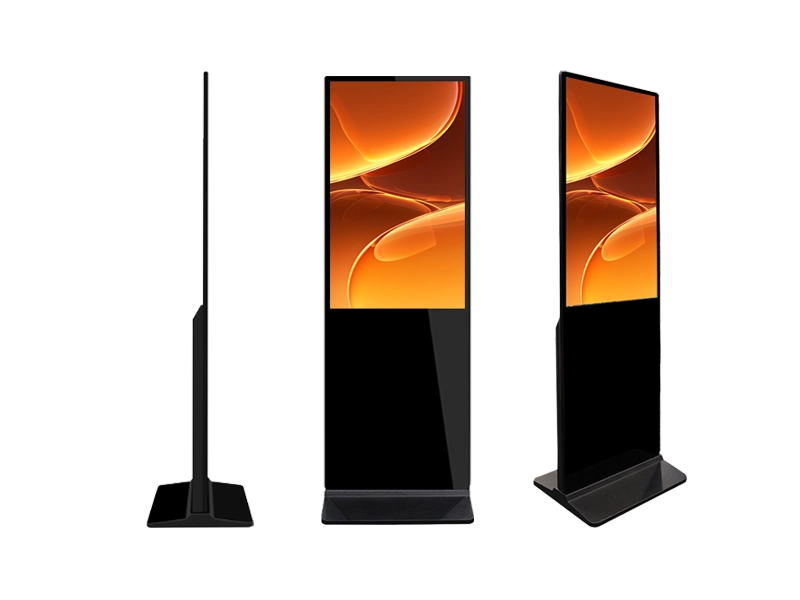
- Key hardware: commercial LCD panel (non‑consumer TV), internal Android or Windows media board, ventilation for long-hour operation, and a lockable base for stability.
- Formats vary: single‑sided, double‑sided, ultra‑slim (20 mm profile), or touch‑enabled versions.
- Why it beats a TV on a stand: commercial panels are rated for 16/7 or 24/7 use, handle higher ambient temperatures, and allow remote content management — a consumer TV will burn out fast.
When I speak with first‑time importers, this is the most common confusion. The device isn’t a home television; it’s a digital out‑of‑home (DOOH) tool engineered for repeatability. That distinction alone will guide most of your specification choices later.
Which business locations need this display most?
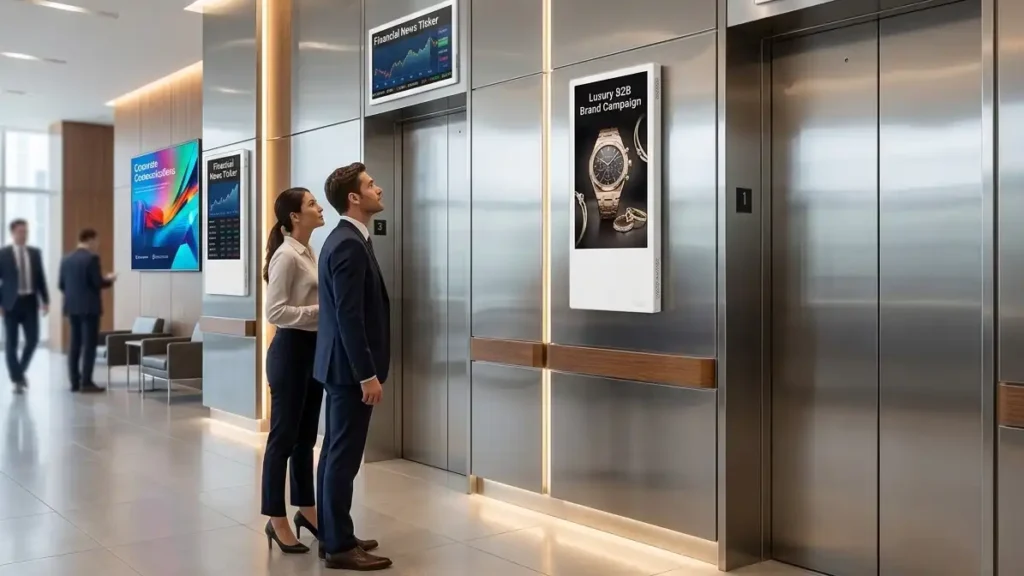
Retail stores, hotel lobbies, quick‑service restaurants, exhibition booths, and corporate reception areas see the quickest return. If a location has high dwell time or a queue, a floor standing LCD digital signage display can lift conversion or cross‑sell.
- Retail: placed near entrance or checkout, a 50″ floor stander pushes promotions; one UK fashion chain reported a 28% uplift in accessory sales after installing freestanding LCD units at till points.
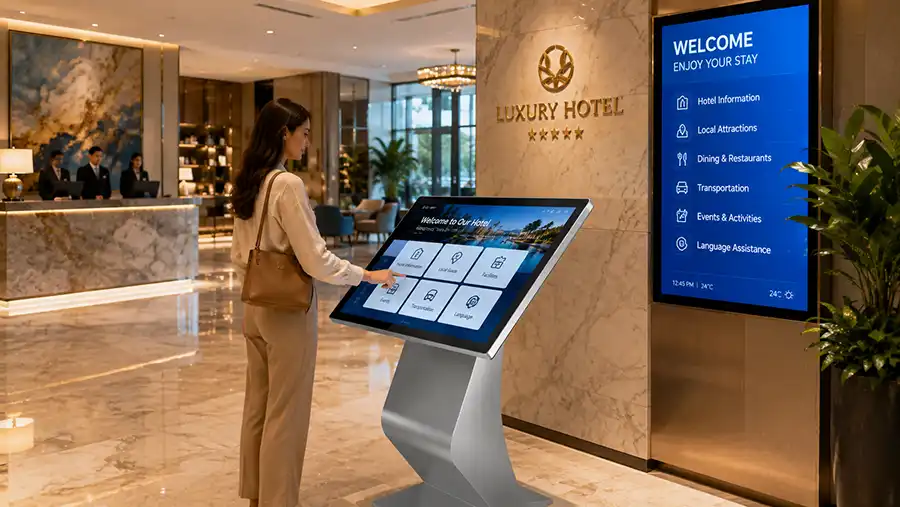
- Hospitality: hotel lobbies use them as digital concierges; a 55″ touch version lets guests browse local attractions, increasing tour desk revenue by roughly 15% in a mid‑scale property in Dubai.
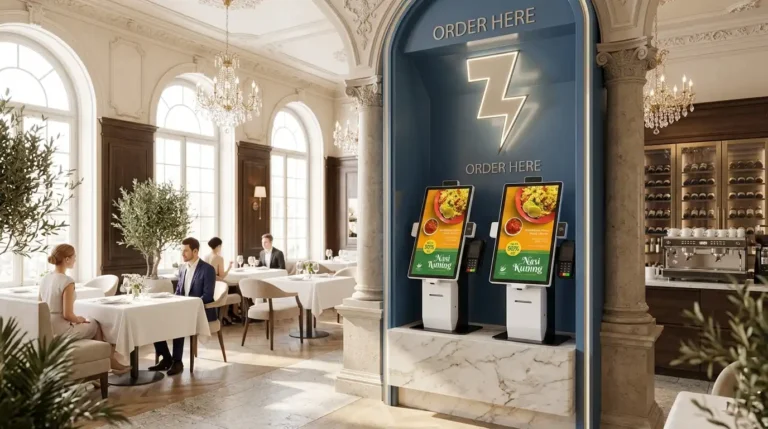
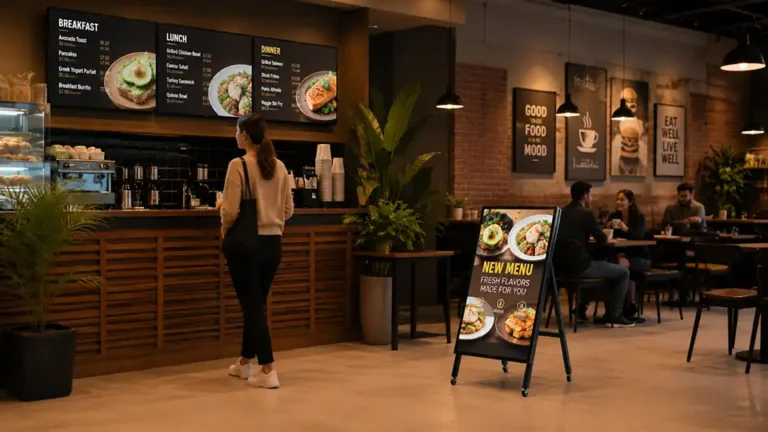
- Quick‑service restaurants: floor standing menu boards speed up ordering; digital menu signage has been shown to increase average order value by 10–20% in QSR trials.
- Exhibitions & showrooms: double‑sided floor displays catch attendees from both directions, effectively doubling impressions.
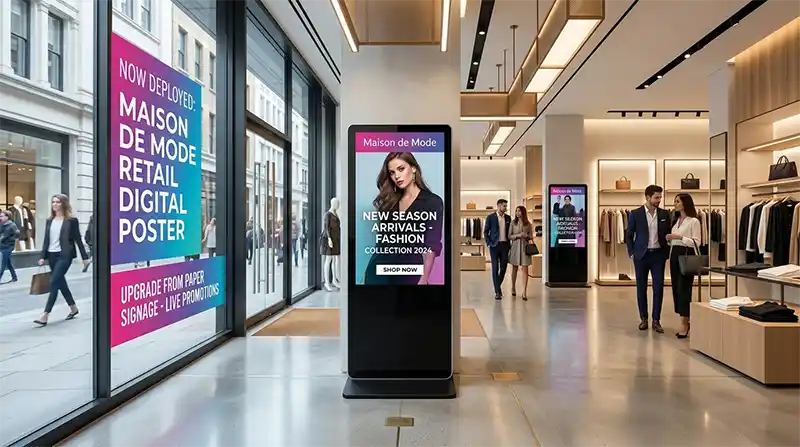
The common thread? These spaces either cannot mount screens on glass walls or need the flexibility to reposition the display seasonally. That’s where the floor-standing form factor wins.
43, 49, or 55 inch: how do you choose the right size?
Grab the size that fits the viewing distance and physical footprint — 42″ works in tight aisles, 50″ handles most mid‑sized areas, and 55″ works in large lobbies and showrooms. Getting this wrong means either wasted impact or an obstacle that staff hate.
- 43-inch: ideal when the viewer is only 1.2–2.5 meters away. Common in narrow retail alleys, pharmacy counters, or beside a reception desk. The slimmer width (around 550 mm) doesn’t block passage.
- 49-inch: the sweet spot for 2–4 meters. Perfect for mall corridors, restaurant ordering zones, and standard lobby walls. A 49″ model delivers a noticeable presence without overwhelming the space, and it keeps unit freight costs lower than 55″ because of smaller crate dimensions.
- 55-inch: reserve this for 3.5 meters and beyond — showroom windows, spacious hotel lobbies, or exhibition booths where you need to dominate. At 4 meters viewing distance, text on a 43″ screen is too small to read; 55″ keeps it legible.
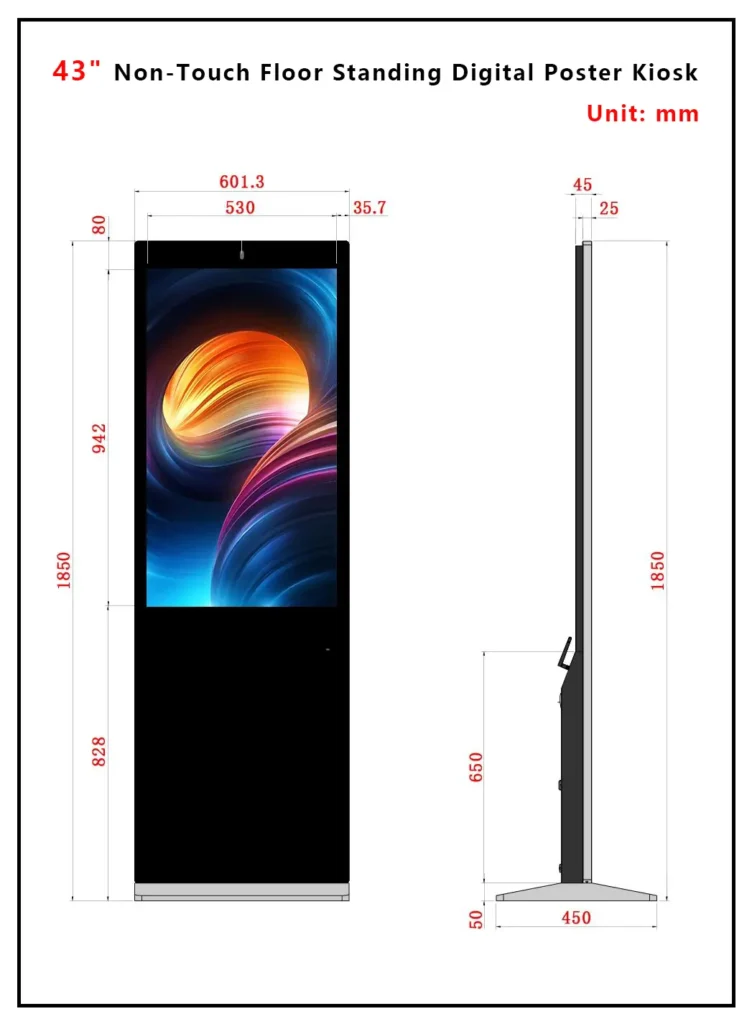
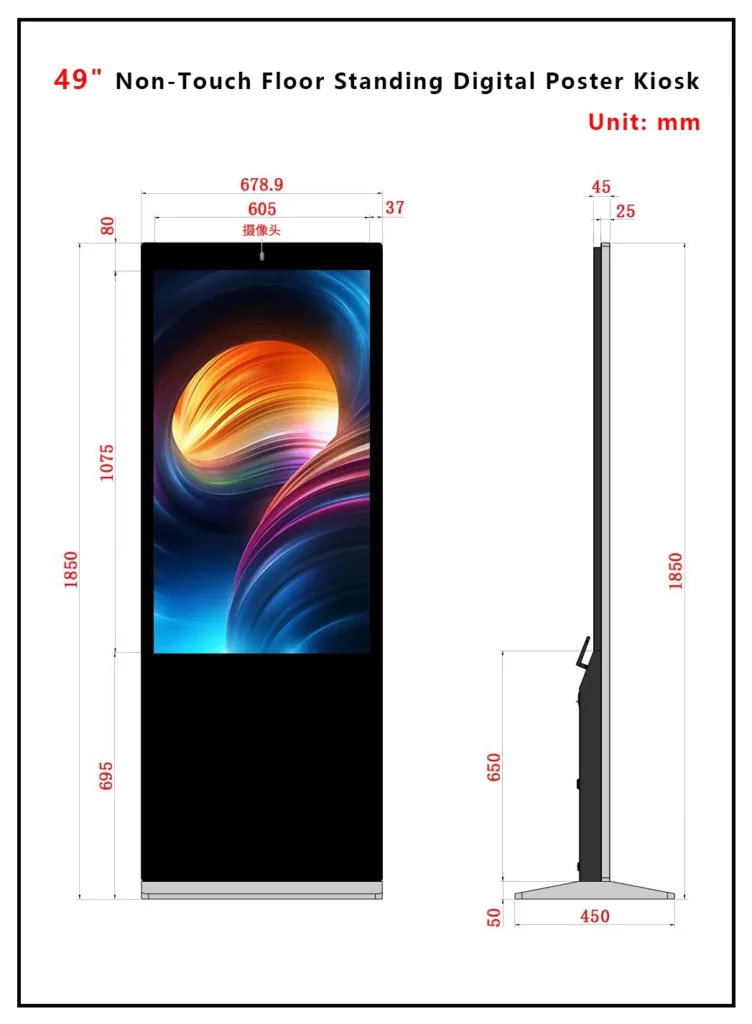

Real‑world rule of thumb I give B2B buyers: measure your tightest doorway and subtract 100 mm on each side. If a 55″ floor stand with its base won’t pass through, you’ll hate delivery day. Most China manufacturers, including Adhaiwell Display, offer detailed mechanical drawings so you can check clearance before ordering.
What brightness and panel type should you ask for?
For indoor applications, demand a brightness level between 350 and 500 nits coupled with a Tier-1 commercial LCD panel from LG, Samsung, or BOE. Selecting lower-grade consumer panels leads to rapid screen burnout, color shifting, and black spots within 12 months of continuous operation.
- Industrial IPS Panels: Ensure wide 178-degree viewing angles so your advertisements stay vibrant even when viewed from the side.
- Indoor vs. Window Placement: Standard interiors thrive at 350 nits, but window displays facing direct sunlight require high-brightness panels of 8,00 to 1,000 nits.
- Thermal Management: Commercial-grade panels are designed to handle prolonged heat without experiencing solarization or isotropic failure.
Should you choose a touch or non-touch model?
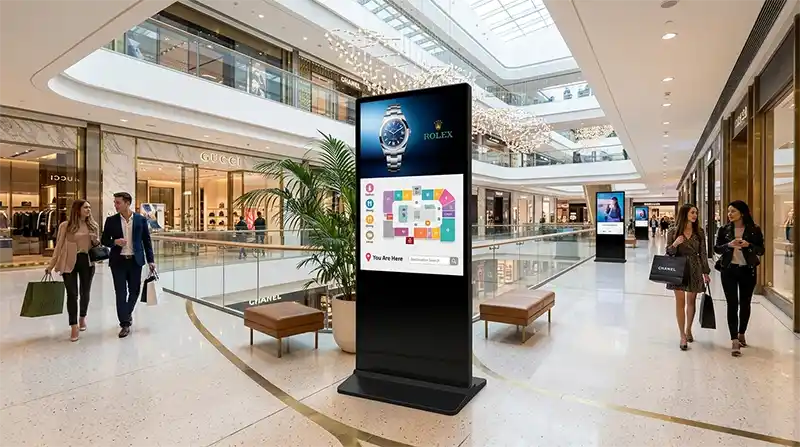
Pick non‑touch if your only job is showing ads, menus, or brand videos; pick touch when you need self‑service, wayfinding, or product browsing. Touch adds cost, glass thickness, and maintenance, so don’t add it unless the user will actually interact.
- Non‑touch: simpler, cheaper, faster to deploy. A typical 50″ Android non‑touch floor stand from China lands at 30–40% lower unit cost than its touch equivalent. Perfect for rotating digital posters and video loops.
- Touch (IR or PCAP): IR touch frames are budget‑friendly and work with a finger or stylus, but can collect dust at the bezel edges. PCAP (projected capacitive) offers smartphone‑like swiping and multi‑touch, more robust for public use, but costs more. For museum‑grade or luxury retail, PCAP is expected.
- Hybrid: some floor-standing kiosks ship with optional plug‑in touch overlays, letting you field‑upgrade later. This keeps initial spend low while future‑proofing the hardware.
I often tell procurement managers: if the screen needs a “swipe to explore” menu, budget for PCAP and a brighter panel because fingerprints kill perceived contrast. If the screen only needs to play a daily specials video, save the money and buy more units.
Why does OEM/ODM customization matter for B2B buyers?
OEM/ODM lets you sell the floor standing LCD digital signage display under your own brand, with custom logo, boot animation, silk‑screen, firmware, and even enclosure color — that’s how you protect margin and win repeat business. Off‑the‑shelf neutral models leave you competing on price alone.
- Brand lock‑in: custom firmware can include your company’s CMS API pre‑loaded, a remote monitoring branded dashboard, and a start‑up video. When the end client opens the box, they see your identity, not the factory’s.
- Project differentiation: in a tender, an integrator offering a 50″ floor stand in a custom RAL‑matched enclosure with the hotel chain’s logo engraved on the base wins over a generic‑looking unit.
- After‑sales moat: by controlling the firmware image, you control the service relationship. No third party can easily clone your configuration.
- Practical specs you can customize: silk‑screen printing, CNC‑cut logo backlit panels, custom cable management, bespoke base plate color, pre‑loaded CMS software, and even custom I/O ports (e.g., NFC reader cutout).
Partnering with an experienced Chinese OEM floor-standing LCD display manufacturer like Adhaiwell Display means you get a dedicated project engineer who follows a checklist: logo placement diagrams, MOQ per color, silk‑screen fees, and lead‑time buffer. Without OEM, you’re just moving boxes.
What should you check before placing a bulk order from China?
Quick Conclusion: Verify certifications, hardware configurations, after-sales, and factory tests to avoid quality and compliance risks.
- Check qualification certifications: Confirm products have CE and RoHS certificates, which are mandatory for exporting to Europe and most regions. Apply for FCC certificates in advance if exporting to North America.
- Confirm factory tests: All products must pass a 72-hour continuous aging test to ensure stable 24/7 operation, which is a core standard of regular China digital signage factories.
- Verify system and software: Confirm the pre-installed Android OS version and whether free cloud CMS is provided without additional subscription fees. Check compatibility with offline playback of U disks and SD cards.
- Clear after-sales and MOQ rules: Standard models usually have a MOQ of 10–20 units. Confirm factory warranty, technical support and overseas delivery cycle before bulk ordering.
FAQ: Quick answers on floor standing LCD digital signage displays
This guide was compiled by Icely Lee, Lead Technical Marketing and Sourcing Specialist at Adhaiwell (Haiwell GZ Advertising Industrial Co., Ltd.). Based in our specialized manufacturing and processing center in Shenzhen, China, we engineer commercial visual solutions. Adhaiwell specializes in supply-chain management, combining Tier-1 display components with robust structural engineering to optimize the Total Cost of Ownership for international advertising networks, event rental operators, and system integrators worldwide.