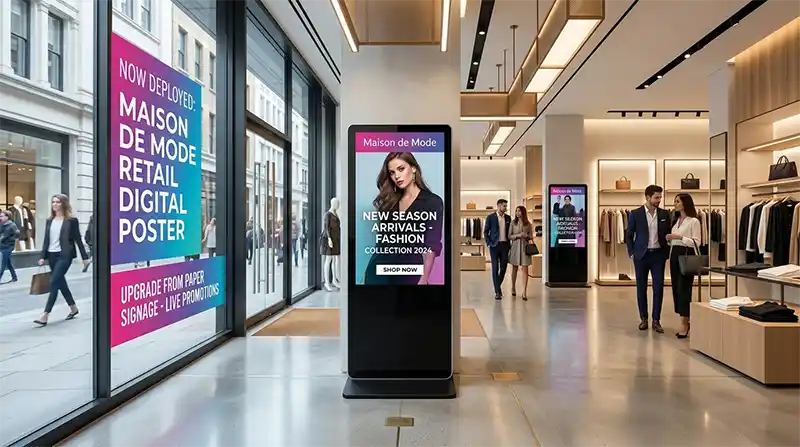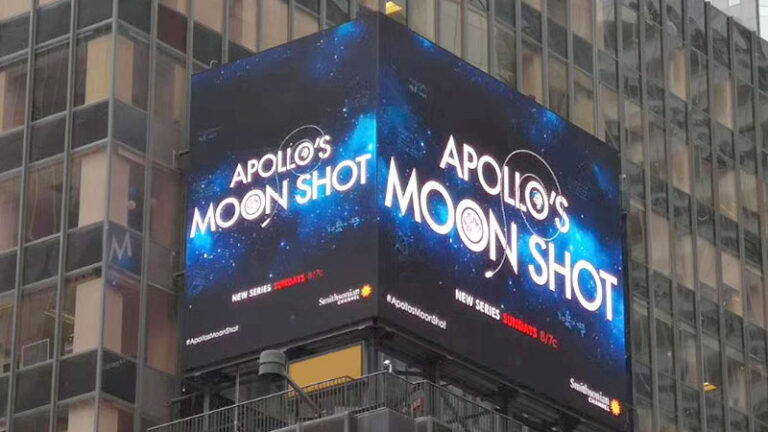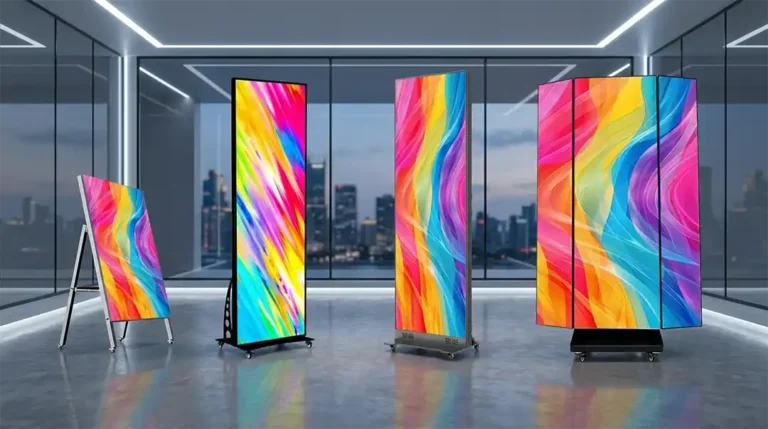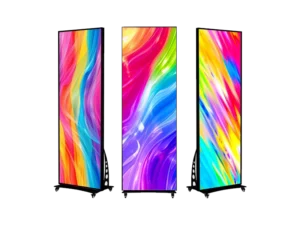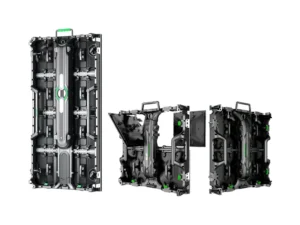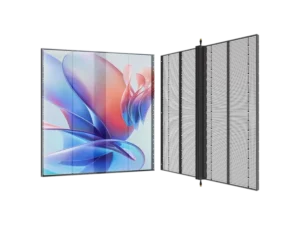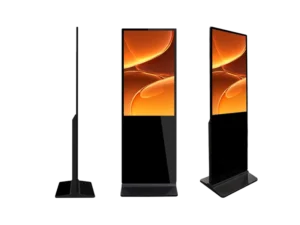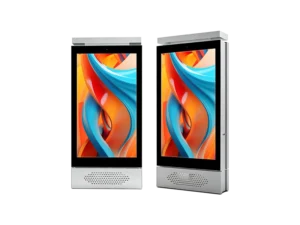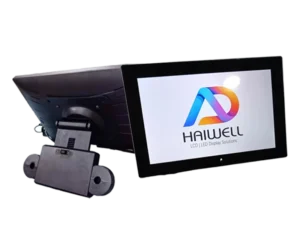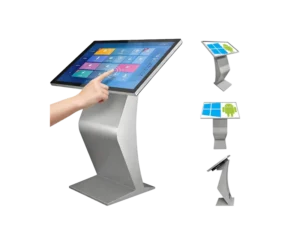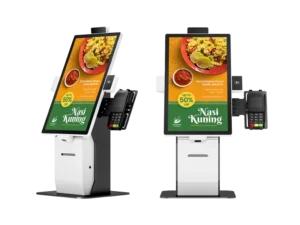
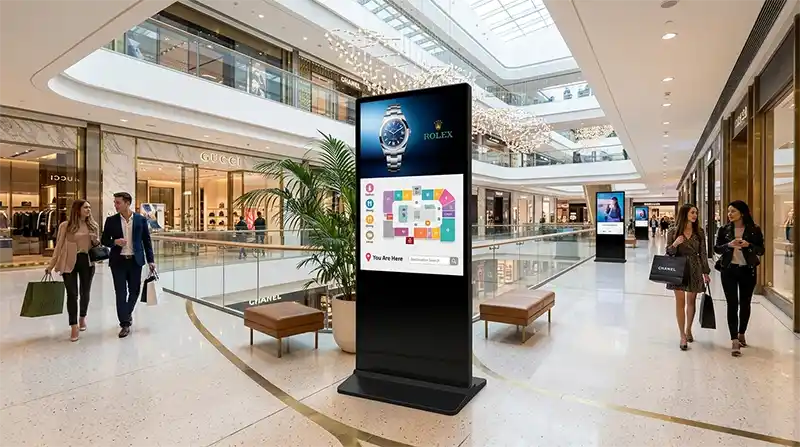
Floor-standing LCD Digital Signage with cloud-based management solves the two biggest headaches in offline advertising: getting content updated across every location without sending someone on-site, and keeping screens running on a schedule that matches how a business actually operates. For retail chains, hotel groups, and system integrators managing screens across multiple cities — or multiple countries — that single capability changes the economics of a digital signage rollout.
Key Takeaways
- Cloud management removes the on-site update bottleneck. One backend controls unlimited screens, so head office can push new promotions to every branch in minutes instead of days.
- Smart scheduling cuts power costs and staff workload. Screens turn on and off automatically by second, day, weekend, or holiday calendar — no one has to remember to flip a switch.
- Offline USB backup keeps signage running when the network doesn’t. This matters most in transit hubs, basements, and rural retail sites with unreliable connectivity.
- Screen size should match dwell time and viewing distance, not just budget — 43″ suits close-range counters, 55″ suits walkways, 65″ suits atriums and lobbies.
- CE, RoHS, and a documented aging test are non-negotiable for import compliance and directly affect landed cost and customs clearance.
- The global digital signage market is on a sustained growth path, with most industry forecasts placing 2026 market value in the $30-33 billion range and annual growth around 8%, driven largely by cloud CMS adoption and retail deployment.
What Is a Cloud-Managed Floor Standing Digital Signage Display?
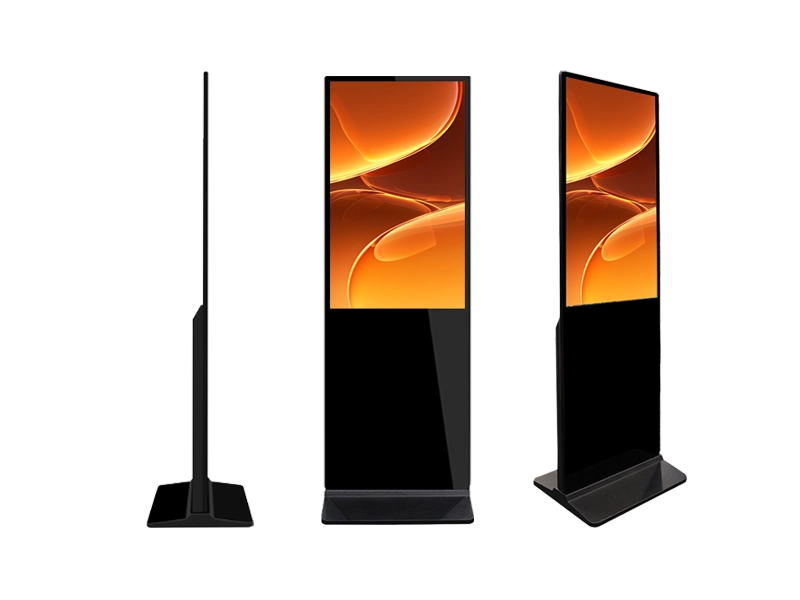
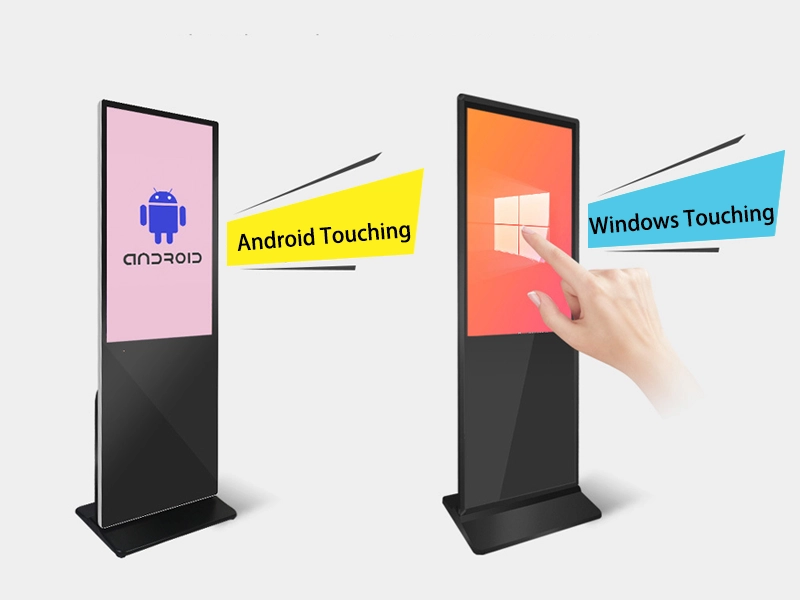
A cloud-managed floor-standing LCD Digital Signage Display is a freestanding LCD screen with its own Android system that connects to a remote backend, so content, schedules, and device status can all be controlled from anywhere with internet access. Unlike a TV on a stand playing a looped video from a USB stick, this class of display is built around a management layer — the hardware is really just the last mile of a content distribution system.
Three things separate a true cloud-managed unit from a basic advertising screen. First, a dedicated backend that supports multiple device groups, not just single-screen control. Second, real-time status reporting — knowing a screen went offline in Store 12 before a regional manager calls to complain. Third, scheduled and event-based playback that doesn’t depend on someone manually intervening. This is the model behind Adhaiwell’s 43″-75″ non-touch Floor- standing LCD Digital Signage Displays, which ship with a free Android cloud CMS as standard rather than as a paid add-on.

Why Do Multi-Location Businesses Need Remote Cloud Management Instead of Manual Updates?
Manual, on-site content updates don’t scale past a handful of locations — cloud management is what makes a 20-store or 200-store rollout operationally realistic. Once a chain passes five or six sites, sending staff to plug in a USB drive at each screen turns into a recurring labor cost, and it introduces a lag between “head office decides on a promotion” and “the promotion is actually live on the floor.”
Centralized cloud control addresses this in three concrete ways:
- Bulk content push. One video or poster update, uploaded once, syncs to every connected screen in the group — no branch visits required.
- Grouped scheduling by region or brand. A retailer with stores across time zones can set different playback windows per group instead of one blanket schedule.
- Device health monitoring. Online/offline status, uptime, and playback logs are visible in the backend, so a dead screen gets flagged automatically rather than discovered by a customer complaint.
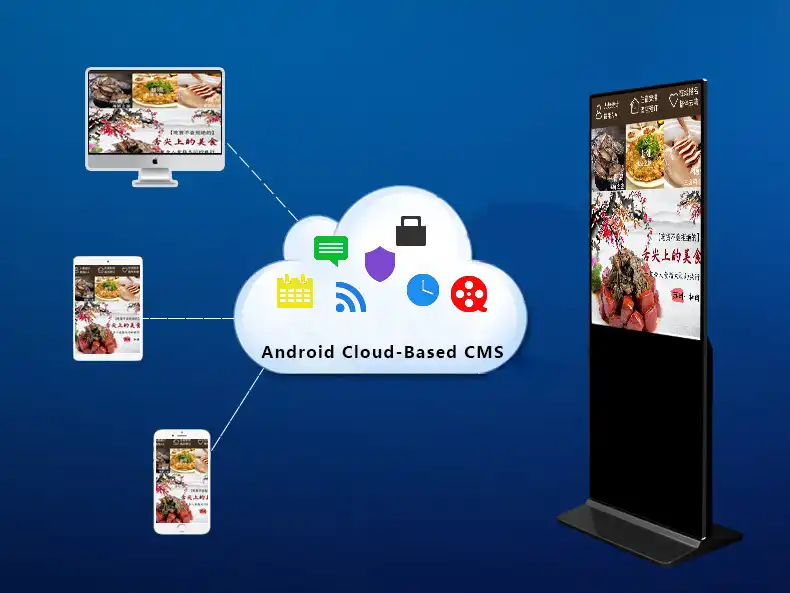
Industry data backs the shift: cloud-based CMS adoption is now well ahead of on-premise software in commercial signage deployments, and retailers running digital signage consistently report meaningfully higher sales lift on featured items compared with static posters — figures commonly cited in the 30% range across multiple retail media studies. For a chain operator, the return isn’t abstract — it’s fewer site visits, faster campaign turnaround, and content that’s actually current when a customer walks past the screen.
How Does Smart Scheduling and Split-Screen Layout Work on a Floor Standing Kiosk?
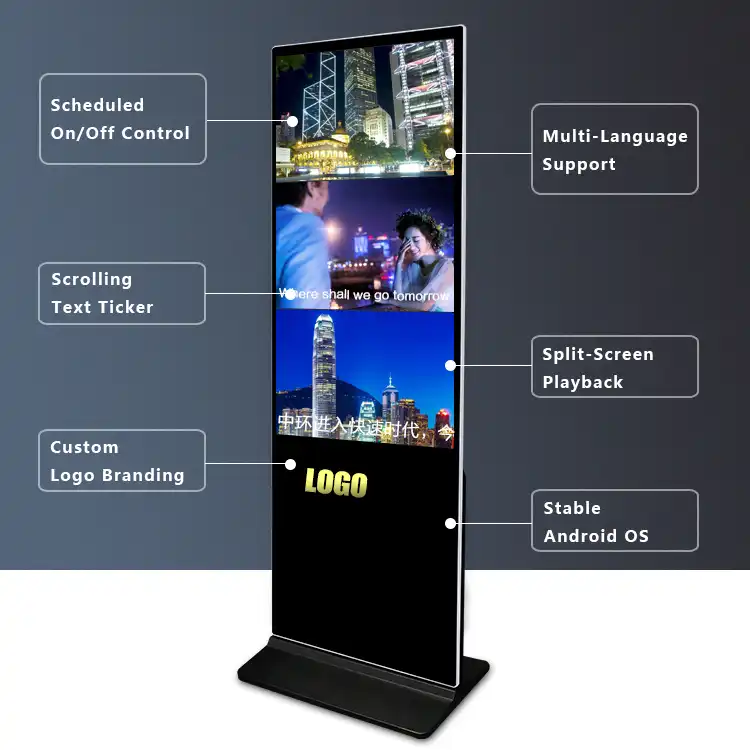
Smart scheduling automates when a screen plays and what it shows, down to the second, based on rules set once in the backend — not something a store manager has to remember to do daily. Two features do most of the work here: automated on/off scheduling and split-screen (zoned) layout.
Scheduled on/off control lets an operator set separate playback windows for weekdays, weekends, and holidays, and adjust for seasonal daylight hours. This isn’t just convenience — running a 55″ commercial panel 24/7 versus only during business hours has a real, measurable impact on power consumption and panel lifespan over a multi-year deployment.
Split-screen layout divides one panel into multiple content zones so a single unit can carry more information without needing a second screen. Common layouts include:
- Primary-secondary: a large video zone paired with a smaller image or text strip
- Parallel display: two or more zones of equal weight for showing multiple promotions at once
- Video-focused: full-attention video with a supporting info bar
- Scrolling ticker: rotating headlines or announcements along one edge
- Interactive strip: a QR code zone paired with a promotional message, common in retail checkout areas
Both features run from the same cloud backend, so a regional manager can adjust a store’s playback hours or swap a zone’s content without touching the hardware.
Which Screen Size Should You Choose — 43″, 55″, or 65″?
The right size depends on viewing distance and dwell time, not just available floor space. As a general rule: 43″ works for close-range, short-dwell spots; 55″ is the standard for walkways and store entrances; 65″ is for large open spaces where people view from a distance.
| Size | Best Fit | Typical Locations |
|---|---|---|
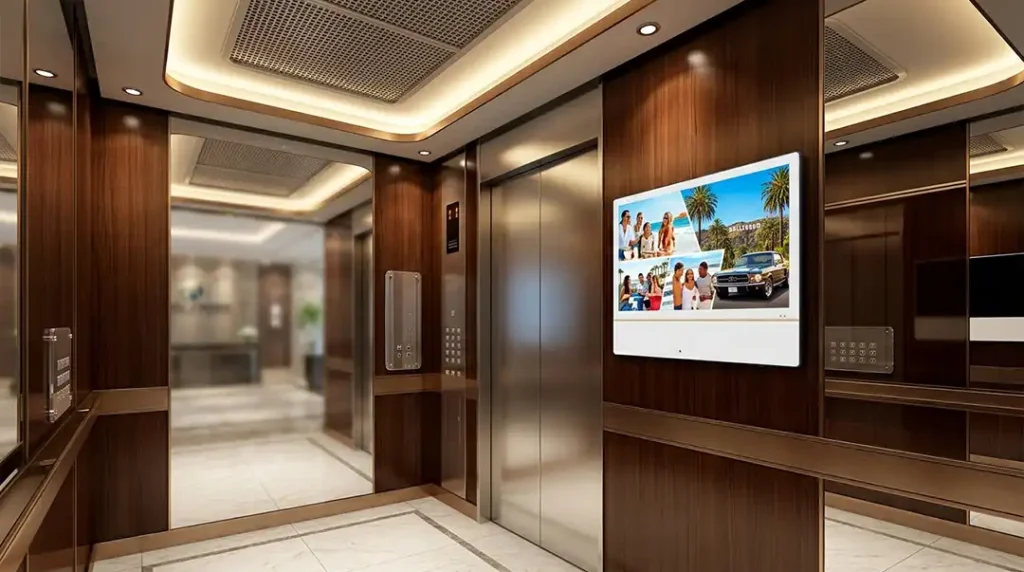
| 43″ | Compact, short viewing distance | Checkout counters, elevator lobbies, café bar areas |
| 55″ | General-purpose, moderate distance | Store entrances, mall corridors, bank and government hall lobbies |
| 65″ | Large open space, longer distance | Mall atriums, corporate showrooms, airport departure halls |
A 43″ panel placed in a wide mall corridor will get lost in the visual noise; a 65″ panel crammed behind a checkout counter is oversized and wastes budget. Matching the panel to the actual sightline is a cheaper fix than reprinting a store’s whole signage plan after installation. Adhaiwell also offers 32″, 49″, and 75″ options for edge cases outside this typical range.
Multiple Size Options of Floor Standing Non-Touch Digital Poster Kiosk
Adhaiwell, a China-based manufacturer, supplies floor standing non-touch digital signage in complete sizes ranging from 32 inch up to 75 inch. Different physical dimensions help clients pick matched models for their actual site layout and space limits. All these slim cabinet kiosks run on Android OS with free cloud CMS for remote content management, adaptable for retail shops, food outlets, shopping malls and airport terminals. Every finished unit passes 72-hour aging inspection before delivery, and we support OEM and ODM customization on cabinet size and extra functional parts such as front camera.
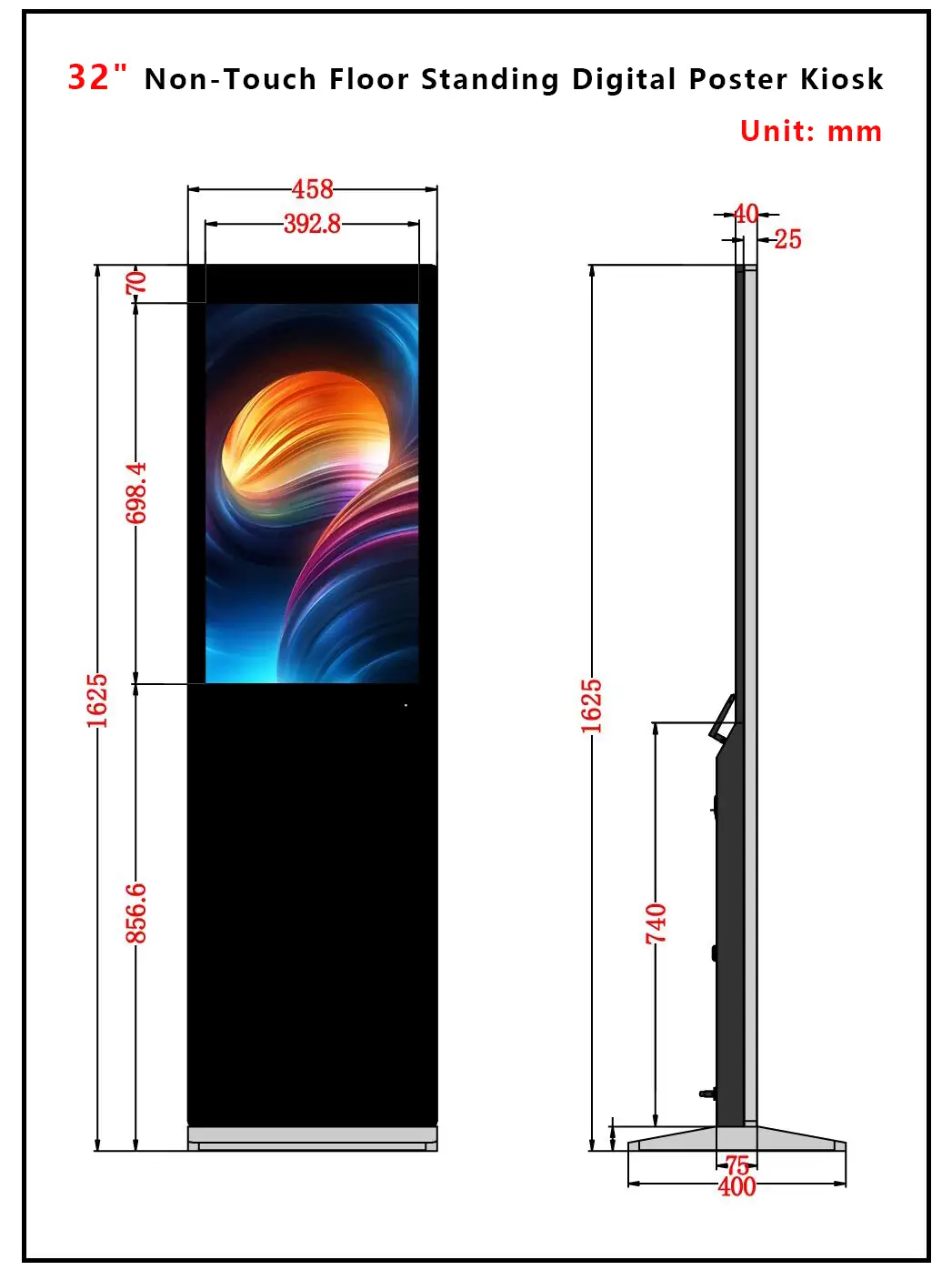
32“ Non-Touch Floor Standing Digital Poster Kiosk Dimensions
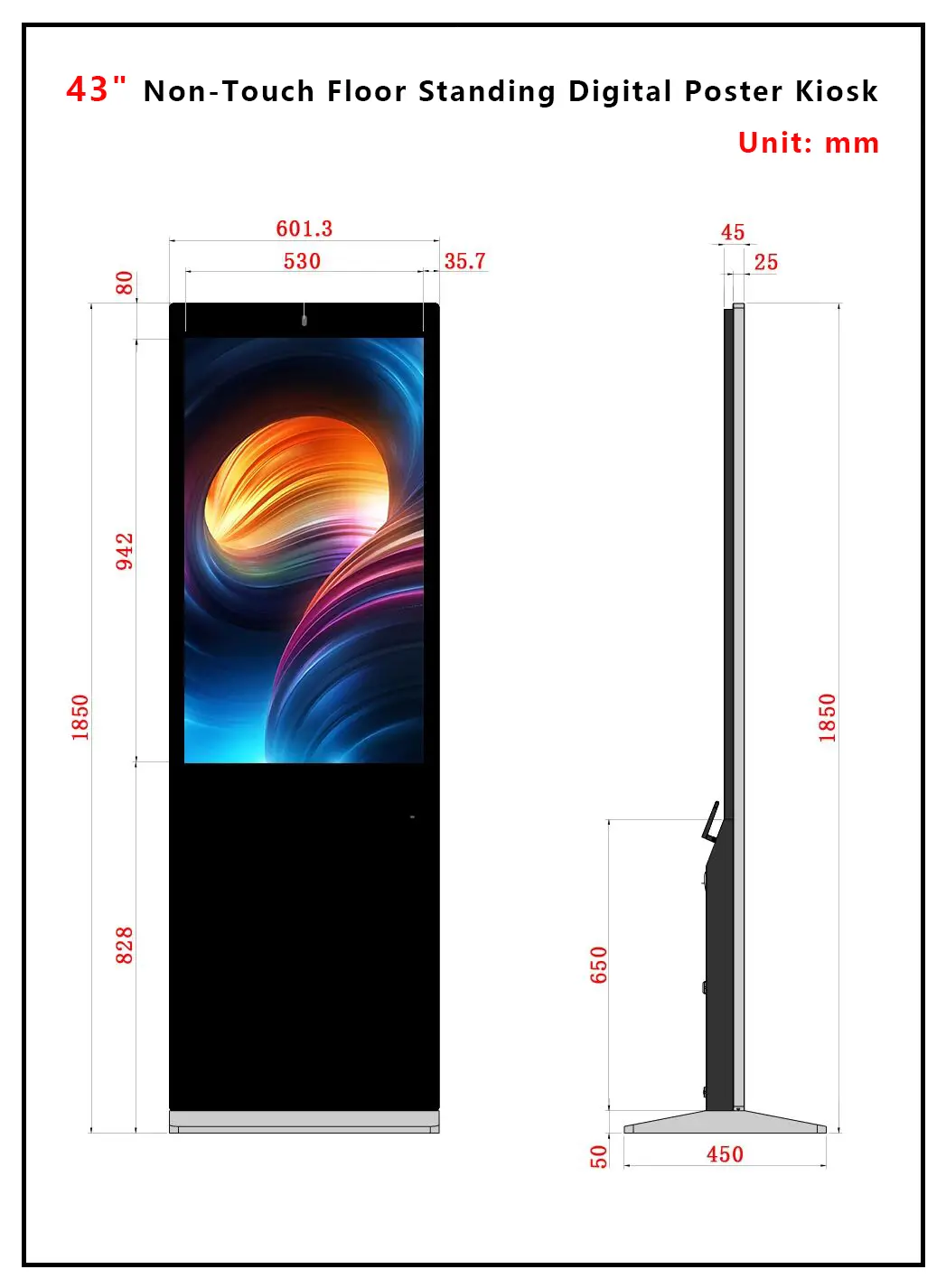
43“ Non-Touch Floor Standing Digital Poster Kiosk Dimensions
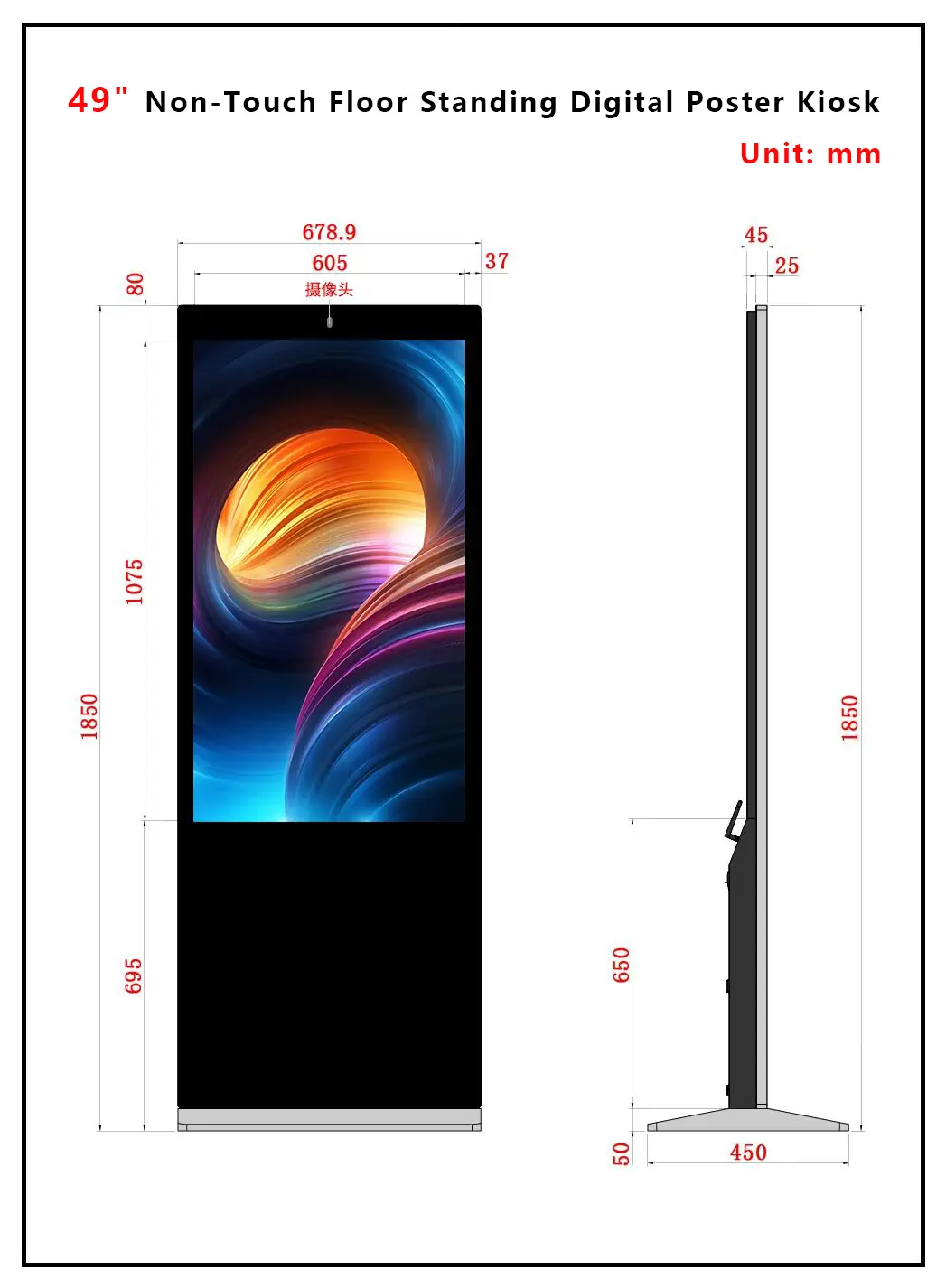
49“ Non-Touch Floor Standing Digital Poster Kiosk Dimensions
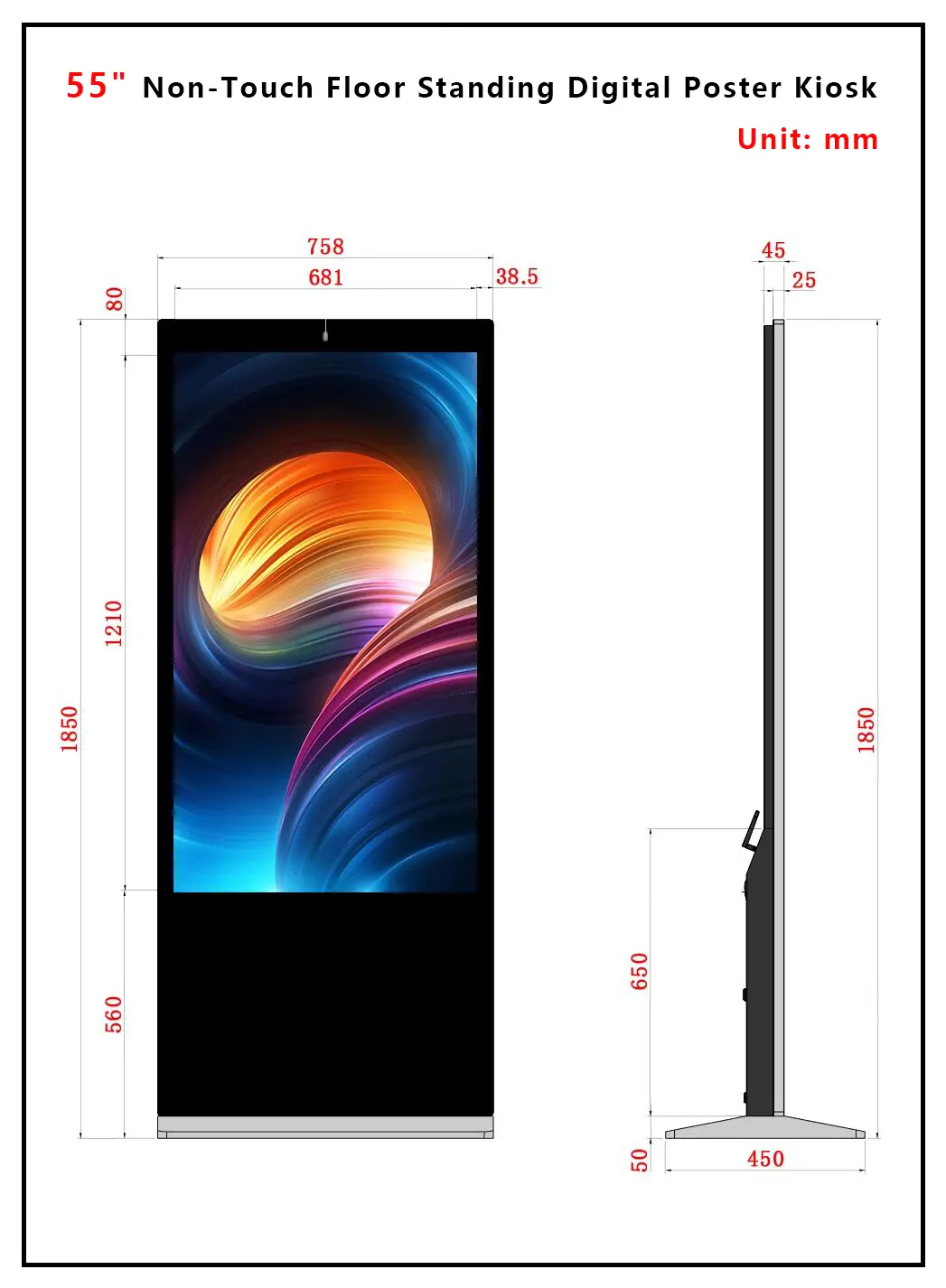
55“ Non-Touch Floor Standing Digital Poster Kiosk Dimensions
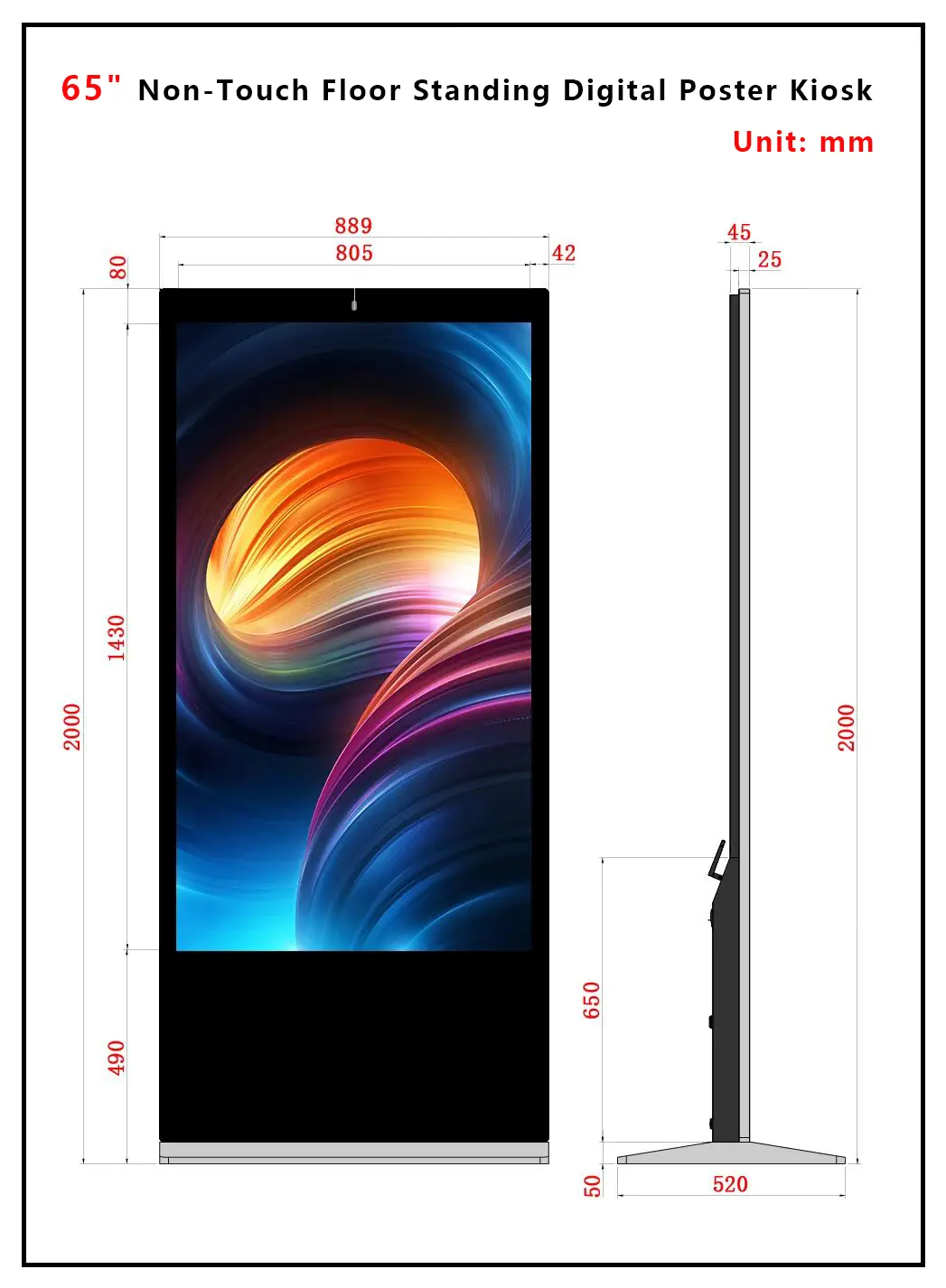
65“ Non-Touch Floor Standing Digital Poster Kiosk Dimensions
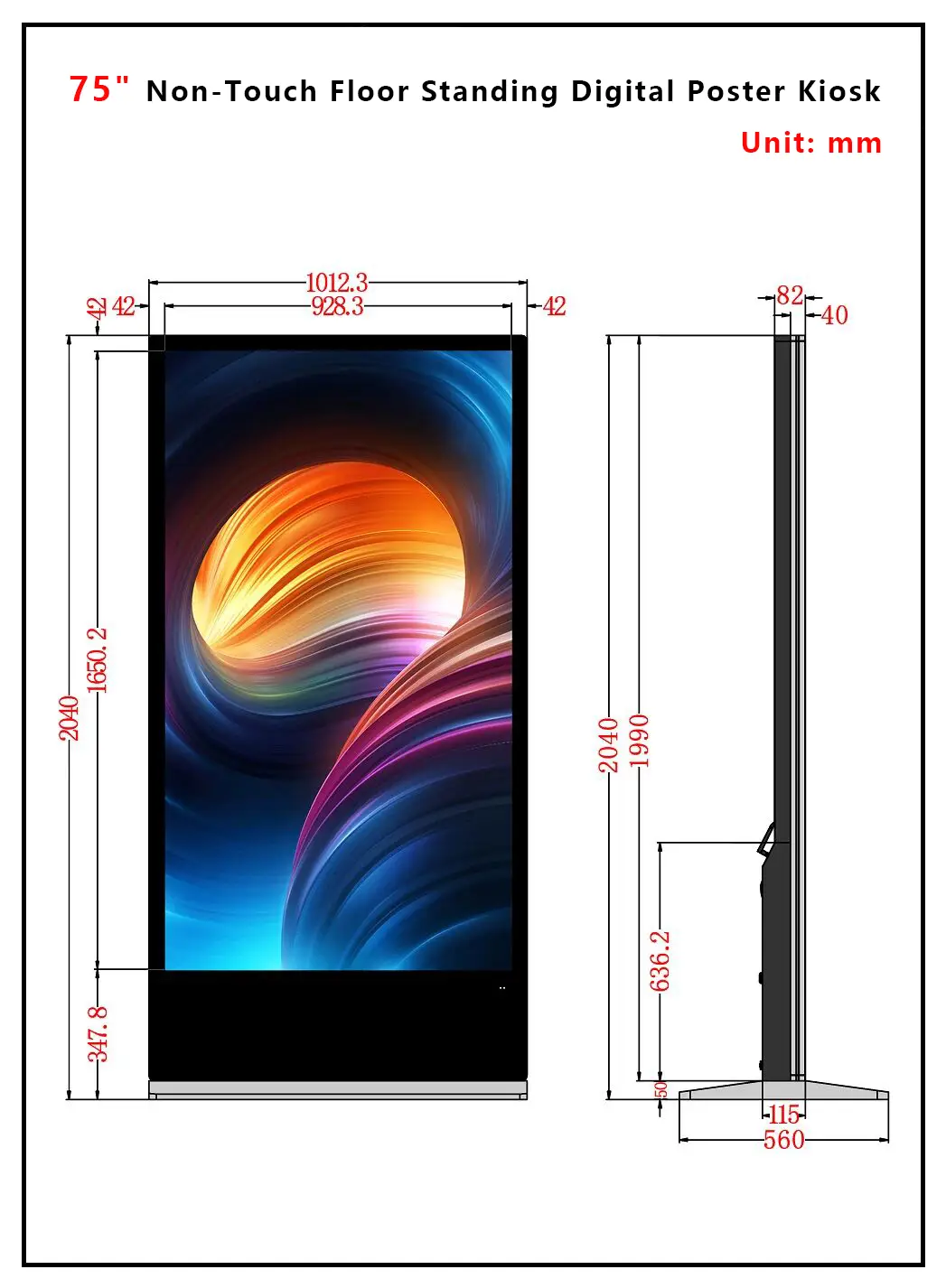
75“ Non-Touch Floor Standing Digital Poster Kiosk Dimensions
Where Are Floor Standing Digital Signage Displays Most Effective?
Floor standing digital signage performs best in high-foot-traffic indoor locations where people naturally pause or pass slowly — entrances, checkout zones, waiting areas, and corridors. Four sectors account for most commercial deployments:
- Retail stores and chain brands — replacing static window posters and in-store signage with content that updates centrally across every branch.
- Shopping malls and public spaces — combining paid advertising with wayfinding and store directories in one unit.
- Transit terminals and airports — schedules, gate information, and travel advertising running on a 24/7 duty cycle.
- Restaurants, bars, and cafés — digital menu boards that update pricing and specials without reprinting anything.
The common thread isn’t the industry — it’s dwell time. A screen placed where someone stands still for even 5-10 seconds (a checkout line, an elevator wait, a hotel check-in queue) outperforms one placed somewhere people simply walk past.

What Certifications and Quality Standards Should B2B Buyers Check Before Importing?
Before placing a bulk order, confirm CE and RoHS certification, request the HS code, and ask whether units go through a documented burn-in or aging test before shipment — skipping this step is where import shipments run into customs delays or early field failures. This isn’t paperwork for its own sake; it directly affects landed cost, customs clearance speed, and warranty exposure.
A practical pre-order checklist for procurement teams:
- CE and RoHS as standard, not an optional upgrade — required for EU import regardless of order size.
- FCC certification if the destination market is North America; not every factory includes this by default.
- Correct HS code documented on the commercial invoice (LCD displays commonly fall under 8528591090) to avoid customs classification disputes.
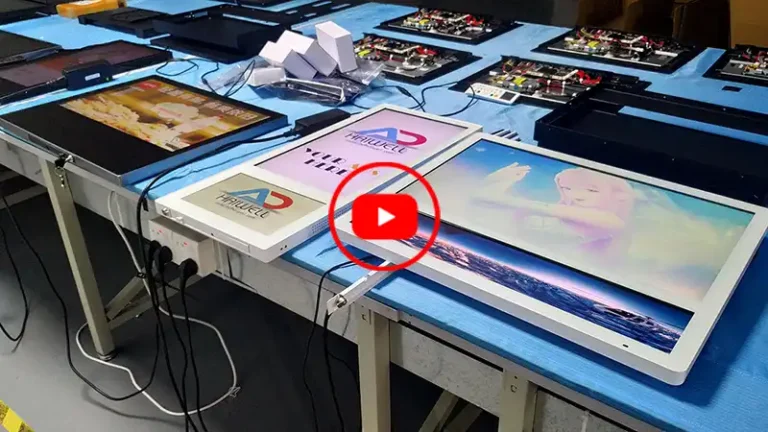
- Burn-in or aging test evidence — a 72-hour continuous run before shipment is a reasonable industry benchmark for catching early hardware failures before they reach a customer’s site.
- Sample unit availability before committing to MOQ — any manufacturer unwilling to ship a single test unit for evaluation is a signal worth noting.
- Written OEM/ODM terms if customization (branding, cabinet color, front camera, pre-loaded apps) is part of the order, including who owns tooling costs.
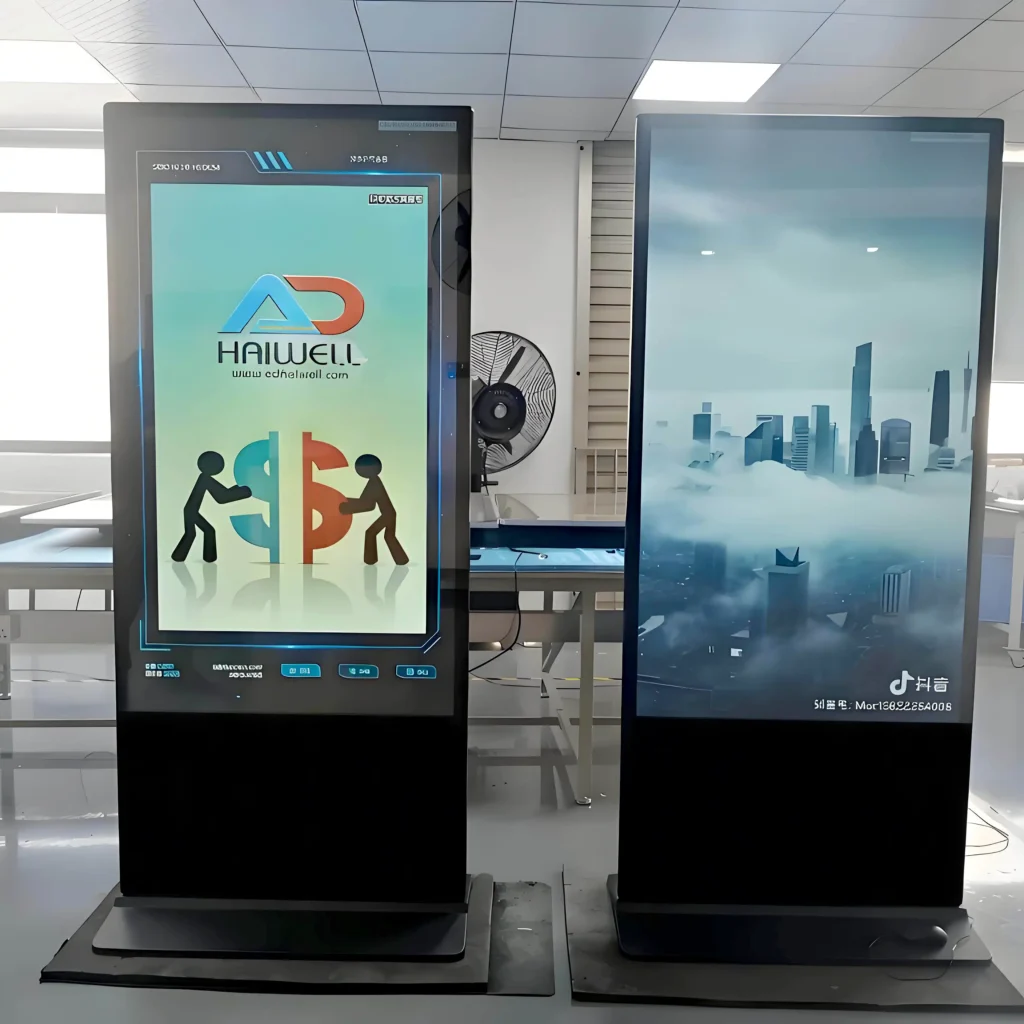
None of this is exotic — it’s standard due diligence for any hardware import — but it’s also the most common place where buyers get burned when working with a trading company instead of the actual factory.
Why Is the Floor Standing Digital Signage Market Growing, and What Trends Should Buyers Watch?
The floor standing digital signage segment is growing because retail media, cloud infrastructure, and hardware costs have all moved in the buyer’s favor at the same time. Most market research firms currently place the global digital signage market between $28-33 billion for 2026, with compound annual growth rates clustering around 7-10% through the early 2030s — a range consistent across independent reports from firms including MarketsandMarkets, Mordor Intelligence, and Grand View Research.
Three trends are shaping purchasing decisions right now:
- Cloud CMS is now the default, not the premium option. Industry surveys put cloud-based content management adoption well ahead of on-premise software in new commercial deployments, which is why bundling free CMS with hardware — rather than charging a subscription — has become a competitive differentiator among manufacturers.
- Asia-Pacific is the fastest-growing region, driven by retail expansion and government-backed smart transportation and smart city programs, which is also where most of the hardware supply chain sits.
- Screen sizes are trending upward. The 32″-52″ range still holds the largest share of current installations, but displays above 52″ are growing faster year-over-year as retailers move from single small screens to fewer, larger, higher-impact units.
For a buyer, the practical takeaway is timing: hardware costs on standard Android floor standing units have compressed even as CMS capability has expanded, which is why factory-direct sourcing now often beats general-purpose display integrators on total cost of ownership.
How Do You Install and Maintain a Floor Standing Digital Signage Display?
Installation is straightforward and doesn’t require a technician, but a few steps determine whether the unit runs reliably for years or fails early. Place the unit on flat, dry, well-ventilated ground away from direct water or heat exposure, connect power and network (Ethernet or Wi-Fi antenna) with the machine off, then power on and complete network binding through the CMS app or a QR code.
A few maintenance habits matter more than people expect:
- Only insert or remove a USB drive or storage card when the unit is powered off — hot-swapping storage on a live unit is a common cause of avoidable hardware faults.
- Clean the screen only with a dry, lint-free cloth after unplugging power — liquid cleaners or sprays risk seeping into the bezel seam.
- Unplug and store indoors during extended downtime, and power the unit on periodically to prevent internal moisture buildup — this matters more in humid coastal climates than buyers often assume.
- Never open the rear panel to self-repair a fault — unusual noise, display artifacts, or failure to power on should go to a qualified technician, not a DIY fix, to avoid voiding warranty coverage.
FAQ: Floor Standing Digital Signage with Cloud Management
Q: Does cloud-managed digital signage still work if the internet goes down?
Yes — a well-built unit caches the current playlist locally and keeps playing on schedule even when the connection drops, then syncs new content automatically once it reconnects. For sites with genuinely unreliable connectivity, USB plug-and-play offline mode is the backup path, and most commercial-grade Android units support both without extra configuration.
Q: Is a free cloud CMS actually free, or is there a hidden subscription?
It depends entirely on the manufacturer’s business model. Some vendors bundle a genuinely free, no-subscription CMS with the hardware purchase — which lowers total cost of ownership significantly over a multi-year deployment — while others license CMS access separately. Always ask this question directly before signing a purchase order, and get the answer in writing. But Adhaiwell supply free CMS software.
Q: What’s the real difference between a floor standing kiosk and a wall-mounted display?
Placement flexibility and installation cost. A floor standing unit needs no wall structural work and can be repositioned as store layouts change, which matters for retailers running seasonal campaigns or short-term promotions. A wall-mounted display is more permanent and typically cheaper per unit, but it’s a fixed decision once installed.
Q: How long does a commercial floor standing display typically last?
A well-built commercial-grade unit with passive cooling and a proper aging test behind it commonly runs 5+ years of daily commercial duty before major component replacement is needed. Actual lifespan depends heavily on daily run hours, ambient temperature, and whether the unit was factory-tested before shipment.
This guide draws on current floor standing digital signage manufacturing practices, industry market research, and standard B2B import compliance requirements for commercial display hardware, compiled for procurement teams, system integrators, and advertising operators evaluating digital signage suppliers. For detailed specifications, certifications, and factory pricing on the 43″-75″ non-touch Android floor standing digital signage display, contact Adhaiwell directly for a project-specific quote.