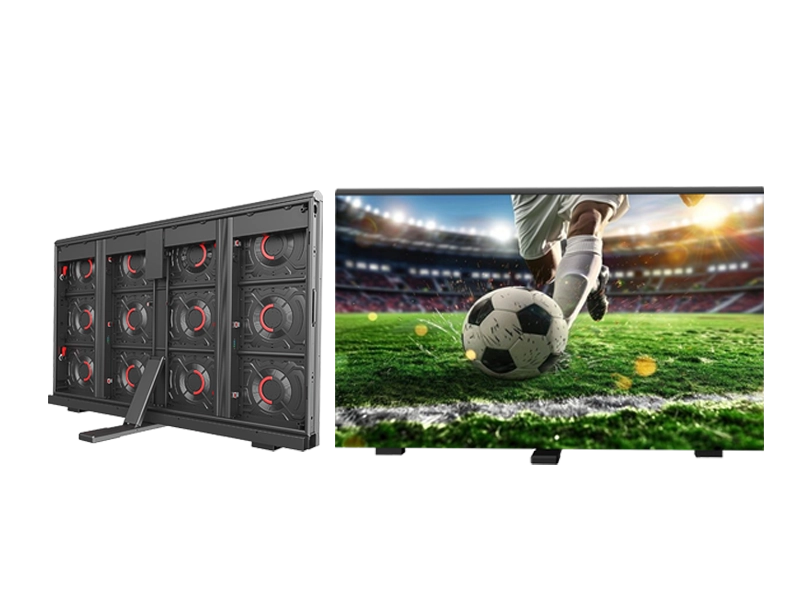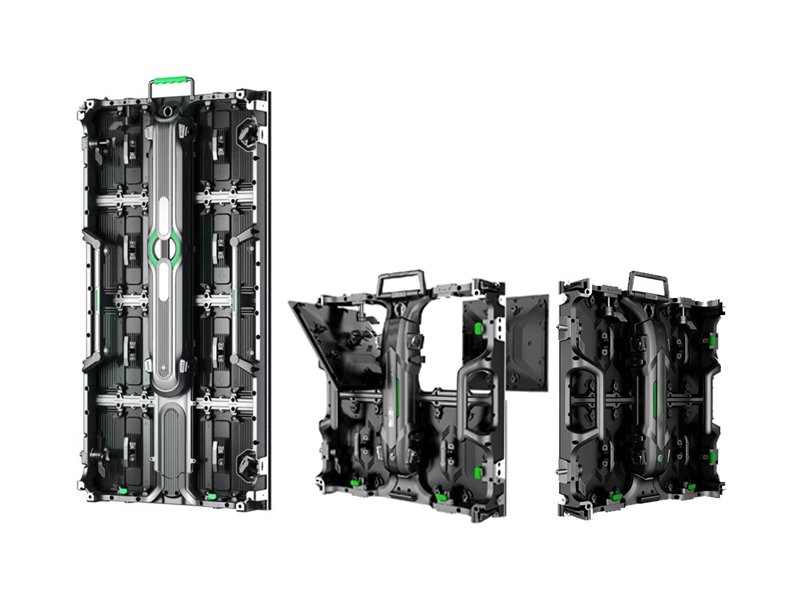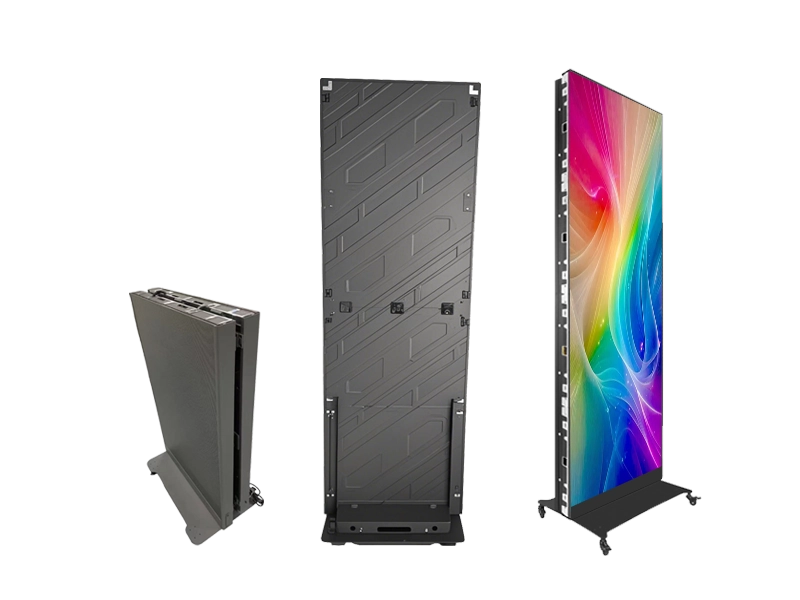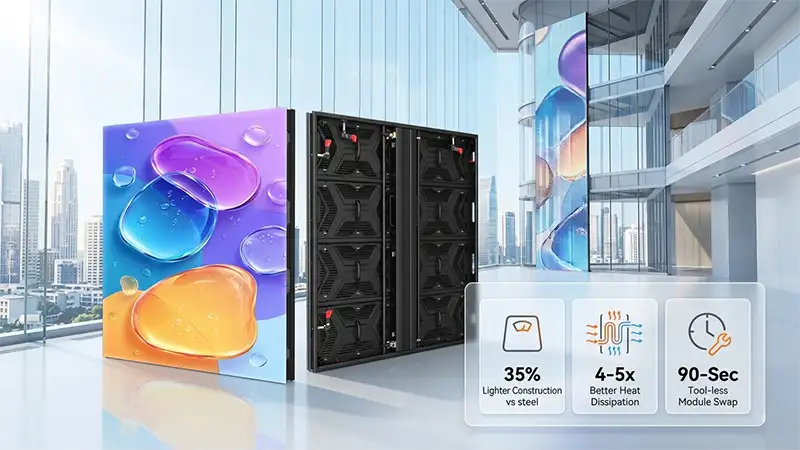
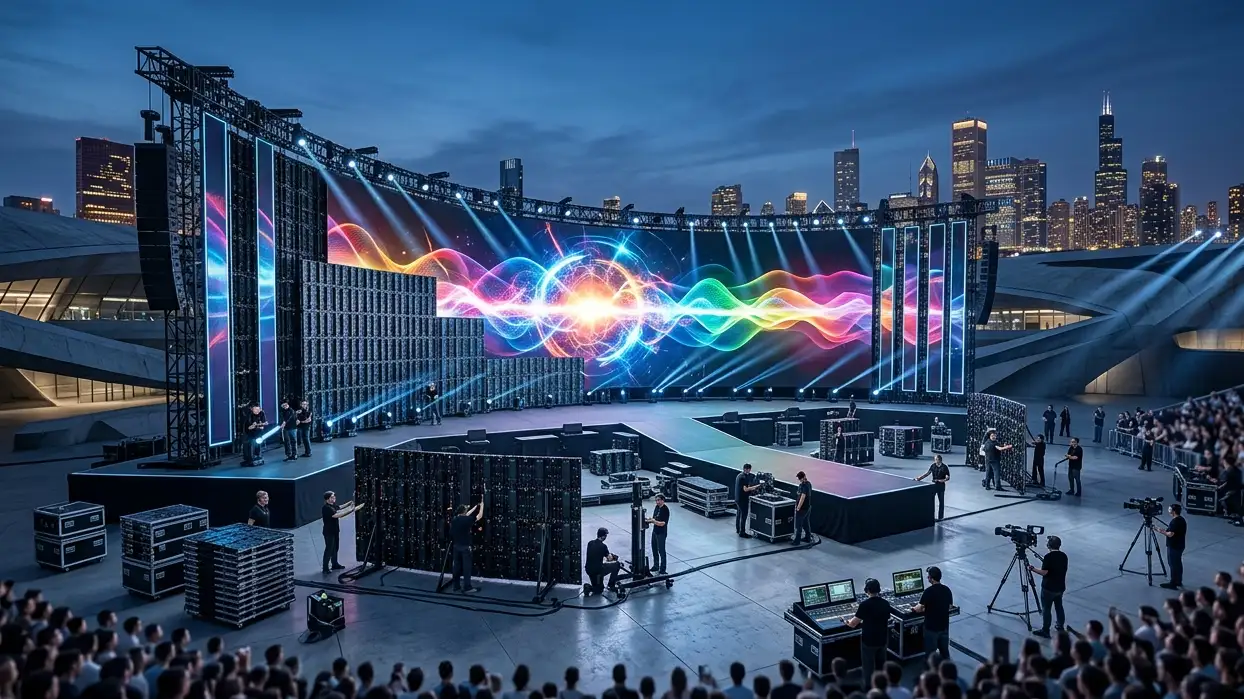
If you are an event production company, AV integrator, or rental LED buyer, the single most important decision is not which brand to pick, but whether the display is designed for the environment and handling cycle you will put it through. Outdoor concert screens need weather sealing and high brightness; indoor event screens require fine pixel pitch and front maintenance. Confusing the two – or buying a “hybrid” panel that does neither well – leads to higher total cost of ownership and client disappointment.
This guide synthesises years of real‑world rental experience into a single, practical reference. You will learn the key technical parameters (brightness, IP rating, pixel pitch, refresh rate, cabinet weight, maintenance access), how they apply to outdoor vs. indoor scenarios, and what to ask suppliers before placing an order. By the end, you will be able to build a rental inventory that actually makes money – not one that spends most of its time in repair.
The Fundamental Split – Outdoor vs. Indoor Rental Needs
Before diving into specifications, understand that an outdoor rental display and an indoor rental display serve different visual and physical demands.
| Criteria | Outdoor (Concerts, Festivals) | Indoor (Conferences, Exhibitions, Weddings) |
|---|---|---|
| Ambient light | Direct sunlight, overcast, stadium lights | Controlled room lighting, often dimmed |
| Brightness needed | 4,500 – 6,500 nits | 800 – 1,000 nits (dimming capable) |
| Weather protection | Mandatory IP65 (dust + water jets) | IP31 (indoor dust, no water requirement) |
| Typical viewing distance | 5 – 50+ metres | 1.5 – 15 metres |
| Pixel pitch sweet spot | P3.9 – P4.8 (P2.9 for close front sections) | P1.9 – P2.9 (P3.9 for large ballrooms) |
| Cabinet weight priority | 8–12 kg per 500×500mm (for trucking & rigging) | 7–9 kg (fast setup, low labour) |
| Maintenance access | Must have front & rear (fly towers, truss) | Front maintenance essential (often against wall) |
| Curving needs | ±5° increments for creative stage shapes | 0°,5°,10° for gentle arcs or flat walls |
A single panel cannot serve both worlds effectively. An IP65 outdoor panel is unnecessarily heavy and expensive indoors; an indoor panel will die in the first rain shower. Smart buyers maintain separate fleets or at least separate product lines.
Technical Parameters Explained (No Jargon Left Behind)
2.1 Brightness (Nits)
Brightness is measured in nits (cd/m²).
- Outdoor: 4,500 nits minimum under direct sun. Many premium outdoor rental panels (e.g., Adhaiwell R3 outdoor series) deliver 4,500–5,500 nits, which remains readable in midday summer events.
- Indoor: 8,00–1,000 nits is already very bright. The key is dimming capability – you need to lower brightness to match ambient levels without losing grayscale.
Real‑world note: An outdoor screen used indoors at full brightness will cause eye strain and wash out nearby objects. Always check whether the panel supports adjustable brightness (PWM dimming or ambient light sensor).
2.2 IP Rating (Ingress Protection)
The two digits: first = dust protection, second = water protection.
- IP65 = totally dust‑tight + protected against low‑pressure water jets. Required for any outdoor rental screen that may face rain, cleaning hoses, or morning dew.
- IP31 = dust protection against objects >2.5mm + vertically falling water drops. Totally fine for indoor events – never exposed to rain.
Warning: Some sellers claim “outdoor‑ready” without an IP rating. Reject them. Without IP65, your screen will corrode after a single festival season.
2.3 Pixel Pitch – The Clarity Rule
Pixel pitch (e.g., P2.6, P3.9) is the distance in millimetres between two adjacent pixels. Smaller pitch = higher resolution = shorter minimum viewing distance.
Rule of thumb for minimum viewing distance (metres) ≈ pixel pitch (mm) × 0.8 to 1.0.
Example: P2.6 → sharp from ~2.5 metres. P3.9 → sharp from ~3.5 metres.
Outdoor recommendation:
- P2.6 / P2.9 for VIP close zones (<5m)
- P3.9 for main audience area (5–10m)
- P4.8 for far field (>10m) – also the most cost‑effective for large festival walls.
Indoor recommendation:
- P1.5 – P1.9 for broadcast studios or front row <2m
- P2.6 – P2.9 for corporate events, trade shows (3–5m)
- P3.9 – P4.8 for large ballrooms and indoor arenas (6m+).
Do not over‑specify. A P1.9 indoor screen for a wedding with seating starting at 8 metres wastes budget – you will never see the extra resolution.
2.4 Refresh Rate (Hz) – Why Cameras Hate Low Refresh
Refresh rate tells how many times per second the screen updates the image.
- 3,840 Hz (3.8 kHz) is the minimum for flicker‑free camera recording.
- 1,920 Hz will show visible scan lines when filmed, especially under LED stage lights or fast shutter speeds.
Both outdoor and indoor rental panels used in any event with photo or video coverage must have ≥3,840 Hz. Many concert broadcast crews refuse to work with lower refresh screens.
2.5 Cabinet Weight & Construction
Every kilogram adds labour and shipping cost over hundreds of shows.
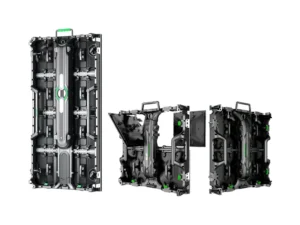
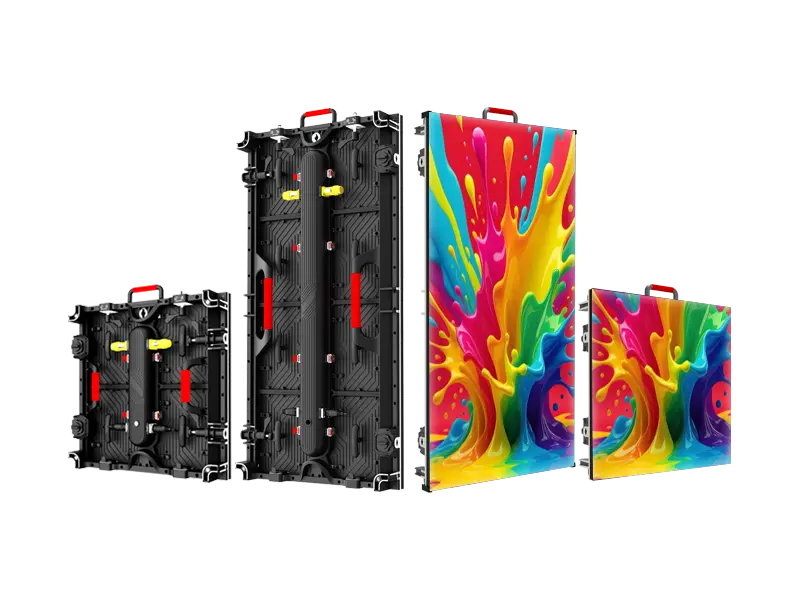
- Outdoor: Die‑cast aluminium cabinets weighing 8–10 kg per 500×500 mm (like the Adhaiwell R3 outdoor at 8 kg) are ideal. Heavier steel cabinets break technicians’ backs and increase trucking fees.
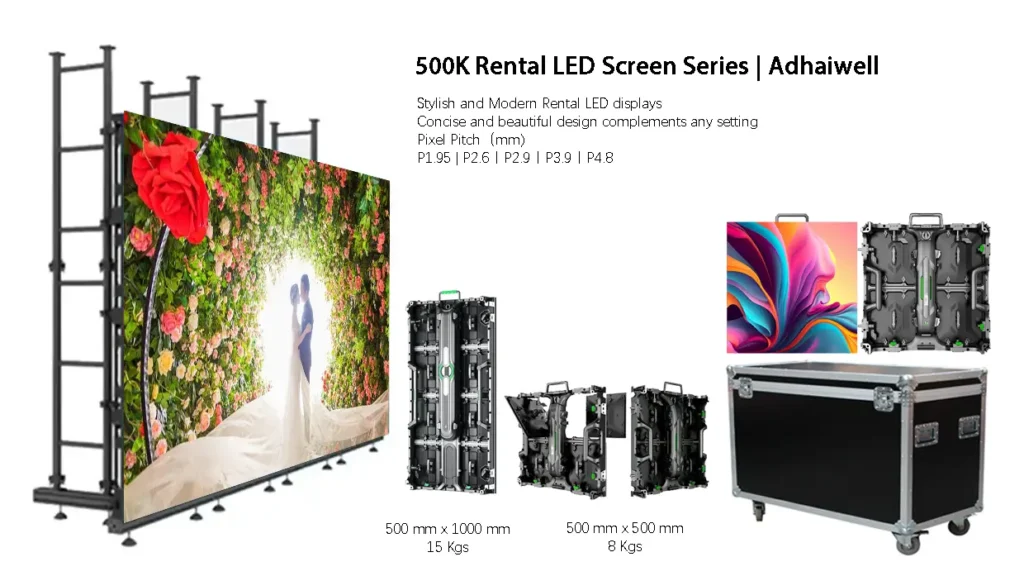
- Indoor: Even lighter, down to 7.5 kg per 500×500 mm (Adhaiwell 500K series). Lightweight also allows ground‑stacking without heavy truss.
Hard connection (integrated power + data connectors between cabinets) eliminates loose cables, speeds up setup by 3–4x, and improves reliability. Avoid panels that still require separate cable loops.
2.6 Front & Rear Maintenance
In rental, time is money. When a module fails, you must replace it immediately.
- Front maintenance (tool‑free or magnetic) allows swapping a module from the audience side. Critical for indoor screens flush against walls or outdoor screens rigged high on truss towers.
- Rear maintenance alone is unacceptable for any professional rental panel.
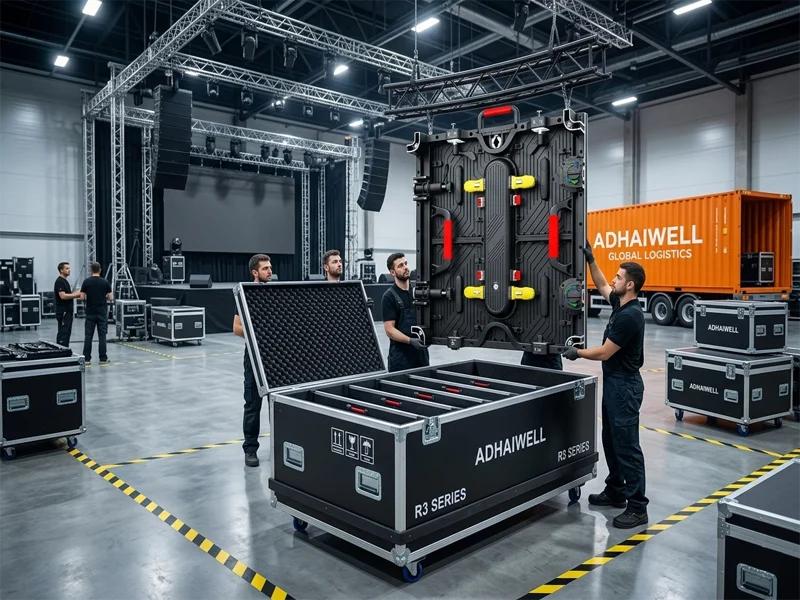
Good designs (e.g., R3 and 500K series) offer both front and rear access, with individual modules that unclip in seconds. Always ask: “Show me a video of a technician changing one module from the front while the rest of the screen stays on.”
Outdoor‑Specific Deep Dive – Concerts, Festivals & Tours
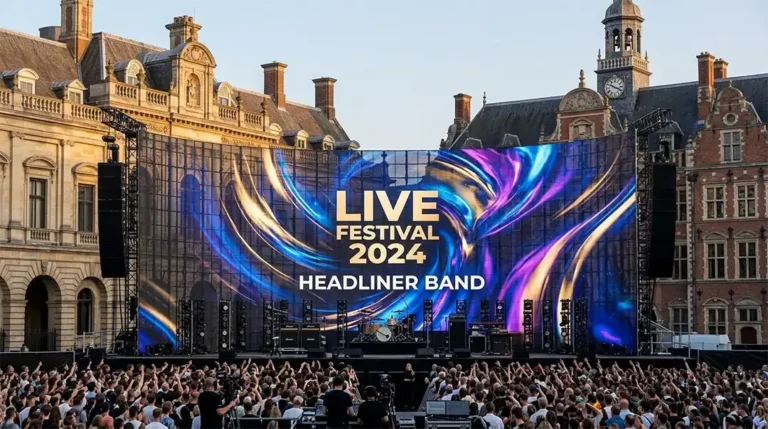
When you buy outdoor rental LED for stages and touring, these five features separate tour‑grade from event‑grade:
- IP65 with corner protection – Not just the front face, but the entire cabinet, including rear connectors. Road cases and stacking wear out IP ratings if corner seals are weak.
- 4,500+ nits with auto‑brightness – Morning ceremonies vs. night headliners require different brightness. Auto sensors save power and extend diode life.
- Curving range of at least ±5° – Modern stage designs use convex, concave, wave and 90° corner configurations. The R3 outdoor series offers –5° to +5° in 2.5° increments, plus seamless 90° corner locks for naked‑eye 3D effects.
- Tool‑free stacking & rigging – You will fly screens on truss and stack them on ground. Quick‑lock systems (10 seconds per cabinet) and integrated rigging bars reduce crew size.
- Global certifications (CE, RoHS, FCC, CCC) – Without these, you cannot legally use the screen in many countries.
Real‑world TCO example:
A 50m² outdoor wall using 8‑kg cabinets vs. 15‑kg cabinets saves roughly 350 kg in weight. Over 30 shows per year, that reduces freight cost by 3,000–5,000 annually. Add faster install (2 hours less per show) at 100/hourcrewlabour,andyousaveanother6,000. The lighter, better‑engineered panel pays for its higher upfront cost in less than two years.
Indoor‑Specific Deep Dive – Corporate, Exhibitions & Weddings
Indoor rental LED is less about brute force and more about refined image and operational speed.
- Pixel pitch matching the room – For a 4‑metre viewing distance, P2.6 is the sweet spot. Many buyers mistakenly buy P1.9 “to be safe” – but that doubles the cost for indistinguishable quality.
- Front magnetic maintenance – In a gala dinner or conference, you cannot stop to dismantle the wall. Magnetic front‑service modules (like 500K series) let you pop out a bad module with your fingers in 10 seconds.
- Ultra‑light cabinets (7–8 kg) – Your technicians will set up and strike dozens of shows. Every kilogram matters. Hard connection also means no loose cables to trip over.
- Silent operation (fan‑less or low‑noise) – Indoor events demand quiet. Check if the panel uses passive cooling or low‑RPM fans. Some cheap indoor panels sound like a vacuum cleaner.
- Flexible mounting – Ground stack, wall mount, truss hang, or even pole mount. Ensure the cabinet has standard rigging points and that the weight is balanced.
Common indoor mistake: Ignoring content preparation. Rental panels often receive low‑resolution video files. Always test your content resolution (e.g., 1920×1080 scaled across a wall of 500×500 cabinets) before the event. A stunning LED wall looks terrible with pixel‑stretched PowerPoint slides.
Procurement Checklist – Questions to Ask Every Supplier
Before you issue a purchase order, demand written answers to these:
- What is the exact brightness (nits) and is it adjustable down to 20%?
- IP rating – IP65 for outdoor, IP31 for indoor. Ask for test reports, not just marketing claims.
- Pixel pitch options – Do they offer the exact pitches you need (e.g., P2.6, P2.9, P3.9)?
- Cabinet weight per 500×500mm – less than 9 kg for outdoor, less than 8 kg for indoor is good.
- Maintenance – Front and rear? Tool‑free or magnetic? Can a single person replace a module in under 30 seconds?
- Refresh rate – Confirmed ≥3,840 Hz, not “up to”.
- Spare parts policy – Minimum 5% spare modules and power supplies included? Lead time for additional spares?
- Certifications – Provide PDFs of CE, RoHS, FCC.
- Warranty – 2 years minimum, 3–5 years for premium lines.
Comparison Snapshot – Adhaiwell R3 Outdoor vs. 500K Indoor
To give you a concrete example of two well‑engineered rental lines:
| Feature | R3 Series (Outdoor – Stage/Concert) | 500K Series (Indoor – Event/Exhibition) |
|---|---|---|
| Pixel pitch range | P2.6, P2.9, P3.9, P4.8 | P1.95, P2.6, P2.9, P3.9, P4.8 |
| Brightness | 4,500 nits | 800–1,000 nits (adjustable) |
| IP rating | IP65 | IP31 |
| Cabinet weight (500×500) | 8 kg | 7.5 kg |
| Refresh rate | 3,840 Hz+ | 3,840 Hz+ |
| Maintenance | Front & rear, tool‑free | Magnetic front‑service |
| Curving | –5° to +5° in 2.5° steps, plus 90° corners | 0°,5°,10° (bevelled design) |
| Connection | Hard connection (integrated) | Hard connection (integrated) |
| Certifications | CE, RoHS, FCC, CCC | CE, RoHS, FCC, CCC |
Both series are built for rental cycles: die‑cast aluminium, corner protectors, fast locks, and global voltage (110–240V). The choice depends entirely on your target events.
Essential Rental LED Display FAQ: Expert Insights for Professional Buyers
Answers to Your Most Critical Sourcing and Technical Questions
Final Word – Build a Rental Inventory That Works
The rental LED market is growing fast, but so is the number of poorly designed panels that claim to be “rental ready”. A true rental display is light, rugged, fast to repair, and perfectly matched to its environment – outdoor or indoor. Do not let price per square metre fool you. Calculate total cost per show, including labour, transport, repairs, and downtime.
Before you order, ask for a live demo. Test brightness under real light. Try a module swap with your own technician. Check the corners after stacking. And always get certifications in writing.
Ready to upgrade your rental fleet or launch a new inventory?
Adhaiwell provides both outdoor stage‑concert screens (R3 Series) and indoor event displays (500K Series) with full certification, lightweight die‑cast cabinets, and front‑rear maintenance. Request a detailed quote and technical consultation tailored to your typical event mix.