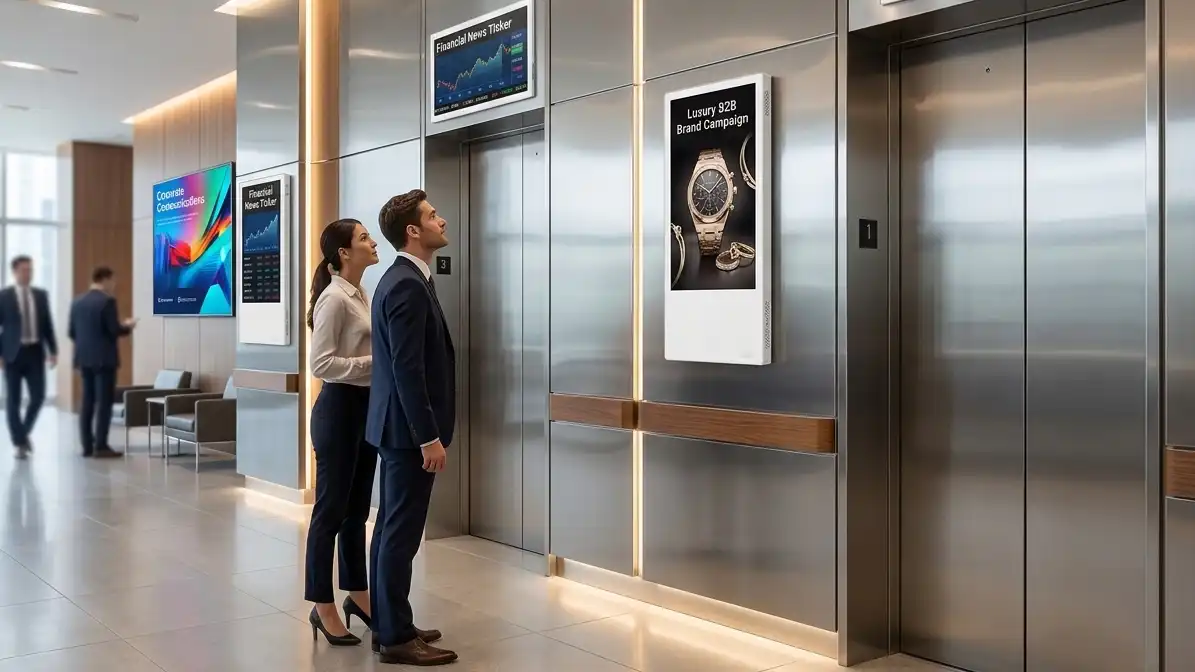
When you are evaluating elevator digital signage for a commercial building, hotel lobby, or residential tower, the sheer number of choices can be overwhelming. Android elevator LCD digital signage with cloud CMS has become the industry standard for smart building advertising, yet many buyers still get stuck comparing spec sheets that don‘t translate into real-world performance.
This buying guide cuts through the marketing noise. We’ll walk you through screen size selection, system architecture, cloud CMS evaluation, supplier due diligence, installation methods, and total cost of ownership — so you can make an informed procurement decision whether you are an overseas LED display buyer, system integrator, or project contractor.
Key Takeaways:
- Environment dictates everything — match brightness and hardware durability to actual installation conditions.
- Cloud CMS is the real value driver; ensure remote scheduling, multi-screen control, and real-time monitoring.
- Screen size selection is critical: 15.6″–21.5″ for cabin interiors, larger sizes for lobby installations.
- Prioritize manufacturers with factory-direct pricing, OEM/ODM flexibility, and verifiable certifications (CE, FCC, RoHS).
- Total cost includes hardware, CMS licensing, installation, and long-term maintenance; budget accordingly.
What Is Android Elevator LCD Digital Signage with Cloud CMS?
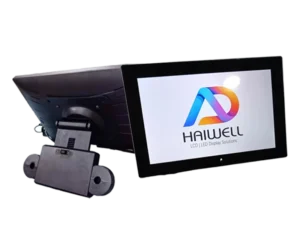
Before diving into selection criteria, let‘s get clear on what this product actually is. An Android elevator LCD digital signage is a purpose-built intelligent display designed for elevator cabins and building lobbies. Unlike traditional consumer TVs or basic LED floor indicators, these commercial-grade units run on the Android operating system and come pre-integrated with multimedia playback hardware.
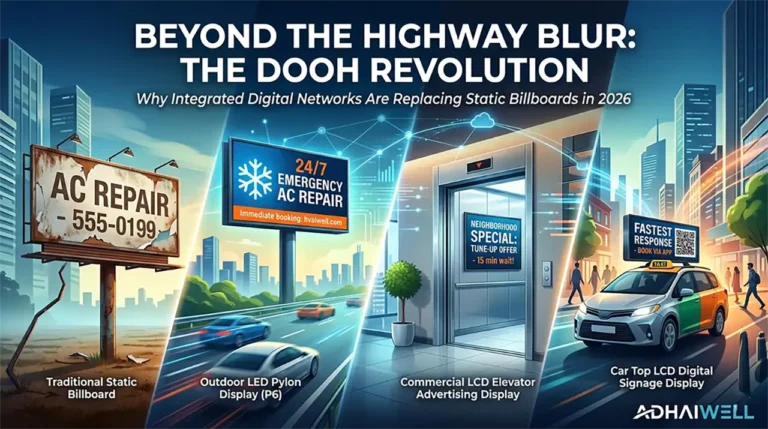
The “Cloud CMS” component is what separates modern digital signage from older USB-based systems. A cloud-based content management system allows you to remotely update content, schedule playlists, monitor device status, and push emergency alerts across hundreds of screens from a single web dashboard. This remote management capability dramatically reduces operational overhead — no more sending technicians to swap SD cards or USB drives.
The core value proposition is straightforward: you install these screens in high-traffic indoor environments like office building lobbies, shopping malls, and apartment elevators. Passengers engage with your content during their daily elevator rides — a captive audience of business professionals, residents, and visitors. Building owners monetize the space through advertising revenue, while tenants and property managers use the screens for internal communications.

Why Cloud CMS Matters More Than Hardware Specs
Many buyers obsess over brightness numbers and resolution figures while overlooking the software layer that actually drives value. The truth is, hardware specifications from a reputable Chinese manufacturer have largely commoditized — most commercial-grade Android LCD panels in 2026 deliver perfectly adequate indoor performance.
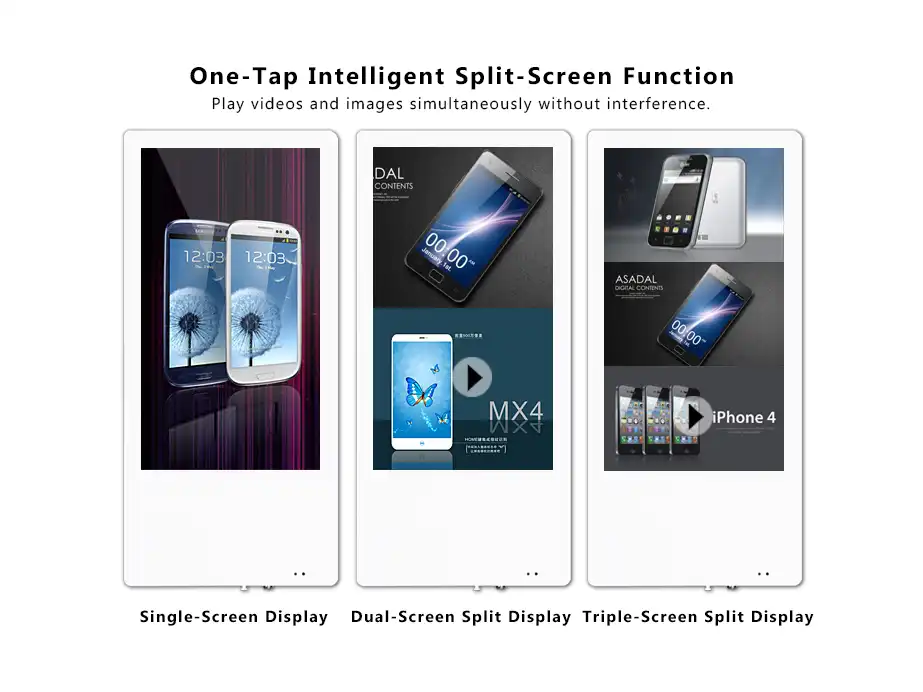
The real differentiator is the cloud CMS. Here is what you should evaluate:
Remote content scheduling. Can you set different playlists for morning rush hour, midday, and evening? A good cloud CMS supports time-based scheduling and holiday-specific campaigns.
Multi-screen control. Managing 50 elevator screens across 20 buildings should not require 50 separate logins. Look for centralized fleet management with real-time status visibility.
Offline playback with local caching. Elevators experience network interruptions. The signage must continue playing content seamlessly when the connection drops, then sync updates once connectivity is restored.
Monitoring and proof-of-play reporting. You need to know that screens are actually displaying your advertisers’ content. Real-time device health monitoring and screenshot capture with timestamps provide audit trails for advertisers.
Integration capabilities. Does the CMS offer an API? Can it pull weather feeds, RSS news, or integrate with building management systems for emergency alerts? Future-proof your investment by ensuring connectivity options beyond basic playback.
Some manufacturers bundle free cloud CMS with no recurring license fees; others charge monthly per-screen subscriptions. Factor this into your TCO calculation before signing any procurement agreement.
Screen Size Selection: Match the Display to the Space
Screen size is perhaps the most misunderstood parameter in elevator signage procurement. The wrong size either overwhelms the space or becomes invisible. Here is a practical breakdown:
| Installation Location | Recommended Screen Size | Key Consideration |
|---|---|---|
| Elevator cabin interior (small car) | 15.6″ – 18.5″ | Close-proximity viewing; portrait orientation preferred |
| Elevator cabin interior (standard car) | 21.5″ – 24″ | Elevator cabin (large car/freight) |
| Elevator lobby/waiting area | 27″ – 32″ | Wider viewing angles required |
| Elevator lobby / waiting area | 32″ – 43″ | Landscape orientation; higher brightness recommended |
| Corridor or multi-screen network | 21.5″ – 32″ | Consistent sizing across deployment |
The 21.5-inch display has emerged as the industry sweet spot for standard elevator cabins. It provides adequate visibility without dominating the confined space. For lobby installations where passengers wait longer, larger 43-inch displays command attention while passengers stand 3–5 feet away.
Portrait orientation generally works better for cabin interiors — the vertical format aligns with passenger sightlines when standing. Lobby installations often use landscape orientation to match wall proportions and accommodate richer content layouts.
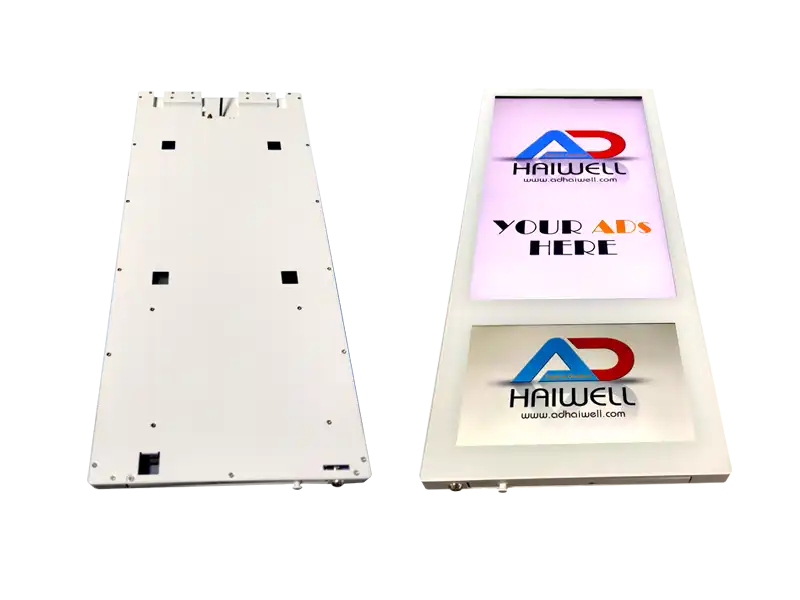
Technical Specifications That Actually Matter
Stop obsessing over numbers that don‘t impact real-world performance. Focus on these five parameters:
Brightness (nits). For indoor elevator environments, 350–500 nits is sufficient. Elevator cabins typically have controlled lighting conditions, not direct sunlight. Higher brightness than necessary wastes power and generates unnecessary heat.
Resolution. 1080p Full HD (1920×1080) remains the practical standard. 4K resolution sounds impressive but provides minimal perceptible benefit at close viewing distances in an elevator cabin, while consuming more processing power and storage.
Viewing angle. Look for IPS panels with 178° horizontal and vertical viewing angles. Elevator passengers stand at various positions; narrow viewing angles produce washed-out colors for anyone not standing directly in front.
Commercial-grade construction. Consumer displays use components rated for 3–5 hours of daily operation. Elevator signage runs continuously. Verify that the manufacturer specifies industrial-grade components with MTBF (mean time between failures) exceeding 50,000 hours.
Vibration and EMC protection. Elevators generate electromagnetic interference from motors and control systems. Legitimate elevator signage passes EMC electromagnetic compatibility testing to prevent screen flicker or system crashes.
LCD vs. LED: One Clarification That Saves You Money
A persistent confusion in the market: many people still confuse basic LED floor indicators with professional LCD media screens.
Here is the distinction: LED displays in elevators are typically low-resolution status indicators — think floor numbers and direction arrows, driven directly by the elevator control system. They serve a purely functional purpose.
Android elevator LCD digital signage is a completely different category: high-definition multimedia playback devices running Android OS, capable of displaying full-motion video, images, text, and interactive content. These are commercial advertising terminals designed for revenue generation, not basic elevator operation.
If your goal is generating advertising revenue or upgrading tenant communications, you need LCD signage, not basic LED indicators. Do not let suppliers sell you the wrong category.
Android OS Version and System Architecture
Android OS version directly impacts long-term usability. As of 2026, Android 10.0–11.0 are the current mainstream versions. Here is what to verify:
| Component | Minimum Requirement | Why It Matters |
|---|---|---|
| Android OS | Android 11 or higher | App compatibility and security updates |
| CPU | Quad-core 1.8GHz+ | Smooth video playback without stuttering |
| RAM | 2GB minimum / 4GB recommended | Multi-tasking and future app support |
| Storage | 32GB eMMC | Enough for local content caching |
| Connectivity | WiFi + Ethernet + optional 4G | Flexible deployment; 4G for elevators without data cabling |
Ask your China manufacturer whether they provide system OTA (over-the-air) updates. Some suppliers lock the Android version at the factory with no update path — you will be stuck with outdated software two years into a five-year deployment.
Which Buildings and Projects Need Elevator Digital Signage?
Not every building justifies elevator digital signage. Here is where the ROI works:
Office buildings. Daily foot traffic of business professionals creates predictable, repeat exposure. Advertisers targeting working professionals pay premium rates for this audience.
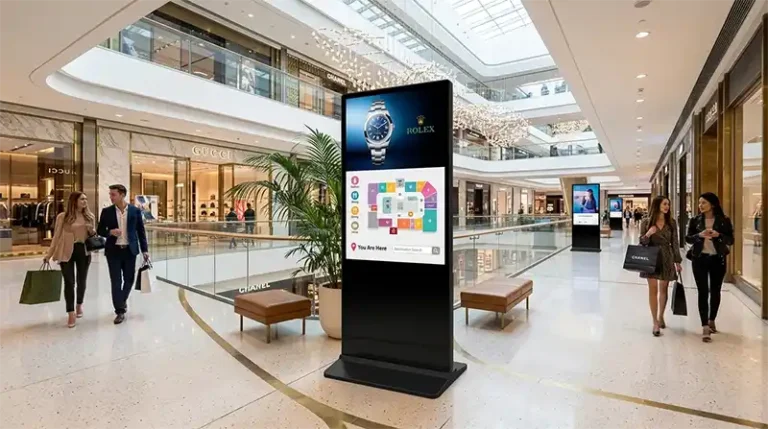
Commercial buildings and shopping malls. High traffic volume and diverse shopper demographics support multi-advertiser rotation models.
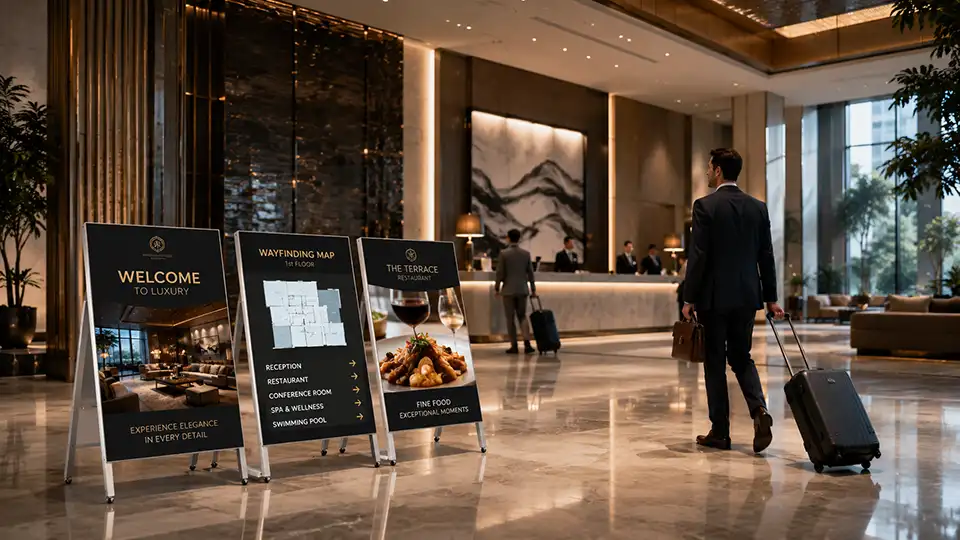
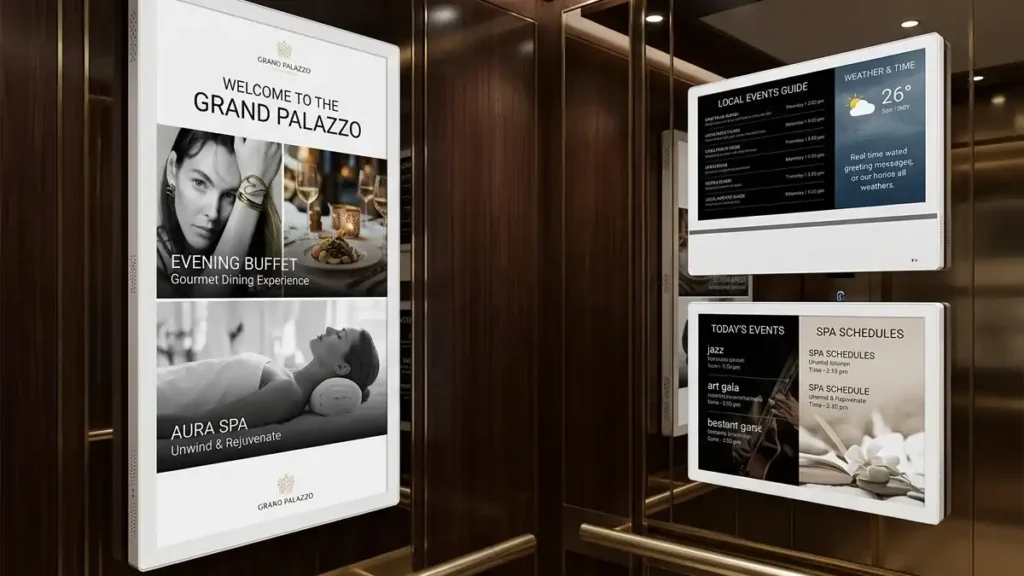
Hotel lobbies and guest elevators. Hotels can cross-promote restaurants, spas, events, and local attractions directly to guests.
Apartment elevators and residential towers. Tenant communication (maintenance notices, community events) plus targeted local advertising — real estate agents, home services, nearby retailers.
Real estate project sales centers. Property developers use elevator signage to showcase floor plans, available units, and promotional videos directly to prospective buyers.
Mixed-use developments. One signage network serving office tenants, retail tenants, and residential occupants — single infrastructure investment with multiple monetization channels.
Lobby and waiting area installations typically justify larger screen sizes (32″–55″) and higher brightness. Cabin interiors work best with 15.6″–21.5″ displays in portrait orientation.
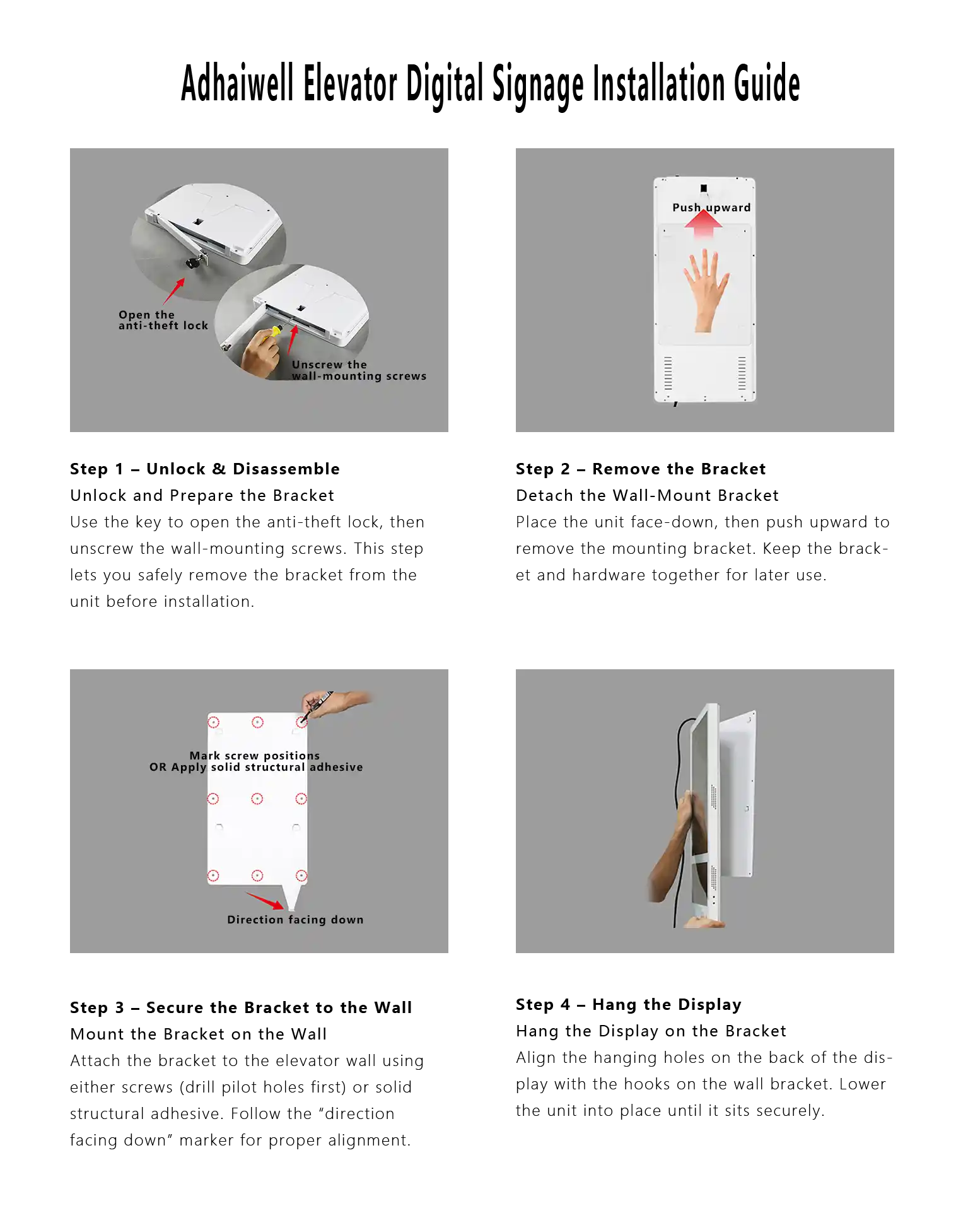
Wall-Mounted Installation: What Integrators Need to Know
Wall-mounted LCD signage in elevators requires specific considerations that typical indoor displays do not:
Mounting bracket compatibility. Elevator walls are often thin metal panels. Ensure the supplier provides appropriate mounting hardware for your elevator cab construction. Standard VESA patterns (100×100mm, 200×100mm, 200×200mm) are common; verify alignment before ordering.
Power cabling. Elevator cabins have limited power availability. The signage must operate on the elevator’s existing power supply (typically 110–220V AC with voltage fluctuations). Confirm wide voltage input support.
Signal connectivity. WiFi often fails in elevator shafts due to metal interference. Ethernet cabling through traveling cables is possible but expensive. Many integrators prefer 4G cellular signage for cabin installations — independent of building internet infrastructure and unaffected by elevator movement.
Heat dissipation. Enclosed spaces with limited airflow require proper thermal management. Ensure the display includes adequate venting or passive cooling design; consumer displays will overheat in continuous operation.
Retrofit vs. new construction. Retrofitting existing elevators adds complexity — ensure your supplier has experience with elevator retrofit installations and can provide installation guidance.
For elevator lobby wall mounting, standard drywall or concrete wall installation with recessed or surface-mount options is straightforward. Most project contractors complete lobby installations in 1–2 hours per unit.
How to Judge China Manufacturer and China Supplier Reliability
China remains the dominant global source for digital signage manufacturing, with concentrated industrial hubs in Shenzhen, Guangzhou, and Dongguan offering vertically integrated supply chains. However, the gap between genuine manufacturers and trading companies is substantial, and the difference shows up when screens start failing, and no one answers support calls.
Use this due diligence framework:
Check certifications that matter. CE certification is mandatory for European sales. FCC certification is required for the United States. RoHS compliance is non-negotiable for global markets. Any supplier unable to provide this documentation is not qualified.
Request customer references and case studies. Legitimate manufacturers with multi-year export experience can share case studies from clients in your region. Be suspicious of “confidentiality” excuses for all past projects.
Evaluate OEM/ODM depth. Can they customize the Android launcher with your branding? Do they offer custom enclosure colors or materials? Can they modify system firmware for your specific requirements? Limited customization capability indicates a rebrander, not a manufacturer.
Assess lead times and MOQ. Standard product lead times from actual factories run 5–15 days; custom orders run 20–30 days. Minimum order quantity of 1–5 units is common for sample orders; legitimate manufacturers support trial quantities before bulk procurement.
Test responsiveness before purchase. A supplier’s response time during the inquiry phase predicts post-sale support quality. Look for reply times under 24 hours with technically substantive answers, not generic spec sheets.
Long-Term Maintenance and Total Cost of Ownership
Hardware purchase price is only the beginning. Here is how TCO breaks down for a typical 5-year deployment:
| Cost Component | Typical Range (USD per unit) | Notes |
|---|---|---|
| Hardware (one-time) | $200 – $600 | Depends on screen size and specs |
| CMS license (annual) | $0 – $120 | Adhaiwell manufacturers include a free CMS |
| Installation (one-time) | $100 – $300 | Local integrator rates vary |
| Maintenance (annual) | $50 – $150 | On-site repair or replacement |
| Content creation (optional) | Varies | In-house or outsourced |
Warranty is critical. Standard commercial signage warranty is 12–24 months on parts. Extended warranty options should be negotiated at procurement, not requested after failure. Confirm what the warranty covers — does it include on-site replacement, or do you ship defective units back to China?
Ask about spare parts availability. A manufacturer with a global service infrastructure can ship replacement mainboards or power supplies within days. A supplier that cannot provide spares after 6 months leaves you with expensive paperweights.
FAQ: Installation, Content Updates, After-Sales, Customization
Q: Can I install elevator LCD signage in any elevator?
Most modern elevators can accommodate signage, but older elevator cabins may have space constraints or limited power availability. Pre-installation site survey is recommended. Surface-mount installations require at least 2–3 inches of clearance for the display depth.
Q: How do I update content across multiple buildings?
Cloud CMS allows remote updates from any web browser. Upload content once, schedule playback times, and all screens sync automatically. Some manufacturers also provide mobile apps for quick content pushes [6†L23-L29].
Q: What happens if the network connection drops?
Quality signage includes local storage and offline playback capability. The display continues showing the last cached playlist until the connection is restored, at which point it syncs new content.
Q: Can I combine advertising with building emergency alerts?
Yes. Good cloud CMS platforms allow priority override — emergency alerts or important building announcements play immediately, interrupting regular advertising content. This is a critical safety feature for commercial buildings.
Q: How long does shipping take from China manufacturers?
Express shipping (DHL/FedEx): 5–10 days for samples. Air freight: 7–15 days. Sea freight: 30–45 days for container orders. Plan procurement lead times accordingly, especially for project deadlines.
Q: What is the typical minimum order quantity?
Most legitimate manufacturers accept sample orders of 1–5 units. Bulk order MOQ varies by manufacturer — 50–100 units is common for custom OEM/ODM production.
Q: Do you support custom branding and private labeling?
Yes, genuine China digital signage manufacturers offer OEM and ODM services, including logo printing, custom packaging, firmware branding, and startup screen customization.
Summary: Your Elevator Digital Signage Procurement Checklist
Before signing any purchase order, run through this checklist:
- Environment confirmed — Cabin interior or lobby? Lighting conditions verified?
- Screen size selected — Correct size for installation location? Portrait or landscape?
- Brightness appropriate — 350–500 nits for indoor; no over-specification?
- Android version current — Android 11 or higher with update path?
- Cloud CMS evaluated — Remote scheduling, monitoring, and API access?
- Manufacturer verified — Factory-direct? Certifications provided? Samples available?
- Installation method planned — Power source identified? Connectivity method chosen?
- Warranty and support confirmed — Coverage period? Spare parts availability?
- Total cost calculated — Hardware + shipping + installation + maintenance + license?
Need a reliable China manufacturer for your elevator LCD digital signage project? We manufacture commercial-grade Android elevator displays with cloud CMS, available in sizes from 15.6″ to 43″, with full OEM/ODM support, CE/FCC/RoHS certifications, and global shipping. Submit your project requirements — including quantity, target delivery date, and any custom specifications — for a detailed quote within 24 hours.