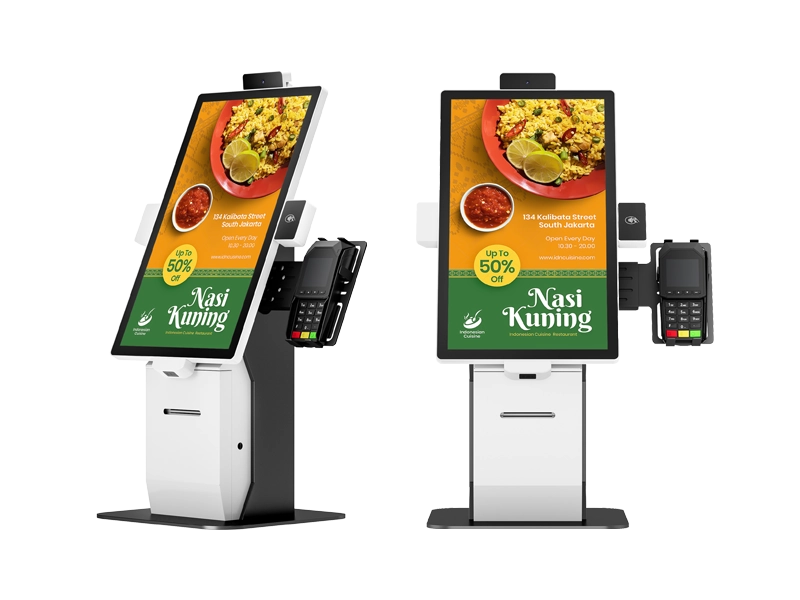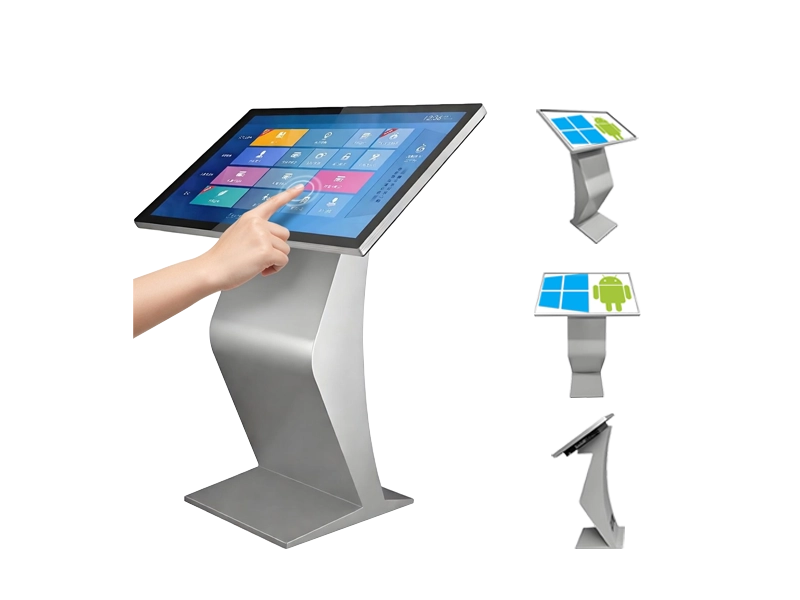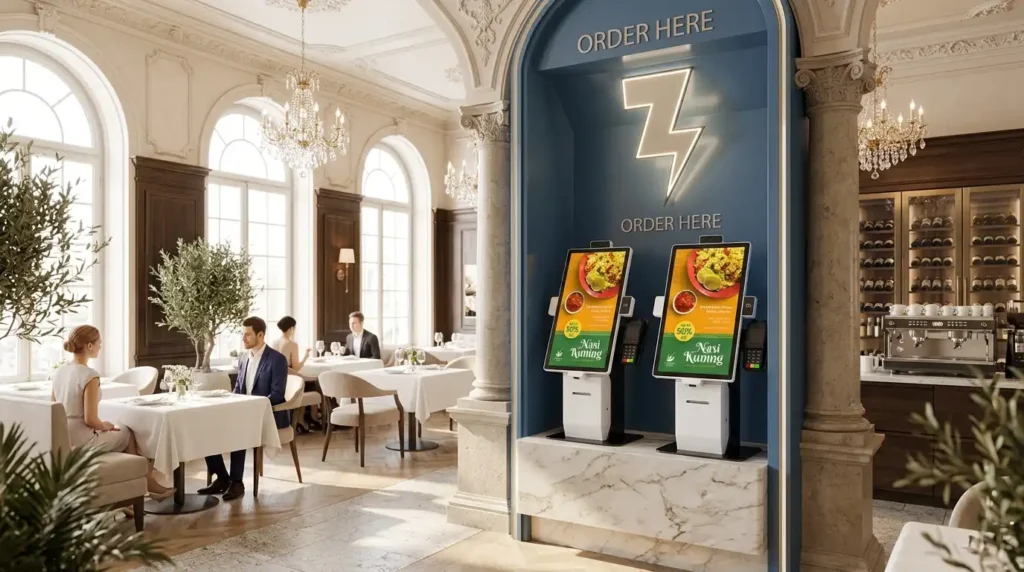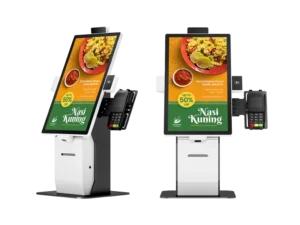
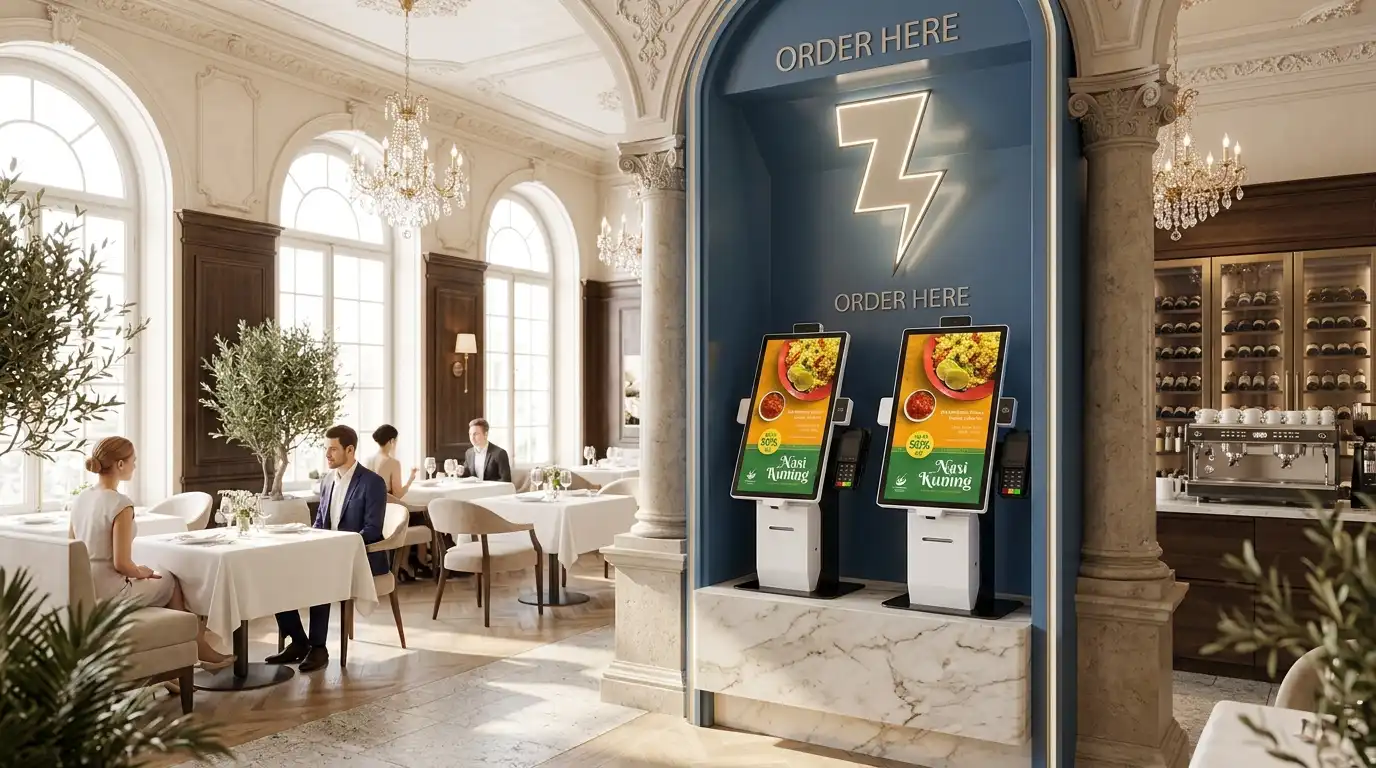
Self-ordering kiosk POS integration gives restaurants another way to take orders without adding another cashier station.
For a customer, the appeal can be simple: walk up to a screen, take time to read the menu, customize the order, review it and pay. For restaurant operators, the bigger question is more practical: Will the kiosk work with the existing POS, payment hardware and kitchen workflow?
That question matters more than the screen itself.
Self-ordering kiosks are becoming a more established part of QSR, fast-casual, café and food-service operations. But the best deployment is not necessarily the one with the most features. It is the one that fits the restaurant’s software, physical layout, customer expectations and operational model.
Key Takeaways
- Self-ordering kiosks are an additional ordering channel, not necessarily a replacement for human service.
- POS compatibility should be confirmed before selecting kiosk hardware.
- Customers may prefer kiosks because they offer more control, privacy and time to review an order.
- Self-service can be particularly useful for some customers who prefer not to communicate verbally when ordering.
- Android, Windows and Linux each suit different software environments.
- Payment terminal compatibility is especially important for international deployments.
- Kiosk placement, queue design and UI quality can be just as important as hardware specifications.
- Reliable commercial hardware matters because kiosk failures can quickly damage the customer experience.
- For B2B projects, OEM/ODM flexibility can be more valuable than a one-size-fits-all kiosk.
How does a self-ordering kiosk work with a restaurant POS system?
A self-ordering kiosk normally sits between the customer and the restaurant’s digital ordering workflow, with the POS remaining the central transaction system.
A typical workflow looks like this:
Customer → Kiosk Interface → Ordering Software → POS → Kitchen/KDS → Payment/Receipt
The kiosk provides the physical touchscreen and peripheral hardware. The restaurant’s software controls the menu, modifiers, prices, ordering logic and other application functions.
A properly integrated system can allow customers to:
- Browse menu categories
- Select menu items
- Add modifiers and customizations
- Review the order
- Choose dine-in or takeaway options
- Pay through the supported payment workflow
- Receive a printed or digital receipt
- Send the completed order into the restaurant’s POS and kitchen workflow
This is why POS compatibility should be checked before buying hardware.
A kiosk can have a high-resolution display and a good-looking enclosure, but if the restaurant’s POS software cannot run on the selected operating system or communicate with the required peripherals, the hardware alone will not solve the ordering problem.
For system integrators, this is also why an open hardware platform can be useful. Adhaiwell’s self-ordering kiosk hardware supports Android, Windows and optional Linux configurations, allowing integrators to select the hardware environment around their own software stack.
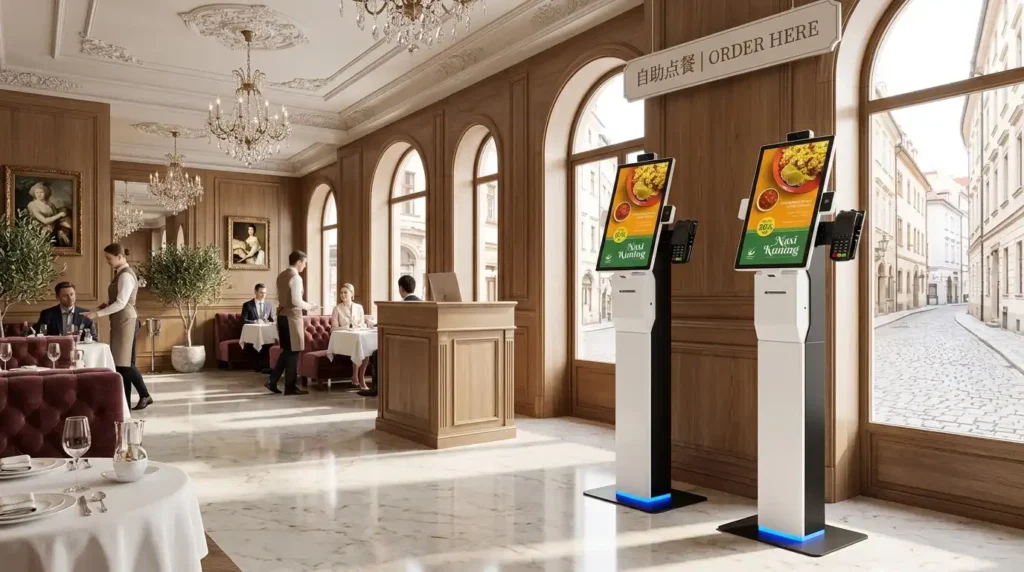
Why do some customers prefer self-ordering kiosks to ordering at the counter?
A kiosk gives customers more control over how they order, including customers who may prefer not to explain their order verbally.
The reasons are not always about speed.
Some customers simply prefer to browse a menu without feeling that someone is waiting for them to decide. Others want to review ingredients, modify an order or compare options before paying.
There is also an accessibility and communication angle that deserves more attention.
A customer who stutters, has a speech-related communication difficulty, has hearing difficulties or is not comfortable ordering in the local language may find a visual ordering interface easier in some situations.
A Reddit discussion about self-service kiosks included a user who described the technology as particularly helpful because ordering verbally was difficult for them. Similar accessibility guidance has highlighted self-ordering technology as potentially useful for people who stutter because it provides an alternative to speaking directly with a cashier.
That does not mean kiosks should replace human service.
Choice is the better model.
A restaurant can provide:
- Self-ordering kiosks
- Traditional cashier ordering
- Mobile ordering
- QR ordering
- Assistance for customers who need it
The goal should be to add another ordering channel, not force every customer into the same one.
Which restaurants benefit most from self-ordering kiosks?
Self-ordering kiosks generally make the most sense where customers order and pay before receiving food and where peak-hour queues create pressure on the front counter.
Good applications include:
- Quick-service restaurants
- Fast-casual restaurants
- Cafés
- Bakeries
- Food courts
- Food halls
- University dining
- Airports and travel hubs
- Stadium and entertainment venues
- Hospital cafés
- Convenience-store food counters
Highly customizable menus can also benefit because customers can make selections directly instead of verbally explaining every modifier to a cashier.
The business case is becoming more relevant as restaurant operators continue investing in digital ordering technology. The National Restaurant Association reported that 30% of restaurant operators planned to devote resources to self-order/self-pay systems such as tablets or kiosks in 2025.
Consumer interest is also moving in the same direction. Tillster’s 2025 research surveyed 1,500 U.S. QSR and fast-casual consumers and found that 61% wanted more restaurant kiosks available for ordering, compared with 57% in 2024 and 36% in 2023.
But adoption does not automatically mean success.
The restaurant still needs a good menu structure, reliable hardware, sensible placement and staff who can assist customers when something goes wrong.
What should buyers look for in self-ordering kiosk hardware?
Buyers should evaluate POS compatibility, payment hardware, screen size, installation format and long-term reliability before comparing kiosk appearance or price.
A practical procurement checklist includes:
1. Operating system
Choose the OS according to the software environment.
Android can be suitable for cost-sensitive deployments and lightweight dedicated applications.
Windows can be useful when the restaurant or integrator already operates Windows-based POS or enterprise software.
Linux can make sense for custom software environments where the integrator wants greater control over the operating system.
There is no universally “best” operating system. The right choice depends on the software being deployed.
2. Screen size
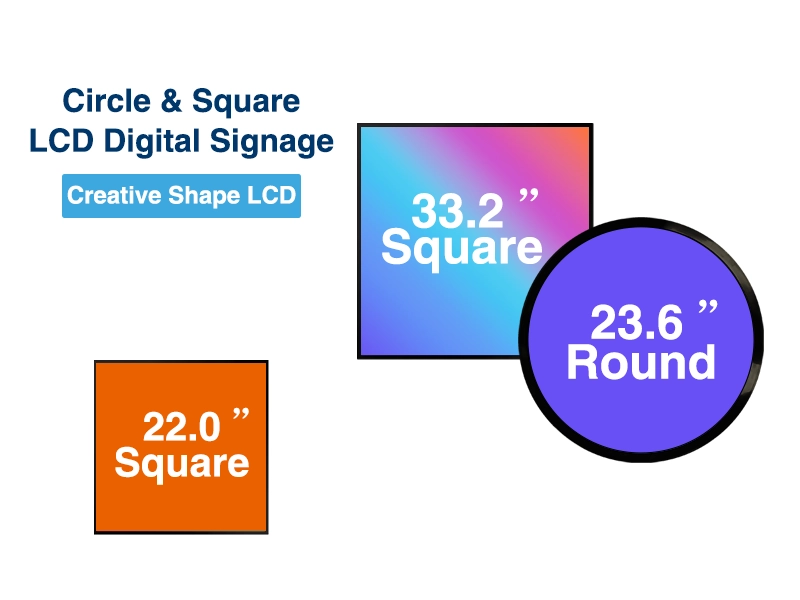
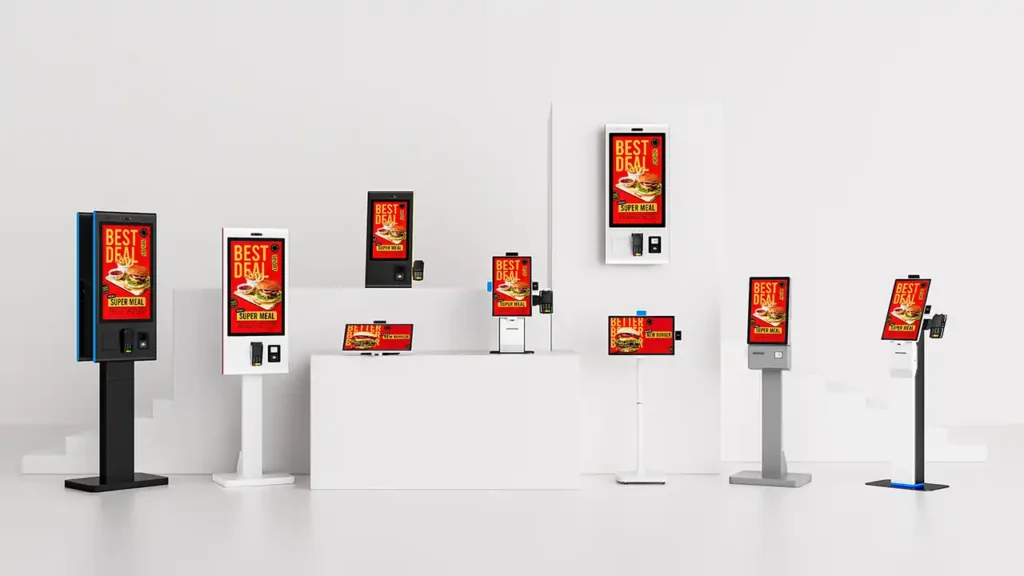
Common commercial configurations range from approximately 15.6″ to 32″.
A smaller 15.6″ or 21.5″ screen can work well where counter space is limited. Larger 27″ or 32″ displays can provide more room for visual menus, customization and accessibility considerations.
Adhaiwell’s current platform is available in 15.6″, 21.5″, 23.8″, 27″ and 32″ configurations.
3. Touchscreen quality
A commercial kiosk should not be treated like a consumer tablet.
Look for:
- PCAP capacitive touch
- Multi-point touch
- Clear viewing angles
- Anti-glare treatment where appropriate
- Reliable touch response
- A display designed for extended commercial use
4. Payment terminal compatibility
This is one of the most important details in an international kiosk project.
Payment hardware differs between countries and POS ecosystems. Instead of assuming that one built-in payment device will work everywhere, buyers should confirm which terminal will be used.
A modular payment-terminal bracket can make deployment easier.
Adhaiwell provides customized mechanical brackets for customer-supplied EFT-POS terminals, including configurations designed around common terminal brands such as Verifone, Ingenico and PAX. The actual payment terminal and payment gateway remain the customer’s responsibility.
5. Peripheral options
Depending on the application, buyers may need:
- 58 mm or 80 mm thermal printer
- 1D/2D barcode scanner
- QR scanner
- NFC reader
- Camera
- RFID or IC card reader
- Payment terminal bracket
Not every restaurant needs every peripheral.
The best configuration is the one that matches the actual workflow.
Why is POS integration more important than the kiosk screen itself?
Because a kiosk is only useful when the hardware, software, payment process and kitchen workflow operate as one system.
A common purchasing mistake is to compare kiosks primarily by screen size, CPU specification or appearance.
Those specifications matter, but they are not enough.
Before placing an order, the buyer should confirm:
- Which POS system will be used?
- Which ordering software will run on the kiosk?
- Which operating system does that software require?
- How will the order reach the POS?
- How will payment be processed?
- Is a printer required?
- Does the payment terminal need a custom bracket?
- What network connection is required?
- Who maintains the software?
- Who provides technical support after installation?
This distinction is particularly important for B2B projects.
Adhaiwell positions its kiosk as hardware infrastructure for POS software providers and system integrators, rather than as a complete restaurant SaaS platform. The customer can deploy its own application and select the appropriate operating system, payment device and software environment.
For buyers looking for restaurant self-ordering kiosk hardware, this approach can be useful when the software platform has already been selected.
Where should restaurants install self-ordering kiosks?
The best location is usually close enough to the entrance or queue to capture ordering demand without creating another bottleneck.
Possible locations include:
- Restaurant entrances
- Existing ordering queues
- Counter areas
- Food-court entrances
- Lobby areas
- Pickup zones
- Wall sections with limited floor space
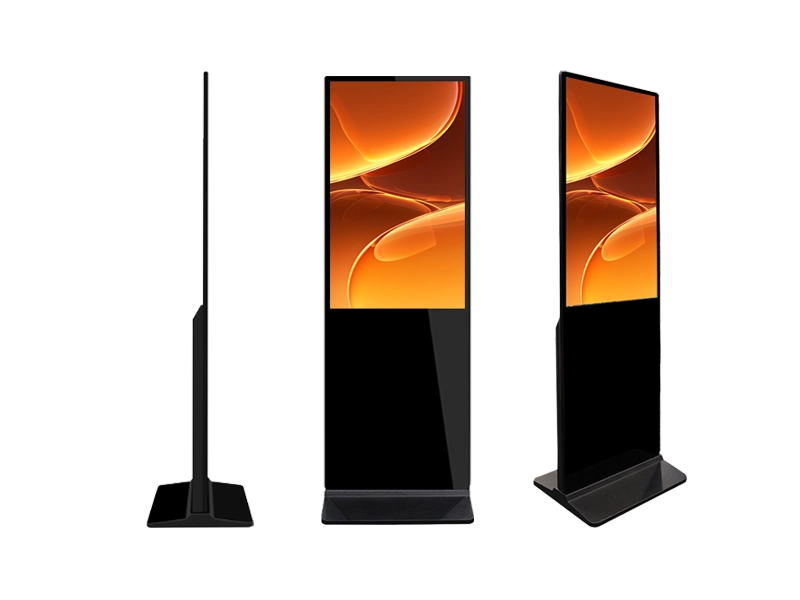
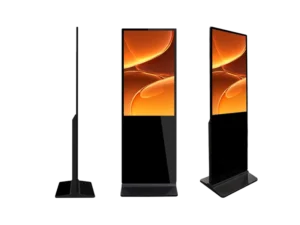
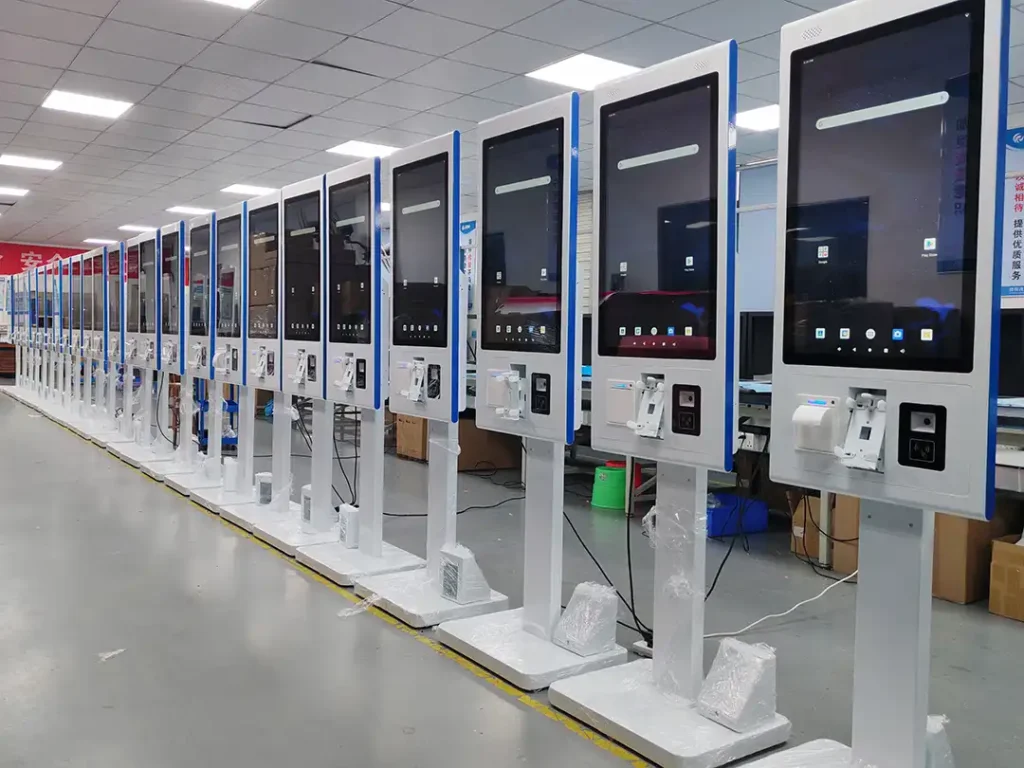
Countertop kiosks can work well where floor space is limited. Wall-mounted units can make use of unused vertical space. Floor-standing kiosks are better suited to larger lobbies, entrances and queue areas.
However, placement is not only a hardware decision.
Researchers at Temple University found that customers can feel pressure when a queue forms behind them while using a self-service ordering kiosk. The resulting pressure can lead to faster, less considered decisions and lower spending. Their research suggests that restaurants can reduce this problem through queue design, multiple kiosks or interface messaging that reassures customers they do not need to rush.
That is an important lesson for operators:
Do not install one kiosk simply because there is an empty wall. Design the entire customer flow around it.
What are the biggest mistakes restaurants make when buying self-ordering kiosks?
The biggest mistake is treating the kiosk as a standalone screen instead of part of the restaurant’s technology infrastructure.
Other common mistakes include:
Choosing hardware before confirming the POS software.
The operating system and interfaces should be confirmed first.
Buying a fixed payment configuration for a multi-country rollout.
Payment terminals and regulations vary by market, so modular mounting can be more practical.
Ignoring maintenance.
A kiosk that is difficult to open, repair or replace can create unnecessary downtime.
Choosing the largest screen available.
More screen area does not automatically mean better usability.
Removing human assistance completely.
Some customers still prefer a cashier or need help.
Ignoring kiosk reliability.
A frozen screen or failed payment can turn a convenience tool into another queue.
This last point is not theoretical. Canopy’s restaurant technology research found that 60% of surveyed customers used self-service technology at least occasionally, but 80% had encountered problems. Only 20% said kiosks always worked.
For a restaurant, reliability is therefore part of the customer experience.
For a system integrator, it is also part of the product’s total cost of ownership.
If you are sourcing modular self-ordering kiosk hardware for POS integrators, the hardware should be evaluated not only for the initial purchase price but also for compatibility, maintenance access, peripheral replacement and future deployment requirements. Adhaiwell modular self-ordering kiosk hardware
How should a B2B buyer compare self-ordering kiosk suppliers?
Compare suppliers by integration flexibility, manufacturing capability and project support—not simply by the quoted unit price.
Before requesting a quotation, prepare a basic specification sheet containing:
- Required screen size
- Countertop, wall or floor-standing format
- Operating system
- CPU/RAM/storage requirements
- POS software
- Payment terminal model
- Printer requirement
- QR/barcode scanner requirement
- NFC requirement
- Network connection
- Quantity
- Target market
- Branding requirements
- Certification requirements
- Delivery destination
A manufacturer can then quote a configuration that matches the project rather than offering a generic kiosk.
For larger deployments, also ask about:
- OEM branding
- Enclosure customization
- RAL colors
- Logo printing
- Custom brackets
- Packaging
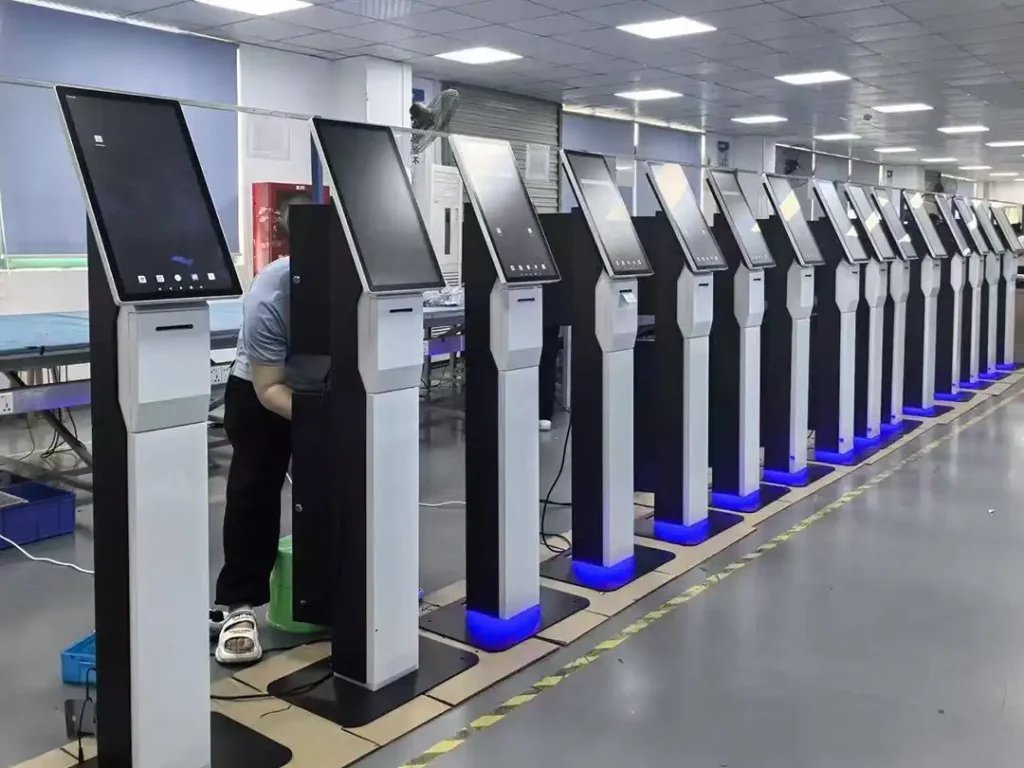
- Quality testing
- Spare parts
- Production lead time
- Shipping method
- After-sales support
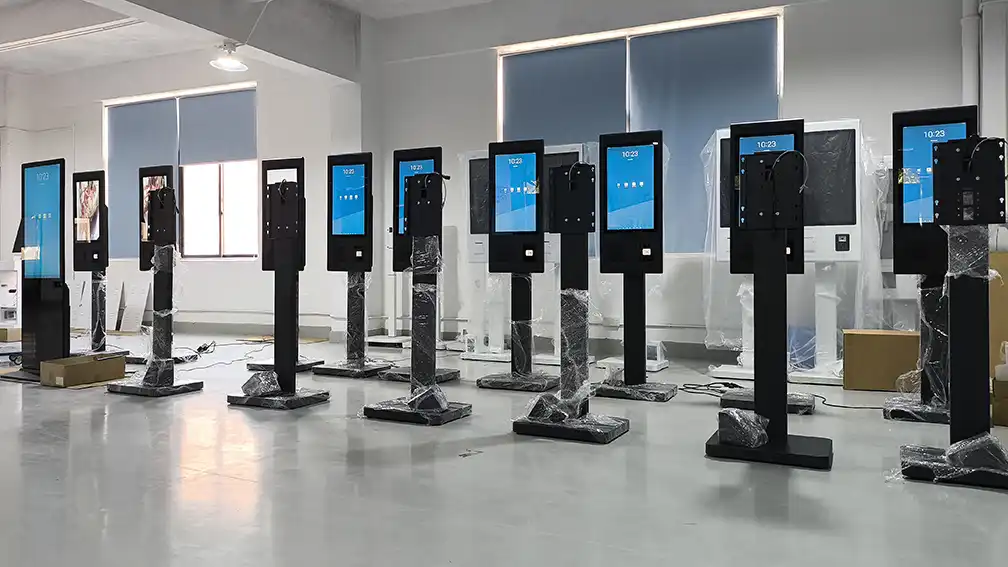
Adhaiwell’s factory platform covers countertop, wall-mounted and floor-standing kiosk formats with 15.6″–32″ displays and modular peripheral configurations. The company describes the hardware as designed for system integrators, POS software providers, distributors and project contractors.
FAQ: What Do Buyers Usually Ask About Restaurant Self-Ordering Kiosks?
If you are evaluating kiosk hardware for a restaurant or POS integration project, the following questions should be answered before procurement.
Can a self-ordering kiosk work with an existing POS system?
Yes, provided the kiosk software and POS platform support the required integration method. The hardware should be selected around the software and peripheral requirements rather than the other way around.
Does the kiosk include restaurant POS software?
Not necessarily. Adhaiwell supplies the kiosk hardware and does not provide the restaurant ordering platform, POS software or payment gateway. This model allows system integrators and POS software companies to deploy their own applications.
Should I choose Android or Windows for a restaurant kiosk?
Choose the operating system required by the software. Android can be suitable for dedicated kiosk applications, while Windows may be preferable where existing POS or enterprise software requires Windows compatibility.
Can the payment terminal be customized for different countries?
The payment terminal itself should normally be sourced according to the local market and payment provider. The kiosk hardware can be configured with a custom mechanical bracket to accommodate the customer’s selected terminal.
What is the best kiosk size for a restaurant?
There is no universal answer. Smaller screens can save counter space, while 27″ or 32″ screens provide more room for visual menus and complex customization. The correct size depends on viewing distance, menu complexity, accessibility and available space.
Author & E-E-A-T Note
This guide combines commercial self-ordering kiosk hardware specifications with published restaurant technology research from industry organizations, technology research firms and academic sources. Product-specific information is based on Adhaiwell’s published hardware configuration and manufacturing information. Buyers should validate POS APIs, payment compatibility, software requirements and local accessibility regulations with their technology providers before placing a production order.
For project-specific requirements, Adhaiwell provides factory-direct OEM/ODM self-ordering kiosk hardware for restaurant technology companies, POS integrators, distributors and project contractors.